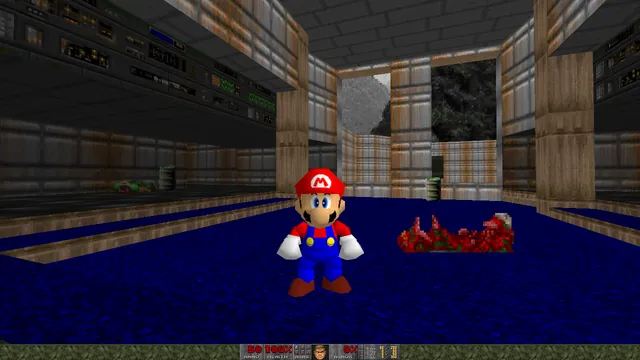
Doom publisher gameplay reference from the current DOOM + DOOM II gallery; not a capture of the linked port.
Image credits ↗Load owned Doom WADs, or start with Doom shareware and Freedoom in the live v1 browser client.
PlayDemo or your game filesDoom publisher gameplay reference from the current DOOM + DOOM II gallery; not a capture of the linked port.
DOOM + DOOM II game imagery remains copyright its respective rights holders. Publisher-supplied screenshot from the linked official Steam store gallery.
Source & attribution ↗View image ↗Load owned Doom WADs, or start with Doom shareware and Freedoom in the live v1 browser client. The v1 FAQ supports Doom, Doom II and vanilla-compatible community WADs. Heretic and Hexen are described as future plans, not supported games.
Classic WAD play, shared browser sessions and Doom 3 have different engines and file requirements.
Read Doom guideA native port for compatible classic content, old demos and saves.
A desktop browser route into the later game without a retail-data setup.
Use original 1.3.1 data in a native port; BFG Edition files do not fit.
Doom and Doom II separate their engine from the WAD files that contain levels, graphics, music and other game content. That separation is why a launcher can offer several adventures without becoming a different engine each time. A base IWAD supplies the game; a patch WAD changes or extends it.
Freedoom provides an alternative set of freely licensed content for Doom-compatible engines, with its own artwork and levels. It is not the retail Doom campaign. Choosing it lets you begin with a complete free content set, while an owned Doom IWAD is the appropriate basis for additions that depend on that game's assets.
WAD Commander v1 · built-in help and save handlingFreedoom · project purpose and content
WAD Commander v1 offers Doom shareware and Freedoom choices, plus a way to bring your own WADs and DeHackEd patches. Its stated scope is Doom, Doom II, their expansions and community content compatible with the vanilla games. A mod requiring another engine's extensions is a different requirement; a .wad filename alone does not establish compatibility.
On desktop, start with the original game's key layout and use fullscreen for mouse control. The help also supports controllers recognised by the browser and operating system. On touchscreens, the play area handles movement and side buttons provide actions: hold Use to strafe, but double-tap it to operate a door or switch. That distinction is easy to miss when starting on a phone.
The launcher retains recent files and associates saves with the selected WAD and patch combination. Reopen the same combination, in the same order, when continuing. This entry is specifically the v1 host; features advertised by a later WAD Commander release do not automatically apply here.
The v1 welcome screen offers Doom shareware and Freedoom Phase 1 or Phase 2. Full Doom/Doom II and most community PWADs require a compatible retail IWAD from a copy you own; the shareware option does not unlock the full retail game.
Creator-reported · Project guideUse a built-in shareware/Freedoom link or upload compatible .wad/.deh files, select the files you want to load, then launch the engine.
Creator-reported · Project guideThe v1 FAQ states support for modern Chrome, Firefox, Safari and Edge on desktop and mobile.
Creator-reported · Project guideOn desktop, use the original game’s key layout; fullscreen enables mouse control. The v1 help also supports controllers recognised by the browser and operating system. Touch devices use the play area for movement and side buttons for actions.
Creator-reported · Project guideThe v1 FAQ supports Doom, Doom II and vanilla-compatible community WADs. Heretic and Hexen are described as future plans, not supported games.
Creator-reported · Project guideThe v1 client stores game saves in IndexedDB and associates them with the selected game files. Load the same WAD/patch files in the same order to recover that save set. Clearing site data removes those browser saves.
Creator-reported · Project guideThe current main-domain page advertises v2 for November 2, 2026. Its expanded game list, multiplayer and other future features are not applied to the live v1 record.
Creator-reported · Project guideDoom publisher gameplay reference from the current DOOM + DOOM II gallery; not a capture of the linked port.
Image credits ↗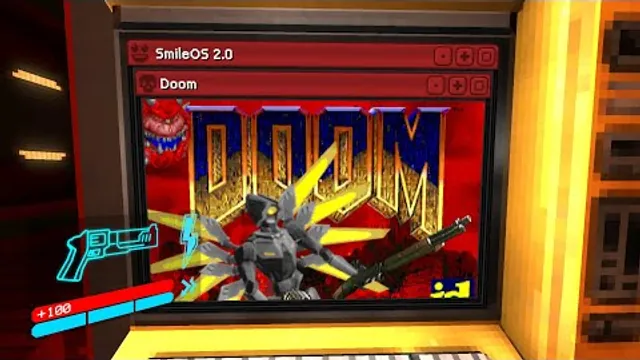
Squaresweets’ creator video thumbnail shows the DOOM window inside an ULTRAKILL terminal.
Image credits ↗Doom publisher gameplay reference from the current DOOM + DOOM II gallery; not a capture of the linked port.
Image credits ↗Ports designed to preserve the original DOS behavior, including compatibility quirks.
Doom publisher gameplay reference from the current DOOM + DOOM II gallery; not a capture of the linked port.
Image credits ↗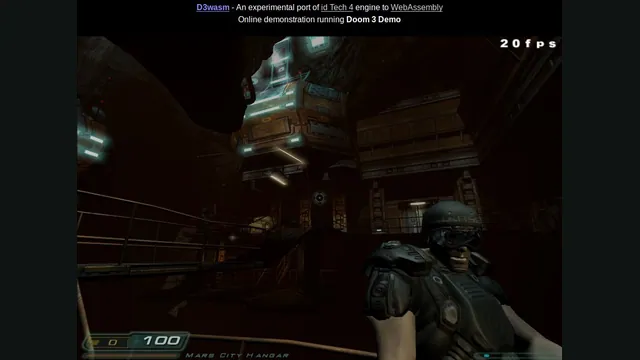
D3Wasm creator screenshot.
Image credits ↗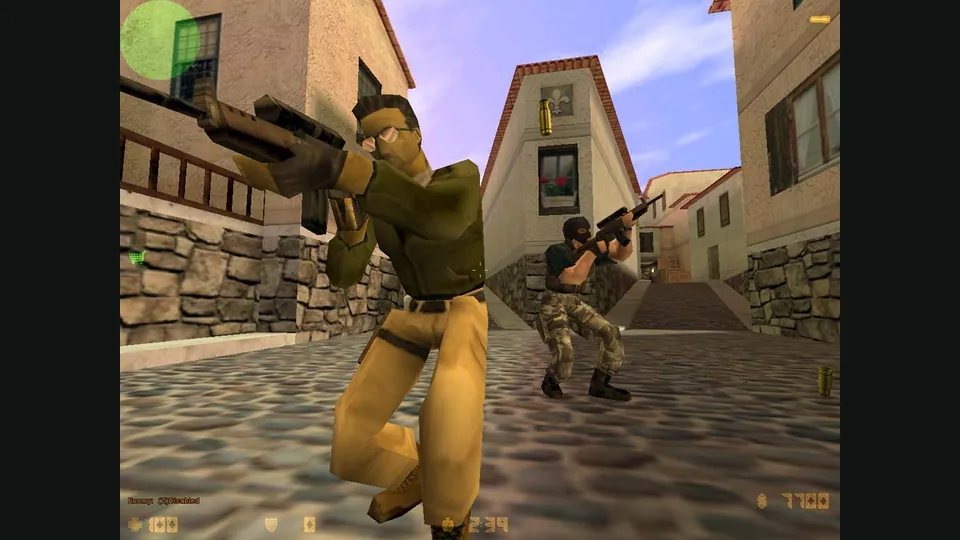
Counter-Strike publisher screenshot. Original-game reference; not the CSJS browser build.
Image credits ↗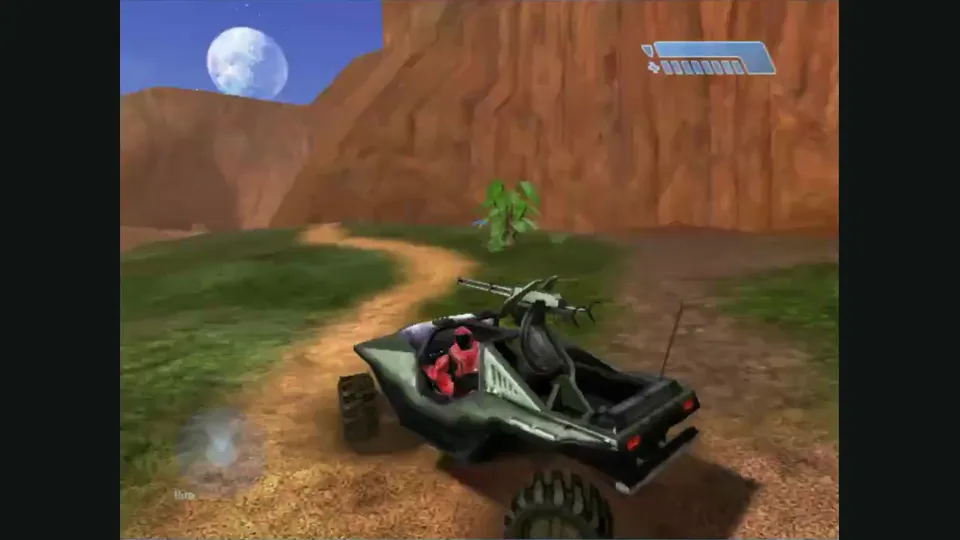
Mitchell Hynes Web gameplay, from the creator’s launch demonstration at approximately 1:52. Gameplay area cropped from the published video.
Image credits ↗Halo’s Xbox campaign and invite-based multiplayer, with your own disc image.
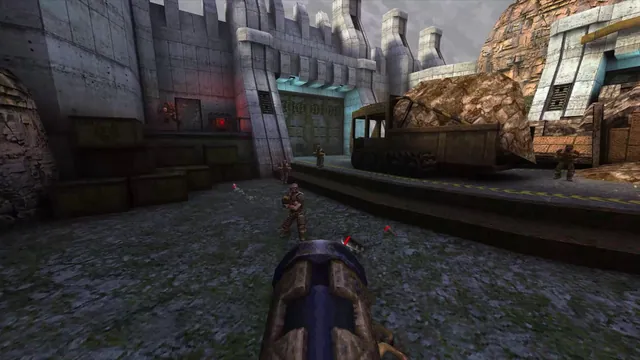
Quake publisher gameplay reference from the current enhanced-edition gallery; not a QuakeWorld or NetQuake session.
Image credits ↗