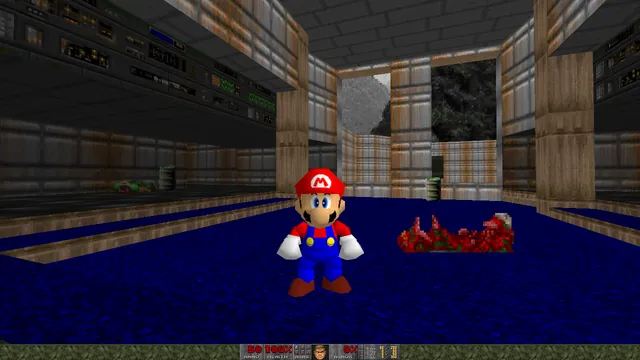
Doom publisher gameplay reference from the current DOOM + DOOM II gallery; not a capture of the linked port.
Image credits ↗A minimal Doom WebAssembly runtime with a playable browser example.
PlayDemo or your game filesDoom publisher gameplay reference from the current DOOM + DOOM II gallery; not a capture of the linked port.
DOOM + DOOM II game imagery remains copyright its respective rights holders. Publisher-supplied screenshot from the linked official Steam store gallery.
Source & attribution ↗View image ↗Jacob Enget’s runtime focuses on a small host interface and provides a separate browser demonstration. This is an engine experiment with its own limitations, not a claim of a modern full-featured Doom client.
Classic WAD play, shared browser sessions and Doom 3 have different engines and file requirements.
Read Doom guideChoose owned WADs, shareware or Freedoom, with a documented touch layout.
A native port for compatible classic content, old demos and saves.
A desktop browser route into the later game without a retail-data setup.
Use original 1.3.1 data in a native port; BFG Edition files do not fit.
The 1993 Doom casts you as a marine fighting a demonic invasion. Its appeal is immediate first-person combat: choosing weapons, reading the space around enemies and pushing through to the next area. This project approaches that original game as a compact runnable engine, rather than as the enhanced commercial Doom + Doom II package.
Bethesda · original Doom descriptiondoom.wasm · runtime and browser example documentation
Jacob Enget designed doom.wasm around a small interface that other programs can use. The browser page is a deliberately simple demonstration of the same module also used by native and Python examples. It defaults to shareware data; its programming interface can load custom WAD data, but that is not the same as a polished drag-and-drop mod launcher.
Choose this version if you want to see a small WebAssembly implementation at work. For a longer campaign session, its missing audio is a substantial tradeoff: neither music nor sound effects are produced.
The example follows vanilla Doom controls. Arrows move and turn, Ctrl fires, Space operates doors and switches, and comma or period steps sideways. Learn the strafe keys early so that moving out of the way does not require turning away from a target.
A brief apparent freeze during a screen transition can be the original melting animation completing without intermediate browser frames. That documented limitation is separate from a failed game load. Retail content requires your own WAD data; the shareware default is not the complete paid game.
The runtime defaults to Doom shareware and can accept custom WAD data; use your own files for retail content.
Creator-reported · Project guideOpen the browser example and use the classic keyboard controls.
Creator-reported · Project guideThe example uses vanilla Doom keyboard controls: arrows move/turn, Ctrl fires, Space uses doors and switches, and comma/period strafe.
Creator-reported · Project guideThis runtime currently produces no music or sound effects. Screen transitions can appear frozen while the original melt effect completes.
Creator-reported · Project guideDoom publisher gameplay reference from the current DOOM + DOOM II gallery; not a capture of the linked port.
Image credits ↗Doom publisher gameplay reference from the current DOOM + DOOM II gallery; not a capture of the linked port.
Image credits ↗Load owned Doom WADs, or start with Doom shareware and Freedoom in the live v1 browser client.
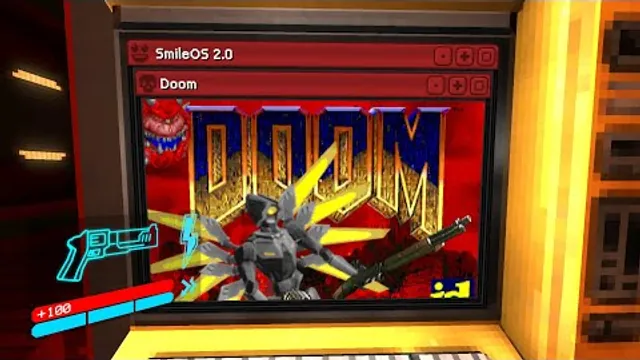
Squaresweets’ creator video thumbnail shows the DOOM window inside an ULTRAKILL terminal.
Image credits ↗Doom publisher gameplay reference from the current DOOM + DOOM II gallery; not a capture of the linked port.
Image credits ↗Ports designed to preserve the original DOS behavior, including compatibility quirks.
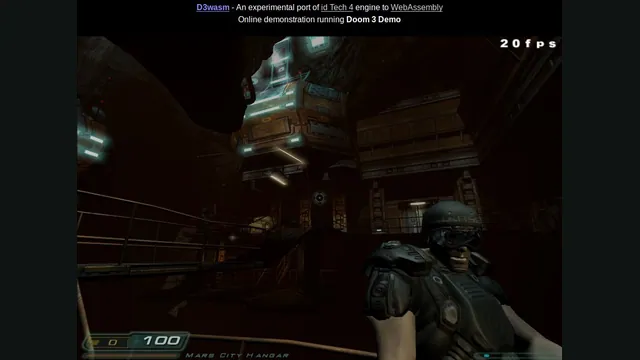
D3Wasm creator screenshot.
Image credits ↗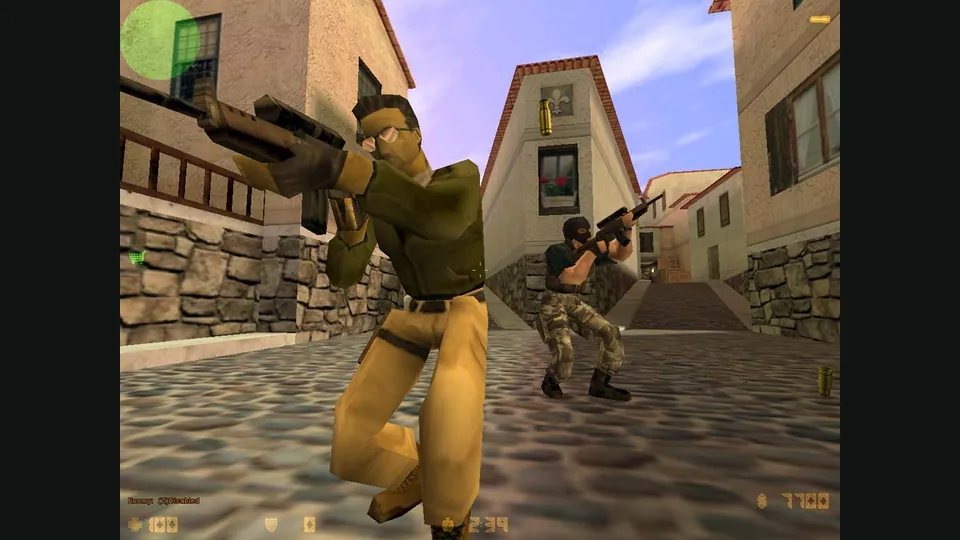
Counter-Strike publisher screenshot. Original-game reference; not the CSJS browser build.
Image credits ↗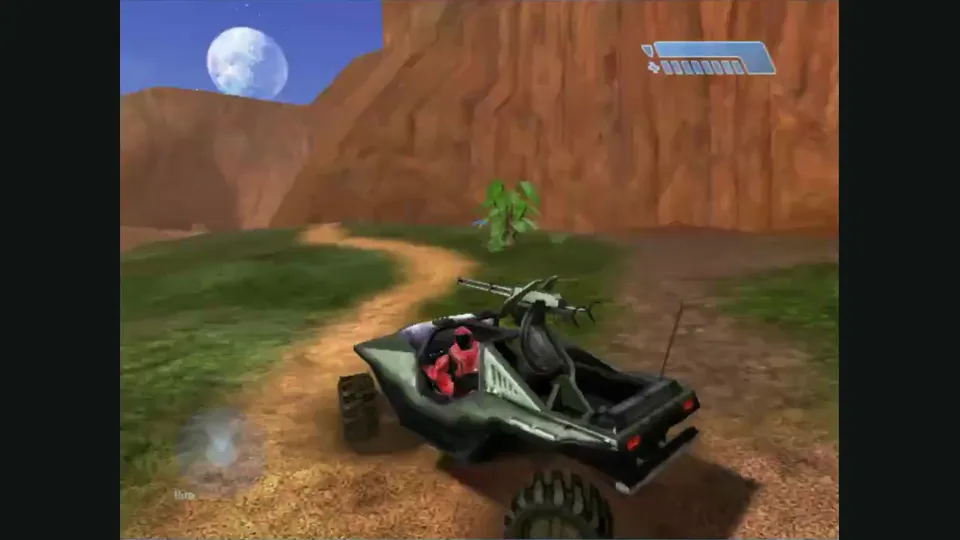
Mitchell Hynes Web gameplay, from the creator’s launch demonstration at approximately 1:52. Gameplay area cropped from the published video.
Image credits ↗Halo’s Xbox campaign and invite-based multiplayer, with your own disc image.
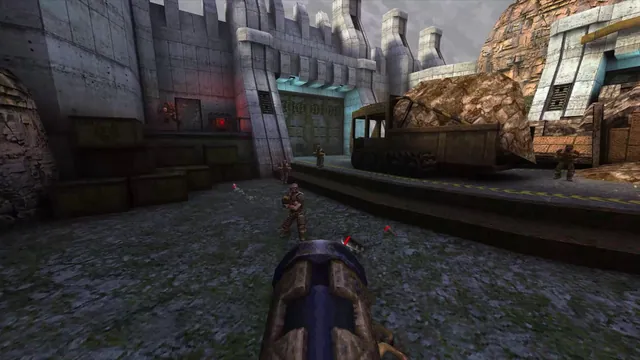
Quake publisher gameplay reference from the current enhanced-edition gallery; not a QuakeWorld or NetQuake session.
Image credits ↗