GoldenEye 007
GoldenEye on Apple silicon with Metal rendering and local split-screen.
 SetupCheck file requirements
Credits
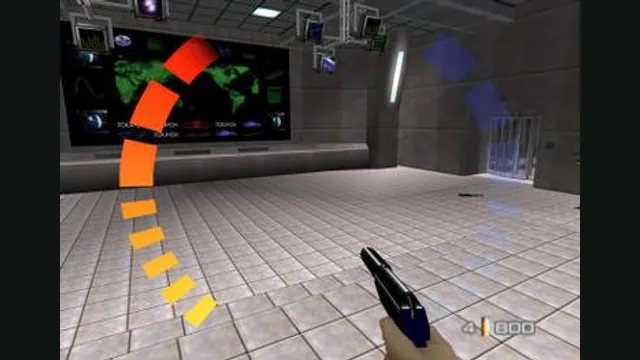
GoldenEye 007 original-game screenshot reference; not a capture of the linked project.
GoldenEye 007 game imagery remains copyright its respective rights holders. Image credit and provenance: linked source page. No transferable license is inferred.
Source & attribution ↗View image ↗About this version
The creator documents keyboard/mouse and controller input, original/remastered graphics options and up to four local players. The project’s current setup guide remains the authority for game-data import.
- Project
- GoldenEye Metal
- Original game
- GoldenEye 007
GoldenEye’s campaign and couch multiplayer on Mac
GoldenEye Metal offers campaign play and two- to four-player local split-screen on Apple Silicon Macs. A key attraction is switching between the original and remastered graphics during play: F changes the view without choosing a separate game in the launcher. Keyboard and mouse can remain active alongside connected gamepads.
The port uses a compatible Xbox-format game backup, rather than taking an N64 ROM. Its first-run importer accepts the supported backup archive, the contained LIVE/STFS package or an extracted folder with default.xex and the associated assets. It checks the revision before copying the data. Bring a backup you are legally authorized to use; the app does not supply it.
Choose a layout for each player
On the keyboard, WASD moves and the mouse aims; left click fires, right click aims, Space confirms and Shift goes back. Escape releases the cursor and opens host settings. The Controls page offers Modern, Classic and Southpaw layouts as well as individual remapping.
USB and Bluetooth controllers include Xbox, DualShock 4 and DualSense support. Stable player ports are useful when setting up a local match: configure who occupies each slot before starting. The project describes local split-screen, so this page’s multiplayer option should not be read as a promise of online matchmaking.
Understand scaling and keep a save backup
The release requires Apple Silicon and macOS 14 or later. Metal renders internally at 1280×720; Sharp, bilinear and MetalFX Spatial options scale that image to the display rather than increasing the internal resolution. Performance varies by Mac and mission, even when output scaling makes the picture look cleaner on a Retina screen.
Manage Saves can export a portable .gesave backup, restore one or reset local progress. Restore and reset retain the previous data for immediate undo. After a session that fails to close cleanly, the launcher can start once in Safe Mode. Broader mission and hardware compatibility are still being refined.
Before you play
How do I get started?
Follow the macOS release’s launcher and data-import instructions.
Creator-reported · Project guideWhich devices and browsers work?
Native Apple silicon Mac with Metal.
Creator-reported · Project guideWhat are the controls?
Keyboard/mouse and modern controllers are documented.
Creator-reported · Project guideCan I play multiplayer?
Up to four local split-screen players are documented.
Creator-reported · Project guide
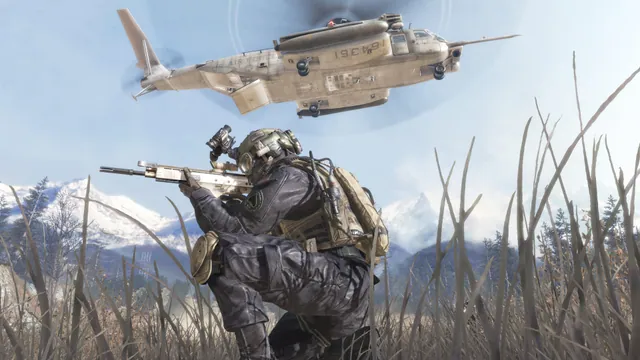
Call of Duty®: Modern Warfare® 2 (2009) gameplay reference; not a capture of the linked project.
Image credits ↗The Xbox 360 game’s executables translated for native PC play.
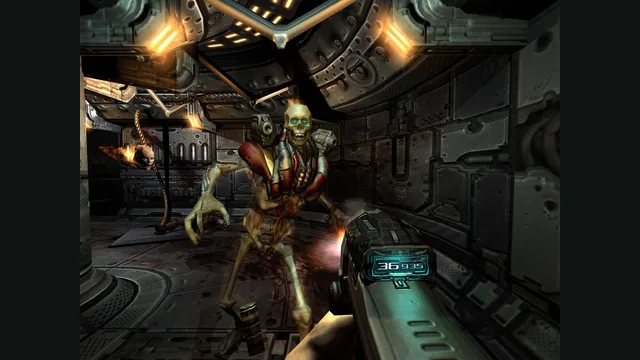

Doom publisher gameplay reference from the current DOOM + DOOM II gallery; not a capture of the linked port.
Image credits ↗Ports designed to preserve the original DOS behavior, including compatibility quirks.