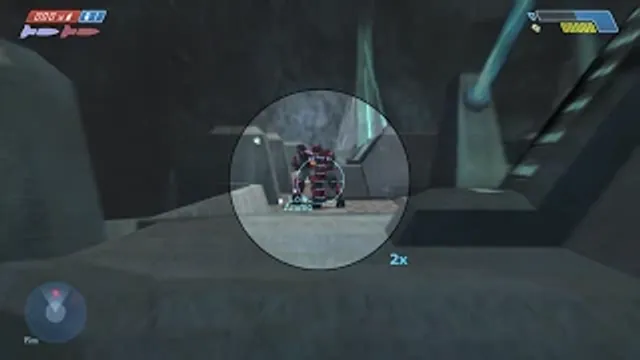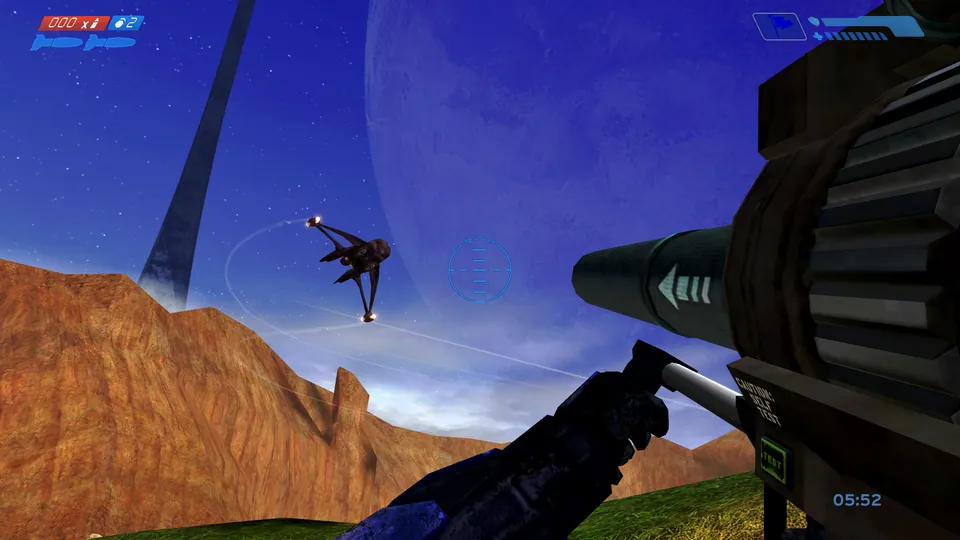
Mitchell Hynes Web gameplay, from the creator’s launch demonstration at approximately 1:52. Gameplay area cropped from the published video.
Image credits ↗Halo’s Xbox campaign and invite-based multiplayer, with your own disc image.
A phone-focused Halo client with local disc import and home-screen installation.
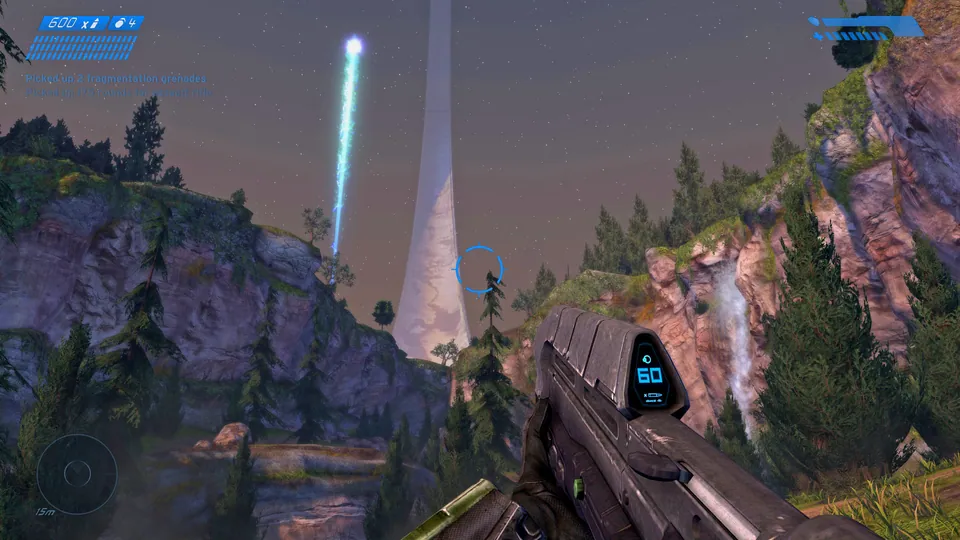
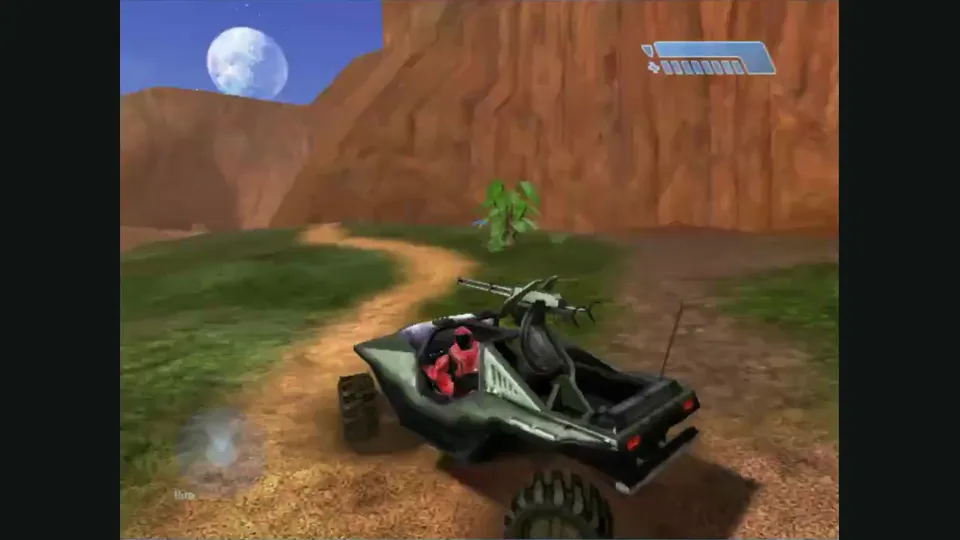
PlayYour game files requiredHalo: Combat Evolved multiplayer publisher screenshot from the Anniversary store listing. Original-game reference; not an HCEMobile capture.
Halo: Combat Evolved © Microsoft Corporation. Playable game guide was created under Microsoft’s Game Content Usage Rules using assets from Halo: Combat Evolved, and it is not endorsed by or affiliated with Microsoft.
Source & attribution ↗View image ↗Play the original Xbox Halo CE through HCEMobile with your own disc image. The host provides phone touch layouts, controllers, local modes and an account-based online service; each imported copy keeps separate saves.
Choose Hynes for a desktop browser and private invites, HCEMobile for touch controls, or OpenCE for native installation with your own Xbox disc image.
Read Halo: Combat Evolved guideDirect XISO import, desktop bindings and private map-and-mode invite rooms.
Windows and Linux releases with disc import and documented local split-screen campaign.
The original Halo campaign follows the Master Chief and Cortana on an alien ringworld, trying to keep human survivors alive against the Covenant while uncovering the installation's purpose. That story is the background to HCEMobile's campaign route. The imported Xbox game is distinct from the later Anniversary remaster and its additional presentation features.
HCEMobile brings the original Xbox Halo into a browser interface designed for phones as well as computers. Its distinguishing work is around the game: editable touch layouts, home-screen installation, per-copy saves and an online account service. The creator offers both a modern mobile-shooter layout and an arrangement based on the original Xbox controller, so you can choose between familiarity with touch shooters and familiarity with Halo's pad.
The campaign, split screen and System Link do not require an online account. Online matchmaking and custom lobbies use the project's free account system. These are HCEMobile services; an account here does not turn another independently hosted Halo browser client into the same service.
HCEMobile · game and settingsHCEMobile · getting started guide
Supply your own verified original-Xbox .iso or .xiso. The guide accepts both full-game and multiplayer discs, so the content you can choose depends on the copy you import. Keep the page open while it copies the maps, which can occupy up to 1.8 GB of device storage. The creator says the image stays local.
Several copies can coexist, with separate saves for each. That is useful if you keep different disc versions, but it also makes choosing the right entry important when looking for an existing campaign. Export saves before removing game data or moving devices.
HCEMobile · game and settingsHCEMobile · getting started guide
Matchmaking groups players by playlist; Custom Games lets a host choose the map, game type and settings. For a planned session, update everyone's client and use the same disc-image version. The guide recommends Wi-Fi because some mobile networks block the direct connections used for play.
Adjust the touch buttons and aim sensitivity before a demanding fight. The settings also expose resolution and lower-resolution textures. If levels turn black or the game stops, the creator specifically recommends the lower-resolution texture setting; for memory errors, close other apps and tabs. A controller is another documented input choice, activated by pressing a button on the start page.
HCEMobile · game and settingsHCEMobile · getting started guide
Supply your own verified original-Xbox Halo .iso or .xiso. The maps occupy up to 1.8 GB of private browser storage; the host says nothing is uploaded.
Creator-reported · Project guideImport the disc image, then use the app’s Play control. Home-screen installation is documented for iOS and Android.
The creator specifies iOS 17 or later on iPhone/iPad, Chrome on Android, and current Chrome, Edge, Safari or Firefox on computers.
Creator-reported · Project guideThe host documents editable touch layouts, keyboard/mouse, and Xbox, PlayStation, Switch Pro, MFi and Backbone controllers.
Creator-reported · Project guideOnline play needs a free account. To join friends, update both clients and use the same disc-image version; the guide recommends Wi-Fi because some mobile networks block direct connections.
Creator-reported · Project guideSaves belong to each imported game copy. The host provides save export and restore.
Creator-reported · Project guideFor memory errors, close other apps and tabs. For black levels, enable Lower-resolution textures in Settings and data. On iPhone, check the silent switch or Play sound when the phone is on silent.
Creator-reported · Project guide