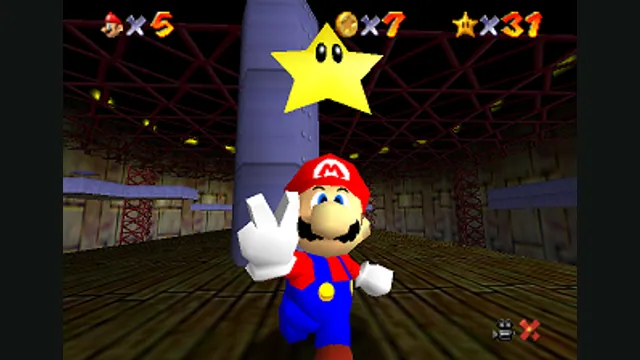
Super Mario 64 original-game screenshot reference; not a capture of the linked project.
Image credits ↗A playable libsm64 Mario inside Garry’s Mod.
 SetupYour game files required
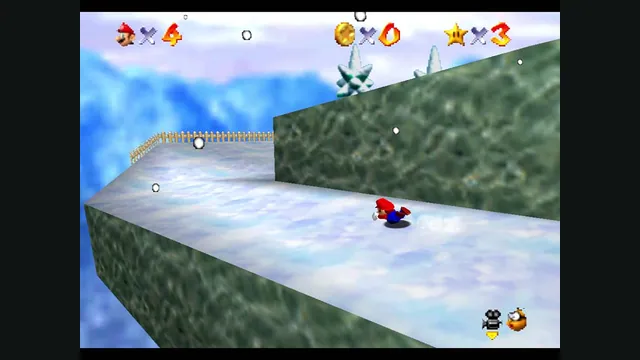
Original Super Mario 64 snow-course screenshot from Nintendo’s gallery, used as a source-game reference for G64.
Super Mario 64 © Nintendo. Publisher screenshot from Nintendo’s original-game gallery.
Source & attribution ↗View image ↗G64 is an addon for Windows and the 64-bit Garry’s Mod branch. Its installation requires both the addon and native integration files.
Choose native SM64 co-op, experimental Wonder or Galaxy builds, or a Mario mod for a game you already own.
Read Mario platformers guideNative online co-op synchronizes enemies and events, with public or private CoopNet rooms.
Build a personal native app with touch and controller input; bring the supported USA Wii image.
Source-build the Switch 1.0.0 project if you want to explore its experimental early-course progress.
G64 adds a playable Mario to Garry’s Mod using libsm64, whose purpose is to bring the original character’s movement and rendering into other engines. The interesting change is the relationship between the character and the map: an existing Garry’s Mod environment becomes somewhere to explore with Mario, rather than a replacement set of Super Mario 64 courses.
The addon has its own G64 spawn tab and Utilities settings. Its exposed actions include movement, jumping, crouching, attacking and picking things up, plus removing Mario and choosing emotes. That supports a sandbox session built around movement and experimentation rather than a newly authored star-collection campaign.
G64 · project documentationG64 · settings and controls implementationlibsm64 · movement and rendering library
G64 requires Windows and the x86-64 branch of Garry’s Mod. Subscribe to the Workshop addon or place the repository in the addons folder, then install the native integration files with the separate G64 installer. The Workshop subscription alone does not supply that native module.
After changing Garry’s Mod to its 64-bit branch, load a map and open Utilities → G64 → Settings. Set the path to your own US Super Mario 64 ROM, then spawn Mario from the G64 tab. Keeping the host branch, addon and integration module aligned is the first thing to check if Mario does not appear.
The G64 panels provide key bindings, gamepad camera sensitivity, HUD size, volume and separate colors for Mario’s clothing and body parts. A game-over option returns you to Mario mode after running out of lives. These are useful adjustments for making a long sandbox session comfortable.
Mesh interpolation can smooth Mario’s appearance, but its own tooltip warns about visual artifacts and a small performance cost. If the character looks wrong after enabling it, return to the standard setting before changing unrelated Garry’s Mod graphics options.
64-bit Garry’s Mod and your own US Super Mario 64 ROM.
Creator-reported · Project guideFollow the workshop/addon and G64 integration instructions in the original repository.
Creator-reported · Project guideSuper Mario 64 original-game screenshot reference; not a capture of the linked project.
Image credits ↗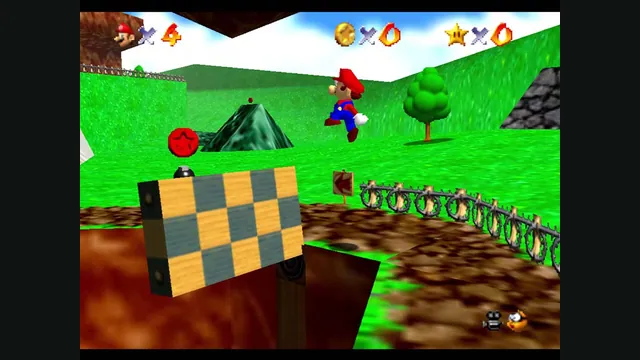
Original Super Mario 64 gameplay from Nintendo’s gallery, used as a source-game reference for ER Mario.
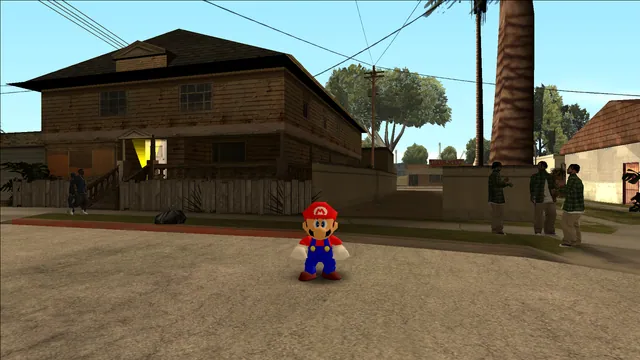
Image credits ↗Mario’s original moves in San Andreas through an ASI plugin.
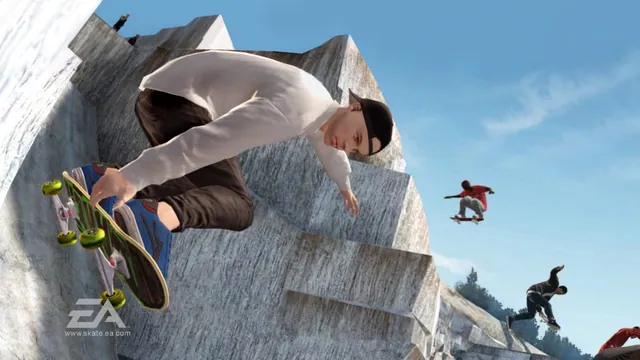
Original Skate 3 publisher screenshot, used as a source-game reference for SkateGM.
Image credits ↗Skate 3 board physics, tricks and scoring on Garry’s Mod maps.
Super Mario 64 original-game screenshot reference; not a capture of the linked project.
Image credits ↗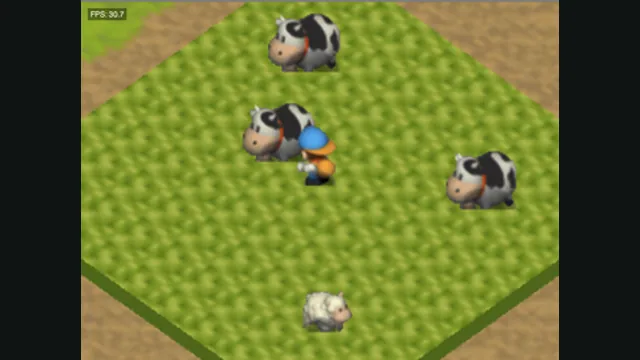
Harvest Moon 64 original-game screenshot reference; not a capture of the linked project.
Image credits ↗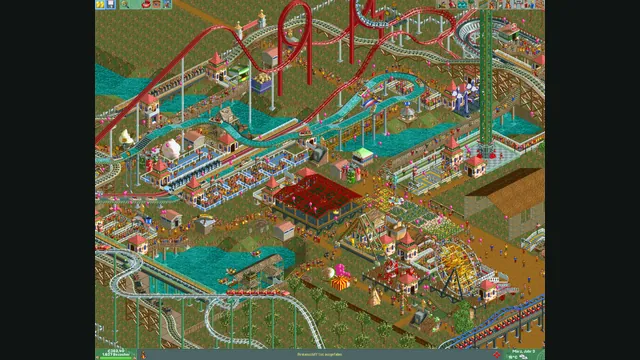
RollerCoaster Tycoon® 2: Triple Thrill Pack gameplay reference; not a capture of the linked project.
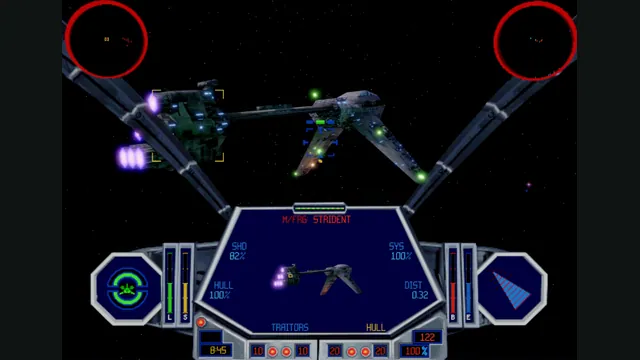
Image credits ↗TIE Fighter’s classic editions on a new cross-platform engine.
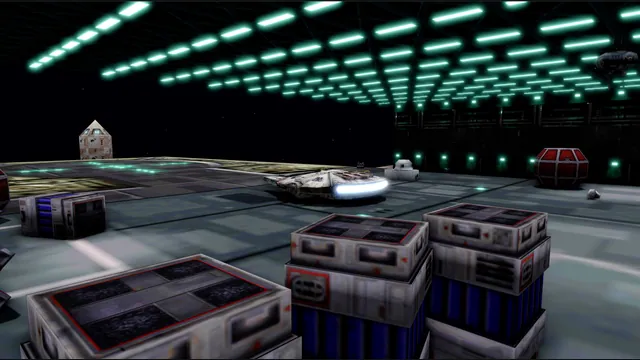
OpenXWA creator screenshot of the hangar with its development overlay.
Image credits ↗The 1999 space simulator adapted to current desktop systems.