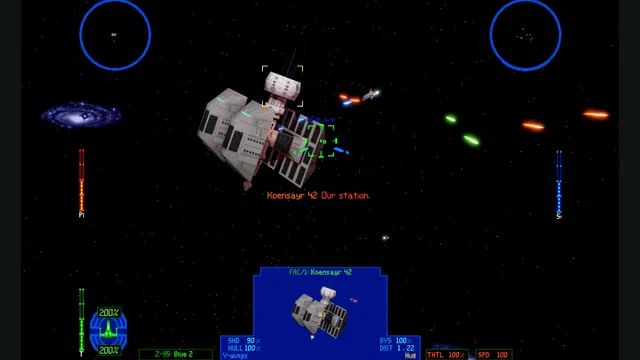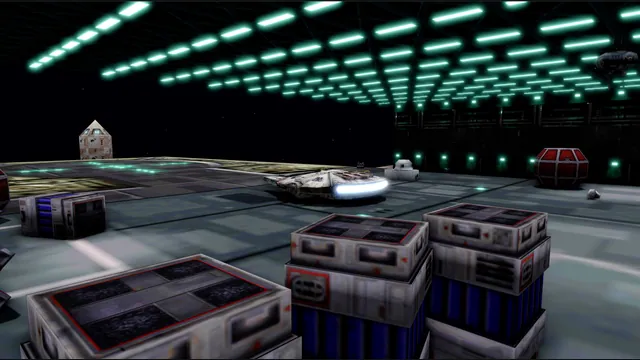
OpenXWA creator screenshot of the hangar with its development overlay.
Image credits ↗The 1999 space simulator adapted to current desktop systems.
Original files requiredSetup
TIE Fighter’s classic editions on a new cross-platform engine.
 SetupYour game files required
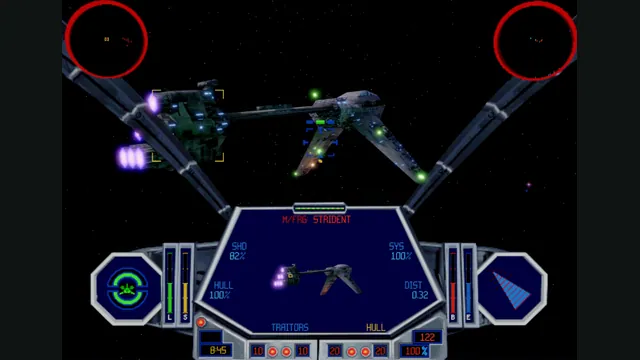
OpenTIE creator screenshot.
Star Wars: TIE Fighter game imagery remains copyright its respective rights holders. Screenshot published by elyosh / OpenTIE.
Source & attribution ↗View image ↗OpenTIE supports the 1995 Collector’s CD-ROM and 1998 Windows release. With both installed, its documented hybrid option combines earlier presentation with the later flight engine.
TIE Fighter puts you in the Imperial Navy after the Battle of Hoth, flying against the Rebellion from the Empire’s side of the conflict. Its campaign combines starfighter combat with a story delivered through mission progression and cinematic scenes. The appeal here is the cockpit-level perspective: the familiar Star Wars conflict becomes a sequence of flights undertaken as an Imperial pilot.
OpenTIE is a native reimplementation for current computers using your original game installation. It supports the 1995 Collector’s CD-ROM and the 1998 Windows edition, either separately or together. With both available, you can choose menus, cutscenes, flight simulation and music independently instead of accepting every trade-off of one release.
The recommended combination pairs the 1995 presentation and adaptive iMUSE music with the 1998 flight simulation and 3D assets. iMUSE responds to mission events during flight. If the later edition’s prerecorded soundtrack is the version you remember, that remains an option too.
Classic graphics preserve the older presentation; modern graphics keep the original models and cockpit artwork while adding higher-resolution rendering, new lighting, shadows and optional effects. Tab switches between the two during play. Flight simulation can update at up to 240 Hz, but the original editions’ timing modes remain available.
Mouse and keyboard, a gamepad or a joystick can control flight. Mouse users can choose the classic scheme or a virtual stick and adjust sensitivity and inversion. Those choices make it worth setting up your preferred controls before deciding whether you want original timing or the faster simulation update.
Point the launcher at a complete installation of at least one supported edition; both are needed for the hybrid configuration. OpenTIE validates the folders and can import compatible existing pilot files at setup. Keep the downloaded executable, libraries, resources and shaders together when moving the port.
The built-in OPL3 sound option needs no separate synthesizer ROM. Roland SC-55 emulation requires compatible ROMs you supply, while FluidSynth accepts your chosen SoundFont. OpenTIE settings are reached through Escape from the concourse or during flight.
Windows uses Direct3D 12 or Vulkan; macOS 13 and later supports Intel and Apple silicon through Metal; Linux requires x86-64, glibc 2.35 or later and Vulkan. The project is actively developed, so bugs or differences from the original remain possible. This is a native download, not a browser flight simulator.
A complete supported TIE Fighter installation; both editions for the hybrid option.
Creator-reported · Project guideSelect the original game installation using the release’s setup instructions.
Creator-reported · Project guideOpenXWA creator screenshot of the hangar with its development overlay.
Image credits ↗The 1999 space simulator adapted to current desktop systems.
X-Wing vs. TIE Fighter and Balance of Power on a replacement engine.
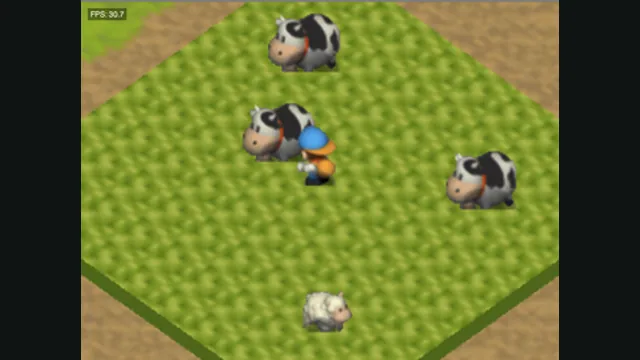
Harvest Moon 64 original-game screenshot reference; not a capture of the linked project.
Image credits ↗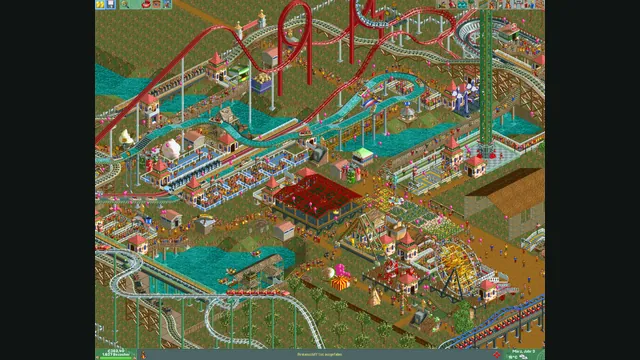
RollerCoaster Tycoon® 2: Triple Thrill Pack gameplay reference; not a capture of the linked project.
Image credits ↗