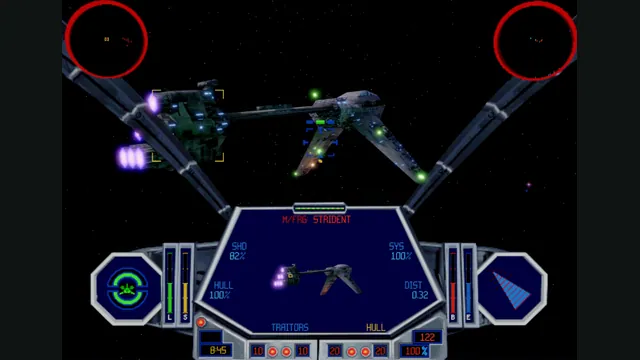
TIE Fighter’s classic editions on a new cross-platform engine.
Original files requiredSetup
X-Wing vs. TIE Fighter and Balance of Power on a replacement engine.
 SetupYour game files required
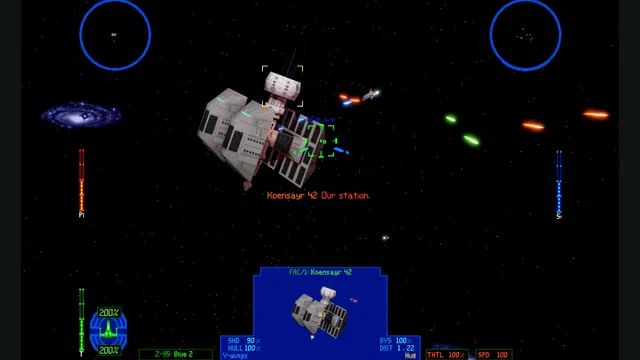
OpenXvT creator screenshot.
Star Wars: X-Wing vs. TIE Fighter game imagery remains copyright its respective rights holders. Screenshot published by elyosh / OpenXvT.
Source & attribution ↗View image ↗OpenXvT documents Windows, macOS and Linux support. Its campaign coverage comes from the Balance of Power expansion, which is part of the installation requirements.
OpenXvT recreates X-Wing vs. TIE Fighter together with its Balance of Power expansion for current desktop systems. Its documented multiplayer supports up to eight players across Windows, macOS and Linux, including dogfights, team battles and cooperative missions. The Rebel and Imperial campaigns come from Balance of Power, which is why the expansion is an installation requirement rather than an optional extra.
Hosting and joining use an in-game browser without a separate GameRanger setup. For a group choosing between this and OpenXWA, that cooperative and competitive scope is a decisive difference: the projects cover different games and do not share identical multiplayer support.
Classic graphics preserve the original appearance. Modern mode retains original models and cockpit artwork while adding high-resolution rendering, lighting, shadows and optional effects. Tab switches between the two during play, so the choice is easy to revisit rather than a permanent installation decision.
The flight simulation can run more smoothly on current displays, and virtual-stick mouse controls remove the need to own a joystick. Gamepads and joysticks remain available with configurable axes, deadzones and bindings. Start by choosing the input method you actually have, then adjust sensitivity before joining a demanding mission.
Install the package for your platform and select the main game directory containing BalanceOfPower. To fly with a mouse, enable Mouse Flight Control in the Mouse tab of OpenXvT Settings; Escape opens those settings. Ctrl+Alt+M releases or recaptures the pointer during flight.
The desktop targets require a modern GPU: Windows uses Direct3D 12 or Vulkan, macOS 13 and later uses Metal, and the Linux build uses Vulkan. Keep the libraries, resources and shaders with the executable. The project remains in active development, so its modern features coexist with possible bugs and differences from the original.
A complete X-Wing vs. TIE Fighter installation with Balance of Power.
Creator-reported · Project guideFollow the current original-project release and setup guide; supply the supported game files when requested.
Creator-reported · Project guideTIE Fighter’s classic editions on a new cross-platform engine.
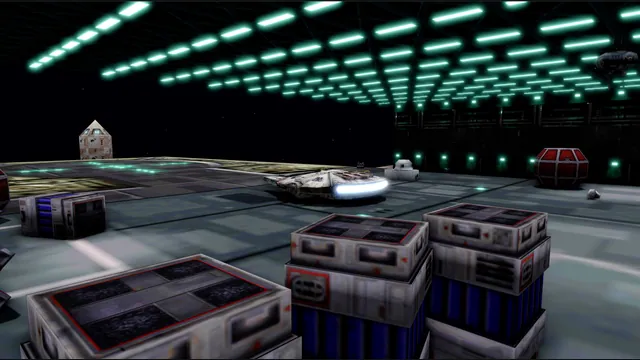
OpenXWA creator screenshot of the hangar with its development overlay.
Image credits ↗The 1999 space simulator adapted to current desktop systems.
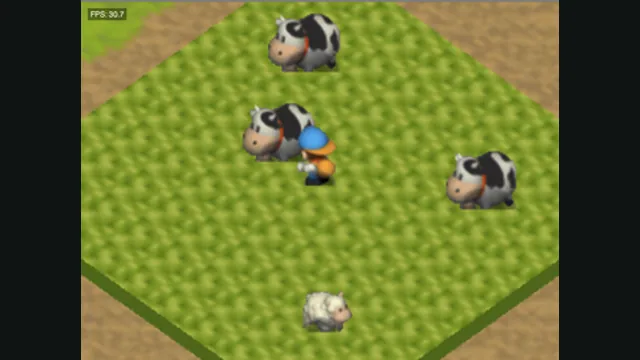
Harvest Moon 64 original-game screenshot reference; not a capture of the linked project.
Image credits ↗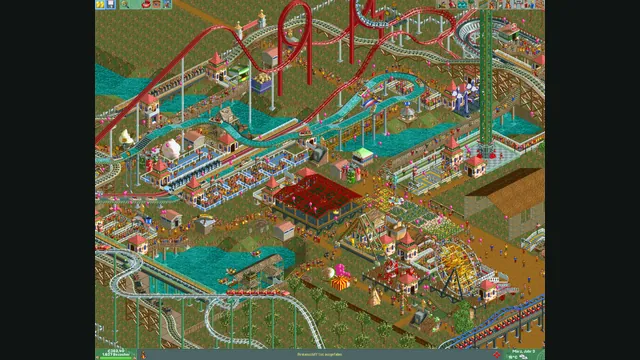
RollerCoaster Tycoon® 2: Triple Thrill Pack gameplay reference; not a capture of the linked project.
Image credits ↗