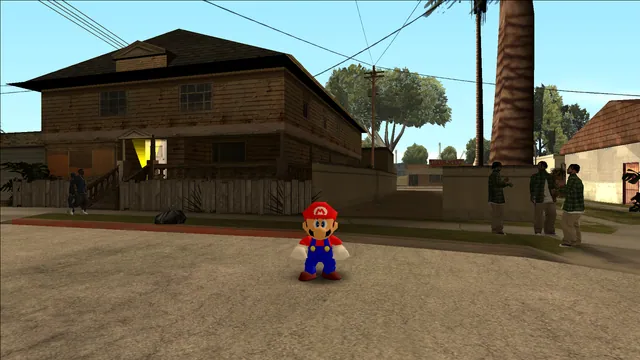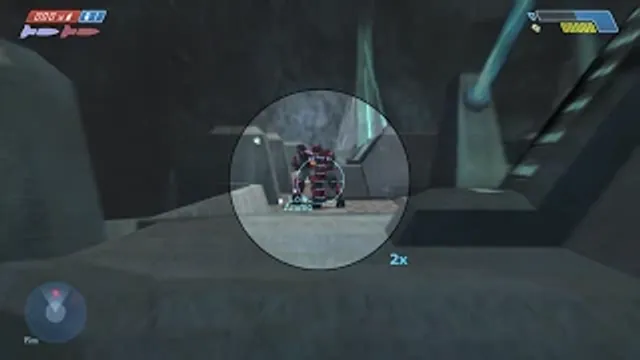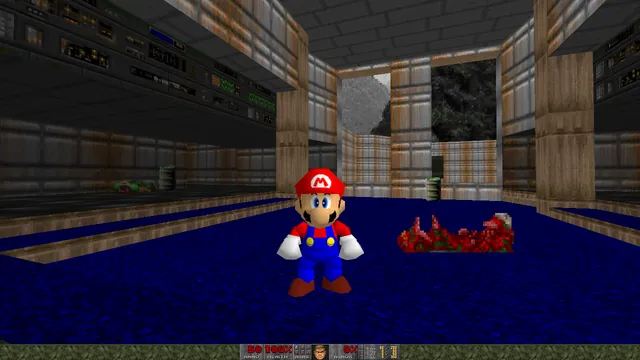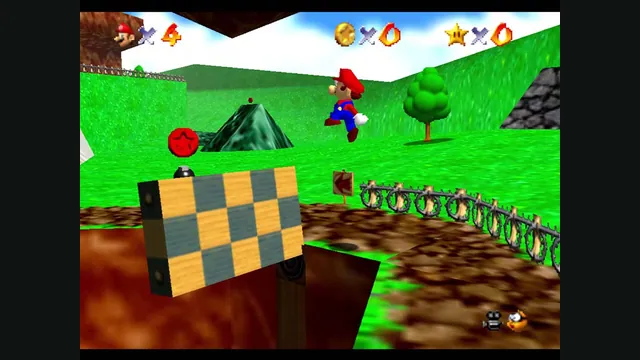
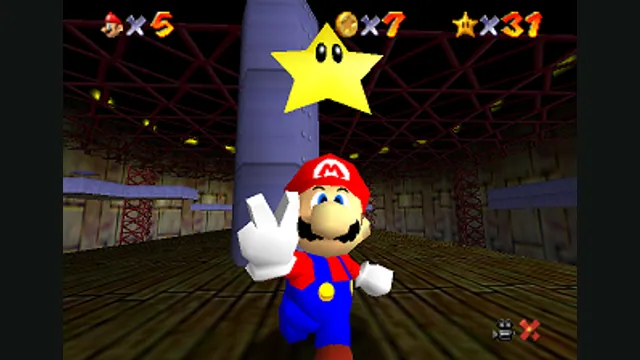
Original Super Mario 64 gameplay from Nintendo’s gallery, used as a source-game reference for ER Mario.
Image credits ↗Super Mario 64 with synchronized online co-op and Lua mods.
 SetupCheck file requirements
Super Mario 64 original-game screenshot reference; not a capture of the linked project.
Super Mario 64 game imagery remains copyright its respective rights holders. Image credit and provenance: linked source page. No transferable license is inferred.
Source & attribution ↗View image ↗The Coop Deluxe continuation of sm64ex-coop synchronizes enemies and events between players. Its source includes separate Lua and C documentation for mod authors.
Choose native SM64 co-op, experimental Wonder or Galaxy builds, or a Mario mod for a game you already own.
Read Mario platformers guideBuild a personal native app with touch and controller input; bring the supported USA Wii image.
Source-build the Switch 1.0.0 project if you want to explore its experimental early-course progress.
Super Mario 64 turns Peach’s castle into a gateway to large, self-contained worlds. Mario enters paintings to find Power Stars through platforming, puzzles, races and exploration, using a broad movement set that includes swimming, wall-height jumps and temporary cap powers. The original adventure’s appeal is the freedom to revisit a space and find another objective rather than simply moving through a linear course.
Choose Host from the main menu to start a session. CoopNet can create a public lobby when its password field is left empty, or a private lobby accessed with a password or Discord invitation. Join separates public lobbies, private lobbies and direct connections, making CoopNet the straightforward route when you do not want to configure router forwarding.
Discord invitations require Game Activity to be enabled, and appearing offline prevents sending them. Direct Connection is a separate networking choice with its own port requirements; the project documents UDP port 7777 as the default. Use the network option that matches how the host set up the room.
Start from the official release and wiki for your operating system, then follow its game-data instructions. The wiki separates Windows, Linux and Intel/ARM macOS build guidance. These platform instructions belong to this native co-op project; a browser Super Mario 64 build or another PC fork is not interchangeable with it.
For custom content, the project’s Lua documentation is the useful reference. It describes the interface mod authors work with, while the separate C documentation is for contributors changing the application itself. Playing a published mod does not mean you need to modify the engine code.
Use the project wiki for the current build, game-data and installation workflow.
Creator-reported · Project guideOnline co-op synchronizes enemies and level events between players.
Creator-reported · Project guideOriginal Super Mario 64 gameplay from Nintendo’s gallery, used as a source-game reference for ER Mario.
Image credits ↗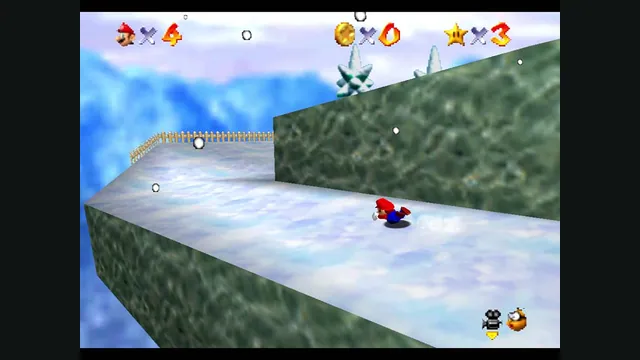
Original Super Mario 64 snow-course screenshot from Nintendo’s gallery, used as a source-game reference for G64.
Image credits ↗Mario’s original moves in San Andreas through an ASI plugin.
Super Mario 64 original-game screenshot reference; not a capture of the linked project.
Image credits ↗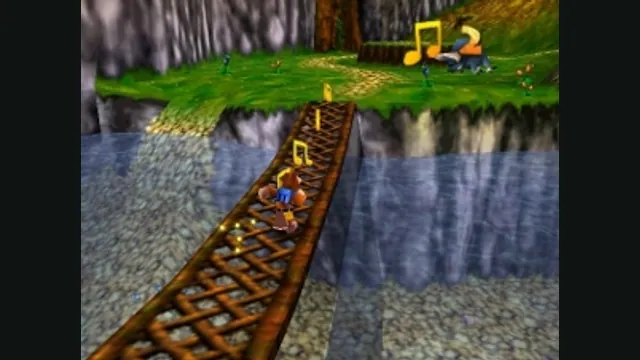
Banjo-Kazooie gameplay reference; not a capture of the linked project.
Image credits ↗
Conker’s Bad Fur Day gameplay reference; not a capture of the linked project.
Image credits ↗The N64 game rebuilt around N64ModernRuntime and RT64.
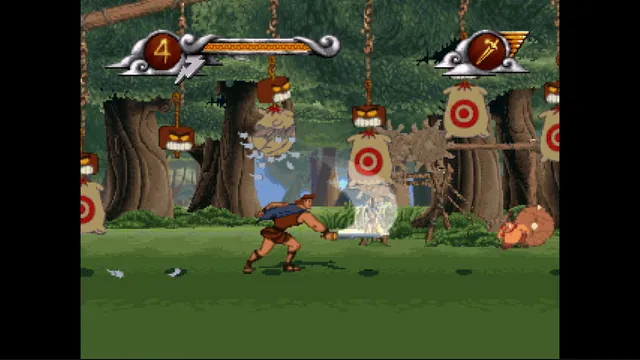
Disney's Hercules gameplay reference; not a capture of the linked project.
Image credits ↗The PlayStation action game recompiled for Windows and Linux.
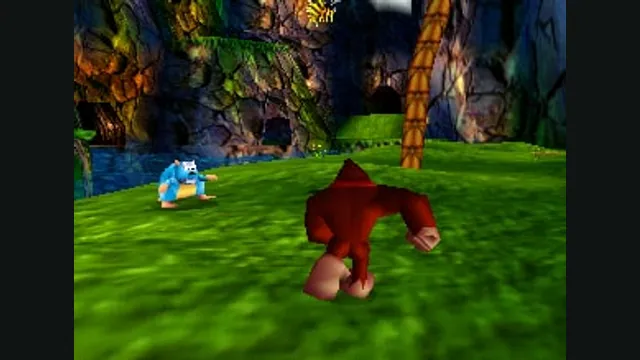
Donkey Kong 64 original-game screenshot reference; not a capture of the linked project.
Image credits ↗