Quake browser versions: campaign, QuakeWorld or Quake III?
Choose a first-Quake campaign or an exact multiplayer host. Quake, Quake II and Quake III clients have different content and cannot share one session.
By Playable · Written
Choose a campaign or a match
Start with the game and the kind of session. NetQuake.io is the campaign starting point for the first Quake. Pieter’s FTE QuakeWorld, Pieter’s Quake II and Q3JS are multiplayer destinations. Quake II’s Strogg setting and Quake III’s arenas are different games, not upgrades that can join the same match.
Swipe or scroll to compare all columns →
| Client | Useful starting point | Boundary |
|---|---|---|
| NetQuake.io | Quake’s shareware first episode | Own pak1.pak for registered content, custom maps and rooms |
| FTE QuakeWorld Web | First-Quake multiplayer for up to eight players | The host’s network session, not the modern retail package |
| Pieter’s Quake II | Quake II multiplayer for up to eight players | Separate from QuakeWorld and the enhanced Quake II campaign |
| Q3JS | Quake III Arena server list, including a touch layout | ioquake3 browser client using demo data |
Start the first Quake campaign
Open NetQuake.io and begin with the shareware episode. For the rest of the original game, import your registered pak1.pak from the installation’s id1 folder through Setup → Packages. Custom maps also require it: create a package, import its ZIP or BSP files, then choose a map under Singleplayer → My Packages.
The recommended layout uses WASD, mouse aiming and Space to jump. If the mouse will not look vertically, add +mlook to autoexec.cfg in Setup. Use a desktop: this host describes its phone controls as limited. Its FAQ explains the package and input choices.
Meet friends on the same host
For Pieter’s QuakeWorld or Pieter’s Quake II, enter a player name and select Play. Both launch through FTE and advertise up to eight players. QuakeWorld highlights client-side prediction, which helps movement respond before every server update arrives; it cannot remove a slow connection. Agree on the exact game and host with friends before starting.
NetQuake offers a different group setup: one player creates a room, shares its link or code, chooses settings and starts when everyone joins. Every participant needs the registered data. A room code is not an address for Pieter’s client, and a QuakeWorld session is not a Q3JS server.
If a launcher loads but a server does not respond, confirm which host and session the group selected before changing files. An unavailable multiplayer service does not mean your campaign data is damaged. For the two compact Pieter launchers, check the in-game input menu after entry; their landing pages do not offer a shared desktop or phone control reference.
Quake III and phone controls
Q3JS uses an ioquake3 browser build with the officially released demo data. Pick a live server, enter a name and join. Send friends the selected server, rather than merely the homepage. The demo client should not be mistaken for the entire retail Quake III Arena and Team Arena package.
On compatible touch devices, controls appear automatically. Rotate to landscape: the left joystick handles movement, while dragging on the right aims. Separate controls fire, jump, crouch, switch weapons, show scores and open the menu. Fullscreen depends on browser support. The creator’s phone guide makes this the clearest documented touch route among these four clients; its layout does not apply to the other hosts.
Keep progress and choose a fallback
Keep NetQuake’s imported PAKs and map archives on your computer. Browser storage can be cleared or evicted, and the enhanced Quake re-release’s save format is incompatible with NetQuake’s importer. A purchase containing both versions does not make their saves interchangeable. See browser saves and backups before switching profiles or clearing data.
If you want a locally installed campaign or a browser host is unavailable, use the corresponding native game from your owned installation. The commercial Quake release and enhanced Quake II release have their own included content and multiplayer arrangements. They are useful alternatives for those games, but they do not preserve a third-party browser room or automatically import its progress.
For the other id Software family, compare Doom’s WAD clients, Doom 3 demo and native ports.
Project reading
See the creators’ setup instructions and feature guides.
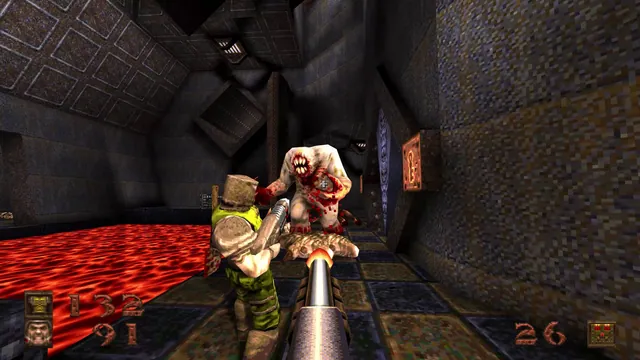
Quake publisher screenshot showing its classic Ogre enemy and lava. Original-game reference from the enhanced-edition gallery for NetQuake.
Image credits ↗Try Quake’s shareware episode, or import your own pak1.pak for the full game.
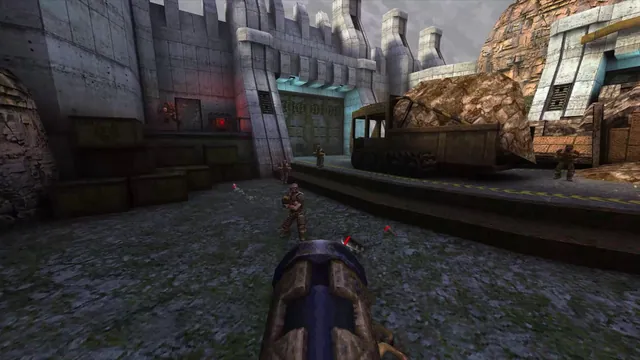
Quake publisher gameplay reference from the current enhanced-edition gallery; not a QuakeWorld or NetQuake session.
Image credits ↗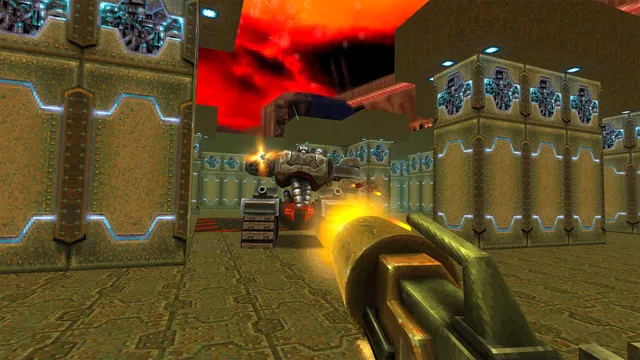
Quake II publisher gameplay reference from the current enhanced-edition gallery; not the browser build.
Image credits ↗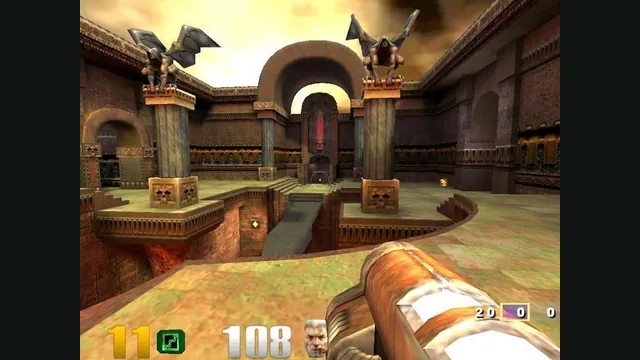
Quake III Arena gameplay reference; not a capture of the linked project.
Image credits ↗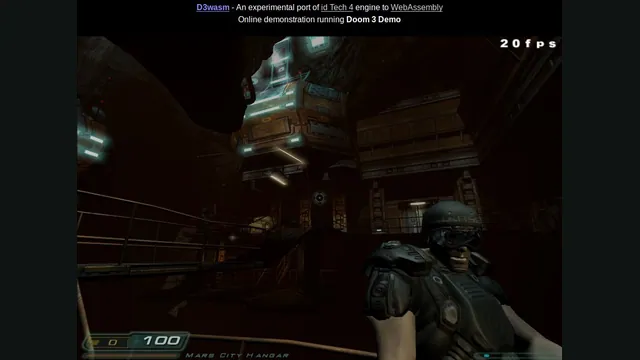
Doom in a browser or native port: WADs, demos and Doom 3
For classic Doom, choose a WAD launcher or a native port. For Doom 3, separate the browser demo from an owned retail installation.
Read guide : Choose a Doom versionProject image · credits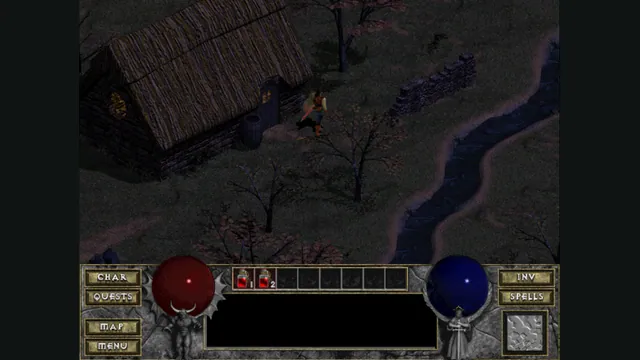
Back up browser game saves and check the restored game
Save inside the game, export a separate backup, then import and load it before removing the original. Confirm the restored character, map or level inside the game.
Read guide : Back up your browser savesProject image · credits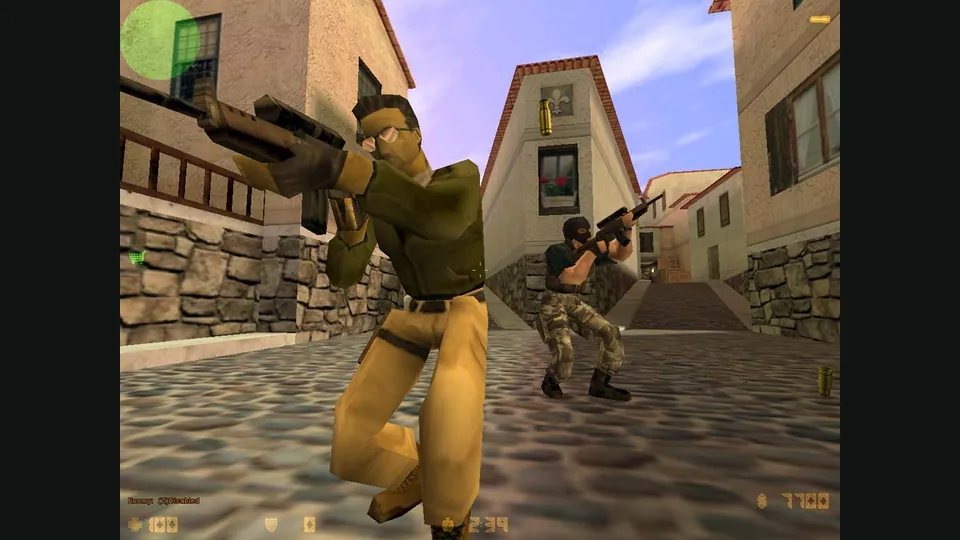
Counter-Strike in a browser: 1.6 matches, bunnyhop or surf?
Choose CSJS for a 1.6 match with the least preparation, WebXash for your own files and server, or a dedicated movement game for hopping and surfing.
Read guide : Choose your Counter-Strike sessionReference image · credits