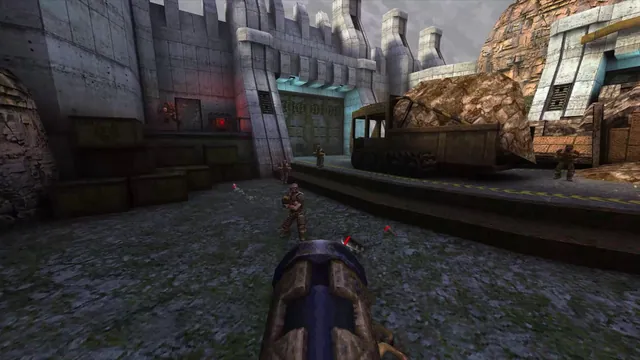
Quake publisher gameplay reference from the current enhanced-edition gallery; not a QuakeWorld or NetQuake session.
Image credits ↗Try Quake’s shareware episode, or import your own pak1.pak for the full game.
 PlayDemo or your game files
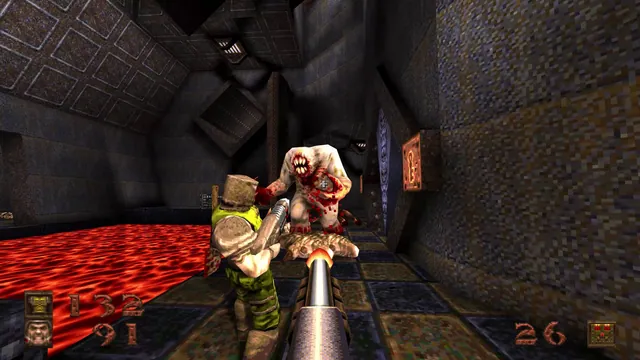
Quake publisher screenshot showing its classic Ogre enemy and lava. Original-game reference from the enhanced-edition gallery for NetQuake.
Quake imagery belongs to its respective rights holders. Publisher screenshot from the official Quake Steam gallery; independent editorial excerpt.
Source & attribution ↗View image ↗NetQuake.io offers Quake’s first episode as shareware, plus single-player and multiplayer routes. Import pak1.pak from your own original Quake installation to unlock the full game; the file is checked locally in the browser.
Pick the first-game campaign, QuakeWorld, Quake II multiplayer or Quake III arenas before choosing a client.
Read Quake guidePieter’s FTE host offers the QuakeWorld route for up to eight players.
A separate FTE session for the later game, also advertised for eight players.
Q3JS combines a server list with documented touch controls and demo data.
Quake’s original campaign sends Ranger through military installations, castles and hostile otherworldly spaces in pursuit of four runes. Its appeal is the directness of that journey: hostile rooms, an expanding arsenal and an environment to navigate, rather than a stream of dialogue or objectives on a map. The original game’s campaign and multiplayer are distinct ways to play.
The current commercial Quake package also contains an enhanced edition. That edition’s crossplay, remastered presentation and included expansions describe the commercial release; they are not a feature list for NetQuake.io.
NetQuake starts with the first episode. Import the original registered pak1.pak from your installation’s id1 folder to unlock the other episodes. Validation happens locally. The host also requires that file for multiplayer and custom maps, so a disabled option may be a content requirement rather than a browser fault.
For custom levels, make a package in Setup → Packages and import a ZIP or BSP files; then choose it under Singleplayer → My Packages. Multiplayer uses a shared room link or code. The host selects settings and starts the match once everyone has joined; every player needs the registered data.
The recommended controls use WASD, mouse aiming and Space to jump. If vertical mouse look is missing, add +mlook to autoexec.cfg. The host recommends desktop keyboard and mouse; its mobile touch controls are limited.
Imported packages live in browser storage. Keep the original PAKs and map ZIPs separately, since private browsing, clearing site data or storage eviction can remove them. The save importer rejects the enhanced Quake re-release’s different format, so do not assume a save from that edition will transfer.
The first episode is available through shareware data. For all four episodes, select pak1.pak from the id1 folder of your own original Quake installation. The client validates it locally without sending it to the server.
Creator-reported · Project guideOpen NetQuake.io and consult its current game prompts.
Creator-reported · Project guideThe recommended configuration uses WASD movement, Space to jump and left mouse to attack. F2 opens Save, F3 opens Load, F6 quicksaves and F9 quickloads.
Creator-reported · Project guideShareware supplies Quake’s first episode. The registered pak1.pak unlocks the other episodes and is required for features that depend on the full game.
Creator-reported · Project guideIf you cannot look up and down, enter +mlook in the console. To retain it, add +mlook to autoexec.cfg in Setup; the recommended first-run autoexec already includes it.
Creator-reported · Project guideQuake publisher gameplay reference from the current enhanced-edition gallery; not a QuakeWorld or NetQuake session.
Image credits ↗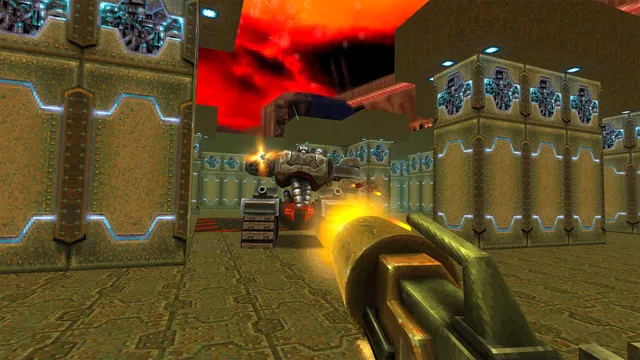
Quake II publisher gameplay reference from the current enhanced-edition gallery; not the browser build.
Image credits ↗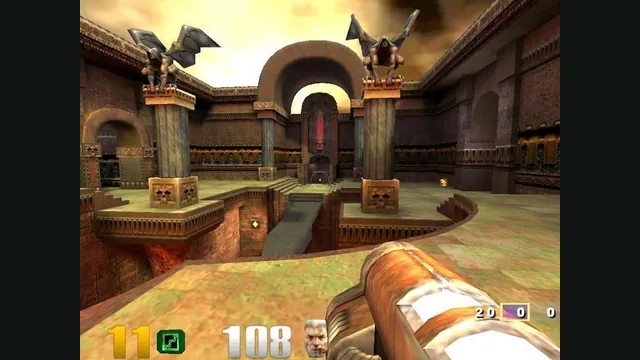
Quake III Arena gameplay reference; not a capture of the linked project.
Image credits ↗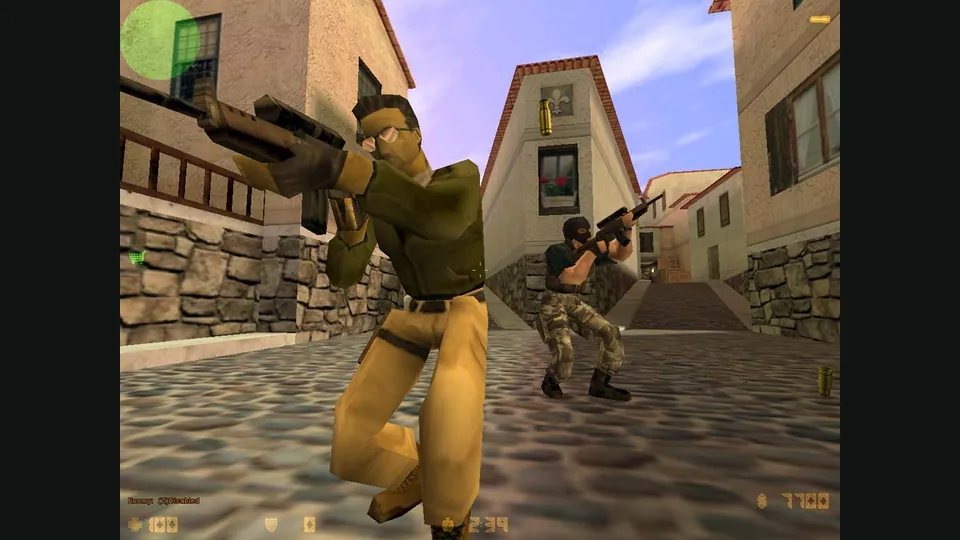
Counter-Strike publisher screenshot. Original-game reference; not the CSJS browser build.
Image credits ↗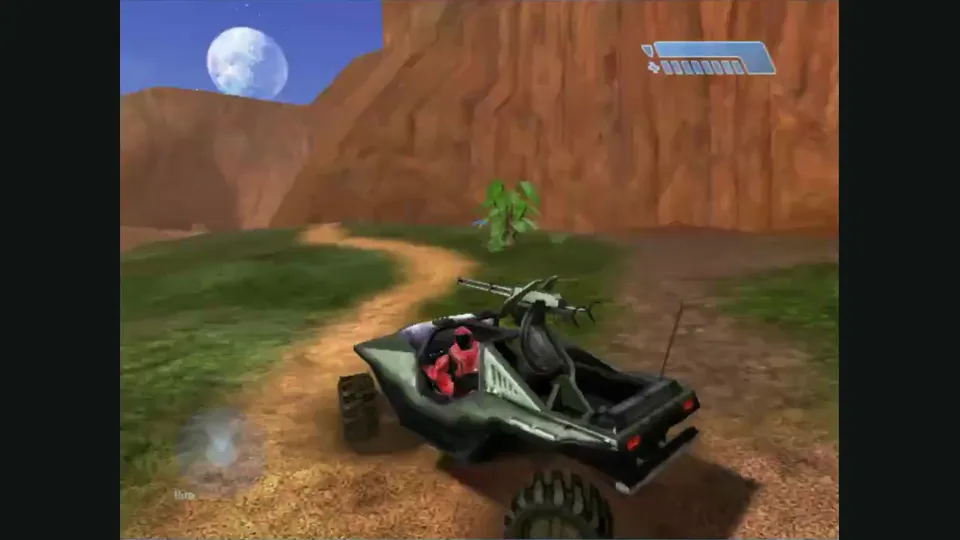
Mitchell Hynes Web gameplay, from the creator’s launch demonstration at approximately 1:52. Gameplay area cropped from the published video.
Image credits ↗Halo’s Xbox campaign and invite-based multiplayer, with your own disc image.