Port, recompilation, decompilation or emulator: what can you actually play?
The project label explains how a game was adapted. The Play, Download or Build route tells you what you can do with it today. Check both before choosing a version.
By Playable · Written
Read the launch route first
A browser launch opens a hosted client. A native download runs an application on your device. A source build requires development tools and may require a particular original executable. None of those labels alone tells you whether commercial game data is included.
Read the prerequisite beside the action. If a project asks for your own files, an open-source engine license does not supply the original artwork, sound or levels. A demo route may provide only a small portion of the game.
Ports, decompilations and recompilations
A port adapts software to another platform. A browser port may compile an engine to WebAssembly and adapt its graphics, input and file handling to browser APIs. WebAssembly describes how code runs; it does not by itself mean “emulator.”
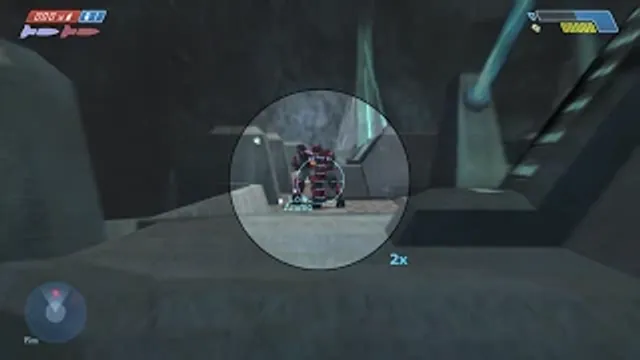
A decompilation reconstructs higher-level source from an existing program. The Halo CE decompilation targets a particular debug executable. That source work is distinct from a hosted Halo client with its own launcher and support.
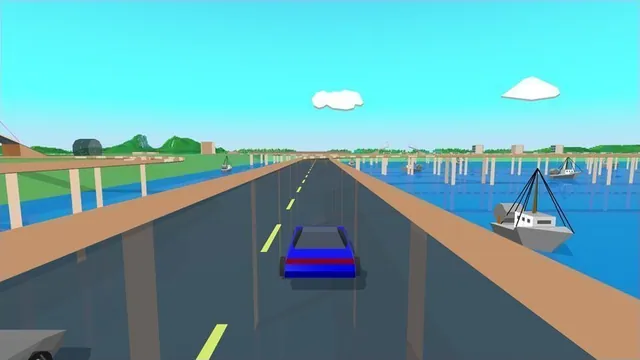
A recompilation translates game code for a different target. It can still need replacement system services, graphics translation and original assets. Stunts HD, for example, translates your own Stunts 1.1 copy and supplies the runtime around it. The label does not guarantee every version or feature works.
Emulation and reimplementation
An emulator reproduces enough of another machine or environment to run software made for it. A browser can host an emulator, but it can also run an engine adapted directly to the web. Hybrid approaches exist: a project may translate the CPU code while emulating or replacing other services.
A reimplementation builds a new implementation of existing behavior. LBA Remake describes a re-engineered engine and an unfinished adventure. A recreation may reproduce selected mechanics or scenes instead of every system. Read the actual scope before expecting a full campaign.
A remaster usually describes changes to presentation or content, rather than one technical method. Better-looking footage cannot establish whether a project includes the complete game.
Mashups and practical expectations
A mashup combines games or their mechanics. SMC64 is a LibSM64 mod for Halo CE in the Steam Master Chief Collection. Its Mario connection does not make it a standalone Super Mario 64 browser port.
Before starting, answer three practical questions: which original game and edition does this project use, what files or tools does it need, and which modes does it actually provide? The Skate comparison shows why similar names can lead to very different setups.
Project reading
See the creators’ setup instructions and feature guides.
Stunts HD creator screenshot, cropped from the upper-right driving panel of the project montage.
Image credits ↗Stunts 1.1 translated from your own copy, with an HD browser renderer and the original driving physics.
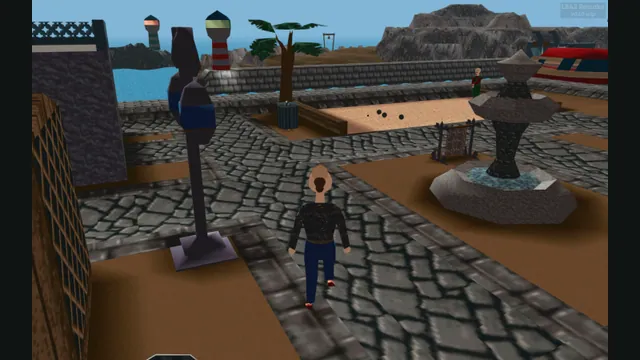
LBA2 Remake creator screenshot of Little Big Adventure 2; not an LBA1 scene.
Image credits ↗Explore Twinsen’s world in an unfinished browser reimplementation of Little Big Adventure.
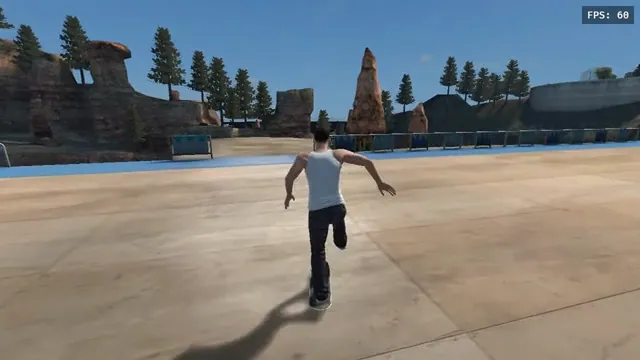
Skate 3 versions: browser fan game, native ports or Rust rewrite?
For an owned Xbox 360 disc image, Skate3Recomp offers the clearest desktop installer. The browser fan game needs already converted data; phone ports and the Rust rewrite have their own setup.
Read guide : Pick your Skate setupProject image · credits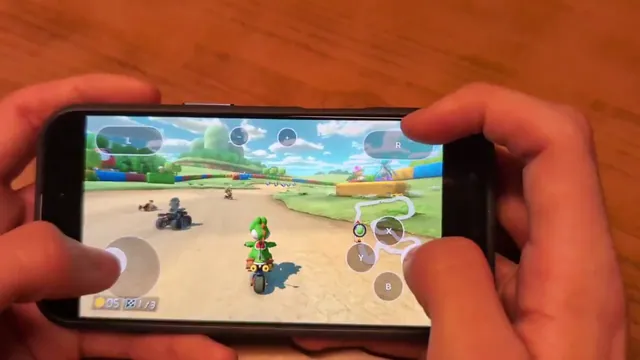
Mush8 brings Mario Kart 8 Deluxe to Apple devices: what setup involves
Mush8 is C22’s native Apple project for Mario Kart 8 Deluxe. It requires building with your own game dump and keys; it is not a browser game or a Mario Party port.
Read guide : Mush8 on Apple devicesProject image · credits