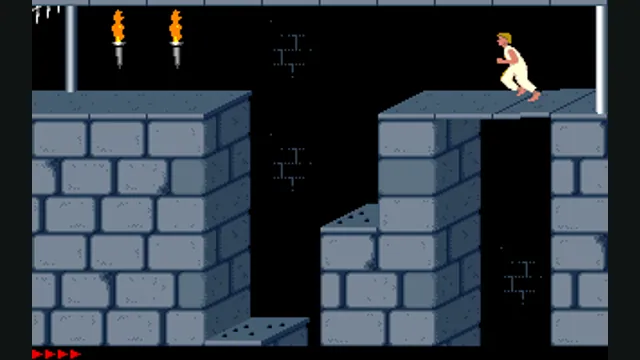
Prince of Persia DOS original-game reference, frame 60 of the linked gameplay animation; not an SDLPoP or PrinceJS capture.
Image credits ↗A native Prince of Persia port derived from the DOS version, with gamepad support and quick saves.
SetupCheck file requirementsPrince of Persia DOS original-game reference, frame 60 of the linked gameplay animation; not an SDLPoP or PrinceJS capture.
Game imagery remains copyright its respective rights holders. Image published at https://en.wikipedia.org/wiki/File:Prince_of_Persia_1_-_MS-DOS_-_Gameplay.gif.
Source & attribution ↗View image ↗A native Prince of Persia port derived from the DOS version, with gamepad support and quick saves. The linked creator documentation provides the setup and platform details. Undocumented capabilities remain unknown.
Choose PrinceJS for browser and touch play, or SDLPoP for native practice tools and saves.
Read Prince of Persia guidePrinceJS documents keyboard, controller and touch input with progress carried in a URL.
Jordan Mechner’s original Prince of Persia is a side-scrolling adventure built around running, jumping and sword fighting. SDLPoP follows the DOS version, preserving a movement system in which a careful step and a running jump are different actions. The appeal is learning the timing and physical rules of each room rather than simply holding a direction and jumping continuously.
Jordan Mechner · Prince of PersiaSDLPoP · project documentation
SDLPoP is derived from disassembly of the DOS game, with added features including quick saves, replays, a pause menu and controller support. It is a native program with Windows, Linux and macOS instructions. Community ports to other systems are separate builds maintained by other people.
Enhanced mode can enable bug fixes, and individual fixes can be configured. This matters for difficult custom levels that rely on original quirks: fixing a behavior may change the route a level designer expected you to take.
Arrow keys move, jump, climb and crouch. Shift is especially important: it picks up items, makes a careful step when combined with a direction, and grabs a ledge while falling. During sword fights, Shift attacks and Up blocks. The pause menu allows keyboard remapping.
A controller maps the same underlying actions rather than adding a different movement model. If its layout behaves unexpectedly, the project documents using an SDL controller database. Controller input can be detected while the game is running.
The classic Ctrl+G save records the level, remaining time and health, then resumes at that level’s beginning. SDLPoP’s F6 quicksave preserves the exact state, and F9 restores it. Choose the appropriate system depending on whether you want the original retry structure or to practice a particular jump.
Replays record a run and its relevant settings. Custom-level saves and high scores stay with their mod, so keep the mod directory when moving an installation. This makes practice and experimentation easier without treating every altered level as part of the original campaign.
Use the compiled package linked by the project, or follow its platform build guide. Exact separately required game-data files are not established by the reviewed download page.
Creator-reported · Project guideCompiled Windows/Linux and macOS packages are linked from the project README.
Creator-reported · Project guideKeyboard controls and hot-plugged gamepads are documented; some controllers need a mapping file.
Creator-reported · Project guideF6 quick-saves and F9 quick-loads in the documented controls.
Creator-reported · Project guidePrince of Persia DOS original-game reference, frame 60 of the linked gameplay animation; not an SDLPoP or PrinceJS capture.
Image credits ↗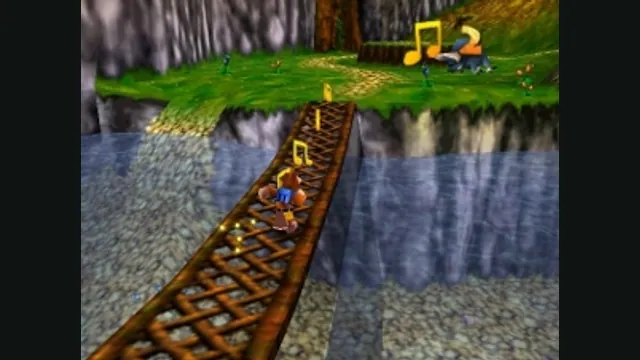
Banjo-Kazooie gameplay reference; not a capture of the linked project.
Image credits ↗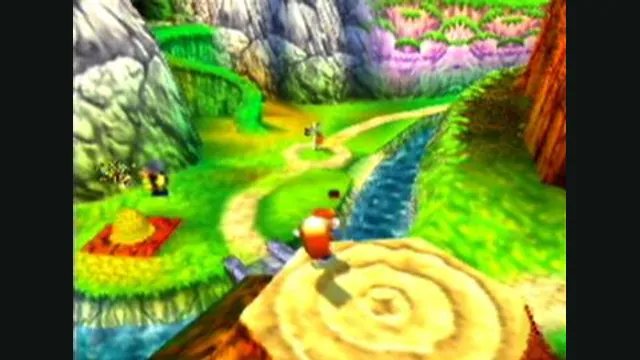
Conker’s Bad Fur Day gameplay reference; not a capture of the linked project.
Image credits ↗The N64 game rebuilt around N64ModernRuntime and RT64.
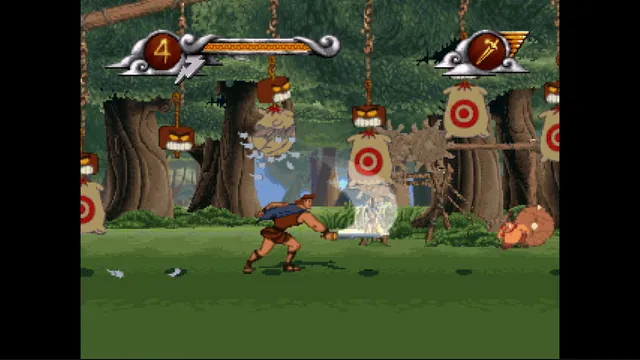
Disney's Hercules gameplay reference; not a capture of the linked project.
Image credits ↗The PlayStation action game recompiled for Windows and Linux.
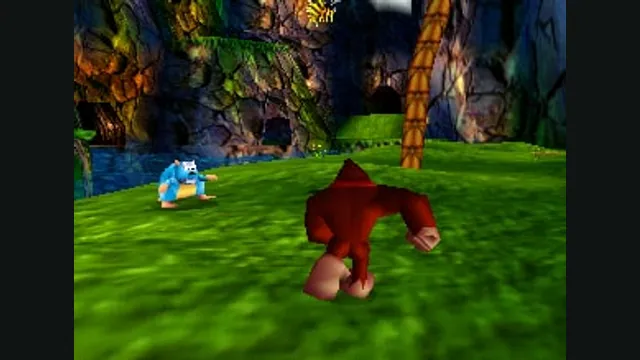
Donkey Kong 64 original-game screenshot reference; not a capture of the linked project.
Image credits ↗