
 Install / setup
The Xbox 360 game’s executables translated for native PC play.
Original files requiredSetup
A native Xbox 360 recompilation with an early playable release.
CoD3Recomp uses XenonRecomp and a custom host for the game’s imported services. Its README describes a release that imports a disc image, while warning that development bugs remain.
Browser Zombies, COD4’s Steam-file campaign and native console ports serve different sessions.
Read Call of Duty guideA separate desktop fan remake with a two-to-four-player invitation flow.
Import your own Steam files for the story and Mile High Club.
Choose the Windows/Linux controller route with matching owned Xbox 360 data.
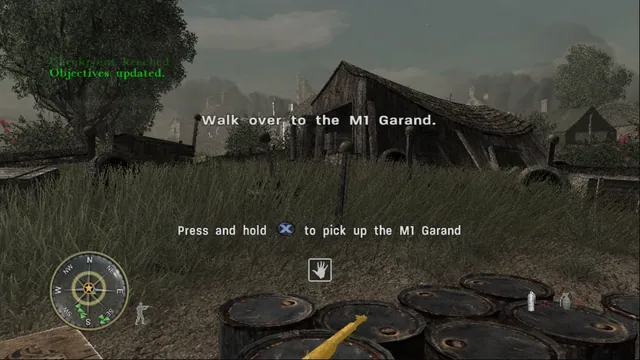
CoD3Recomp translates the Xbox 360 version of Call of Duty 3 into a Windows PC program. The project’s status document describes all fifteen level modules loading and playing, with mission transitions, failed-mission restarts, briefing films and checkpoint saves. That makes the campaign the documented attraction here. The source still labels the build as in development, so a working level does not remove the possibility of bugs elsewhere.
Its renderer converts the game’s own shaders for Direct3D 11, preserving the title’s environments rather than rebuilding them as new PC maps. The maintainer’s reports cover terrain, soldiers, smoke, lighting and sound as well as menu progress. The result is intended to make the original campaign accessible with PC input and display settings.
The default layout uses WASD, mouse aim, left-click fire and right-click aim. E interacts, R reloads, C crouches, Shift sprints and Space jumps; G throws a grenade, while 4 throws smoke. Escape pauses and releases the cursor, and clicking the window captures it again. A connected controller also works.
F11 opens settings for rebinding, sensitivity, raw mouse input, field of view, resolution scale and graphics options. Raw input bypasses Windows pointer acceleration. Start with a comfortable field of view and render scale before raising anti-aliasing or model detail.
First-run setup can extract your Xbox 360 image, copy an already extracted folder or use that folder in place. It validates the executable before copying several gigabytes. If you already maintain an extracted disc, the in-place route avoids a second copy.
Saves live beside the executable in saves/, and settings live in CoD3Recomp.ini. Preserve those when changing releases. The release is the player route; the repository’s Clang, CMake and recompiler instructions are for building it yourself.
Your own Xbox 360 Call of Duty 3 disc image.
Creator-reported · Project guideUse the release’s CoD3 installer with your disc image; check the current limitations.
Creator-reported · Project guideInstall / setupThe Xbox 360 game’s executables translated for native PC play.
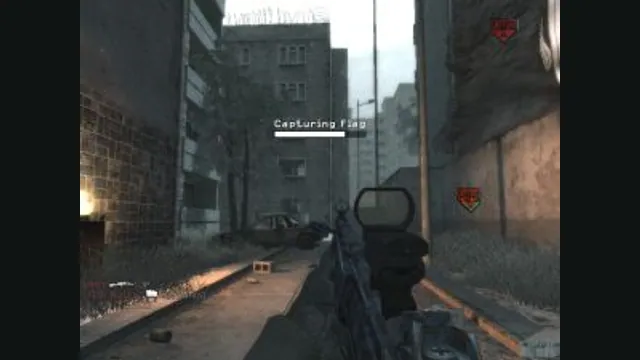
The 2007 campaign in a browser, importing your Steam installation.
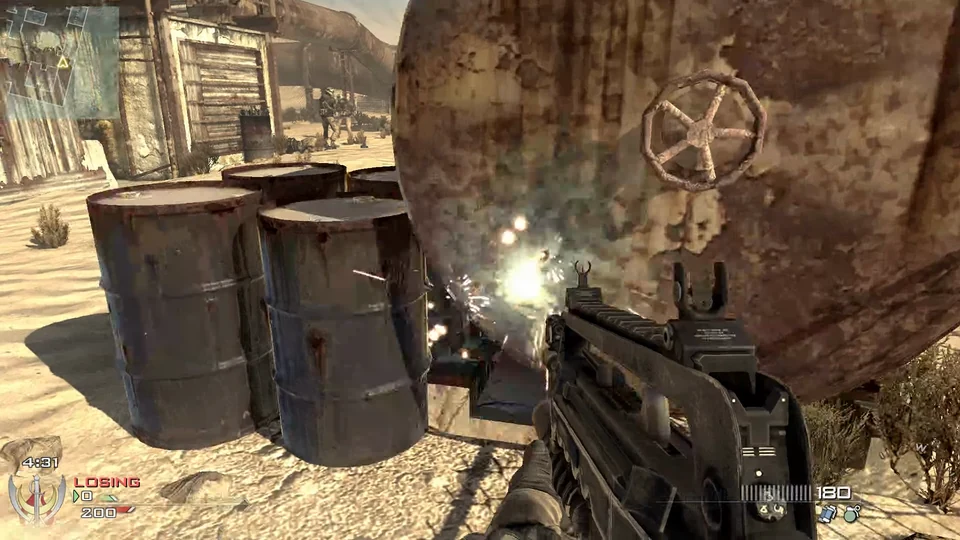
MW2 multiplayer maps in a WebGPU browser build, with bots and friend lobbies.
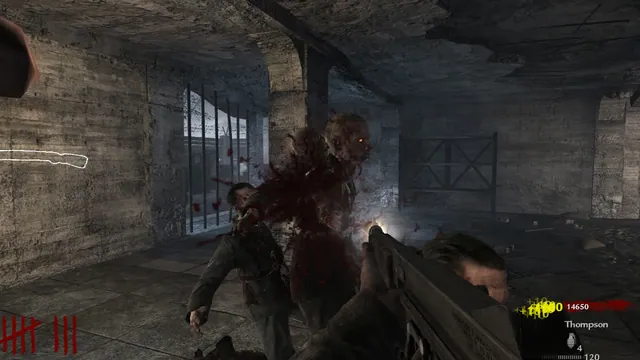
Nacht survival in a browser remake, with solo, co-op and two additional beta maps.