The 2007 campaign in a browser, importing your Steam installation.
Original files requiredPlay
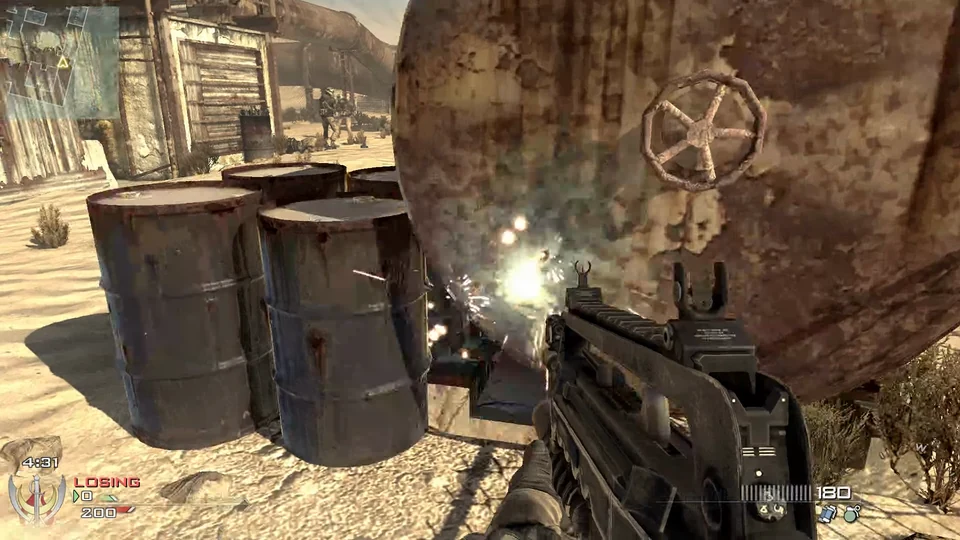
MW2 multiplayer maps in a WebGPU browser build, with bots and friend lobbies.
iw4browse is a separate browser-hosted MW2 multiplayer build, not the native iw4L setup. The launcher offers offline bot play and invite-based friend lobbies, with familiar multiplayer maps and mode choices. It does not present a single-player campaign.
iw4browse focuses on multiplayer maps and modes from Modern Warfare 2. Rust is the initial map choice, and the selector also includes larger settings such as Afghan, Estate and Terminal. Free for All and Team Deathmatch are among the modes. This launcher does not present the single-player campaign.
The useful first distinction is bots versus friends. Play vs bots gives you a solo way to reach the selected arena. Play with friends leads to hosting or joining an invite, with the host’s lobby choices governing the shared session. This is a separate browser release from the native iw4L project.
Choose a player name, map, mode and graphics preset before starting. The current solo launcher downloads roughly 1.1 GB before the engine starts, so allow for that transfer on your connection. Keep the tab visible during loading and play. If Chrome offers Wait while the engine is working, the host asks you to let it finish.
This runtime requires WebGPU. The launcher directs unsupported browsers to current Chrome or Edge. Quality keeps sun shadows; Performance disables them. That tradeoff can reduce graphics work without changing which map you selected. Audio begins after a click.
Host game creates the session route to share. Join invite is the corresponding entrance for the other players; sending a generic homepage link does not by itself join a particular host. Keep the game visible while it is running, because the launcher warns that a hidden tab stops progress.
Allow roughly 1.1 GB for the first launch of this build. The launcher downloads its game data before starting the engine.
Creator-reported · Project guideChoose a player name, map, mode and graphics preset. Play vs bots is the solo route. Keep the tab visible during the initial load; the host warns this can take one or two minutes.
Creator-reported · Project guideWebGPU is required. The launcher directs unsupported browsers to current Chrome or Edge.
Creator-reported · Project guidePlay with friends offers Host game and a Join invite route. Share the host’s invite with the people you want to join.
Creator-reported · Project guideThe launcher offers multiplayer maps including Rust and Terminal and modes including Free for All and Team Deathmatch. This is a multiplayer-focused browser build.
Creator-reported · Project guideThe host warns that hiding the tab stops progress. Sound starts after a click; Performance disables sun shadows while Quality keeps them.
Creator-reported · Project guideThe 2007 campaign in a browser, importing your Steam installation.
Nacht survival in a browser remake, with solo, co-op and two additional beta maps.