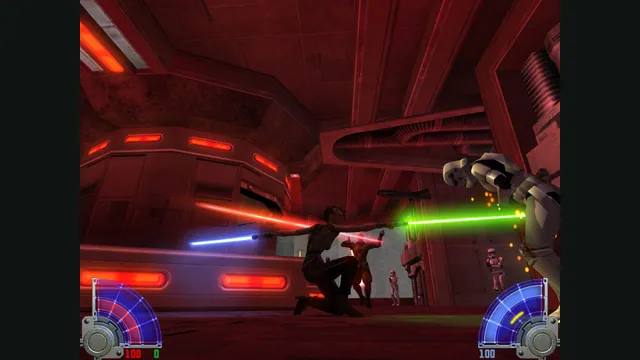
STAR WARS™ Jedi Knight - Jedi Academy™ gameplay reference; not a capture of the linked project.
Image credits ↗Single player and multiplayer with locally imported Jedi Academy assets.
Original files requiredPlay
Maintained Jedi Academy and Jedi Outcast engines with distinct support limits.
SetupYour game files requiredSTAR WARS™ Jedi Knight - Jedi Academy™ gameplay reference; not a capture of the linked project.
STAR WARS™ Jedi Knight - Jedi Academy™ game imagery remains copyright its respective rights holders. Publisher-supplied screenshot from the linked official Steam store gallery.
Source & attribution ↗View image ↗Maintained Jedi Academy and Jedi Outcast engines with distinct support limits. Jedi Outcast single-player works but needs attention, according to the project’s support table.
Jedi Academy puts you in the role of a student learning the Force, with a customizable character and lightsaber and a choice of missions. Jedi Outcast follows Kyle Katarn, combining weapons, Force powers and lightsaber combat in a separate campaign. Their related technology does not make them one combined story or one interchangeable data set.
For a player choosing between them, Academy’s character and saber choices are part of the original game’s appeal; Outcast’s established protagonist and campaign are its own starting point. OpenJK maintains their engines rather than creating a new sequel.
Jedi Academy · publisher descriptionJedi Outcast · publisher descriptionOpenJK · project documentation
The project labels Jedi Academy single-player and multiplayer stable. Jedi Outcast single-player works but needs attention, and Outcast multiplayer is not supported here. This is the most important distinction before choosing a download or planning a session with friends.
OpenJK aims to improve stability, performance and platform support while maintaining compatibility with existing games and mods. It explicitly avoids major feature additions and core gameplay rebalancing. Choose it as an engine-maintenance project, not as a new combat overhaul.
The main player guide starts with an owned Jedi Academy installation and places the downloaded OpenJK files inside GameData. The executable differs by platform. Linux can use the Windows game-data installation, while the Mac App Store edition has a separate documented app-bundle layout.
Outcast uses its own data and the separate OpenJO build. Do not follow the Academy folder instructions with Outcast assets and expect the engine to identify them as the same game. Check the chosen build’s guidance before moving either installation.
For the documented macOS setup, saves, configuration and logs live in Application Support/OpenJK rather than inside the installed application. Preserve that user directory when replacing a build. If you add mods, keep their intended game and engine requirements in view: OpenJK’s compatibility goal does not erase the distinction between Academy, Outcast and their respective multiplayer implementations.
An owned Jedi Academy installation supplies GameData for OpenJK. Jedi Outcast requires its own game data and the separate OpenJO build; the exact Outcast file set was not established in the reviewed player instructions.
Creator-reported · Project guideChoose the OpenJK build for Jedi Academy or the separate OpenJO build for Outcast, and follow the original-data installation instructions.
Creator-reported · Project guideWindows, Linux and macOS builds are published, including Apple Silicon.
Creator-reported · Project guideJedi Academy multiplayer is described as stable. Jedi Outcast multiplayer is not supported by OpenJK.
Creator-reported · Project guideJedi Outcast single-player works but needs attention, according to the project’s support table.
Creator-reported · Project guideSTAR WARS™ Jedi Knight - Jedi Academy™ gameplay reference; not a capture of the linked project.
Image credits ↗Single player and multiplayer with locally imported Jedi Academy assets.
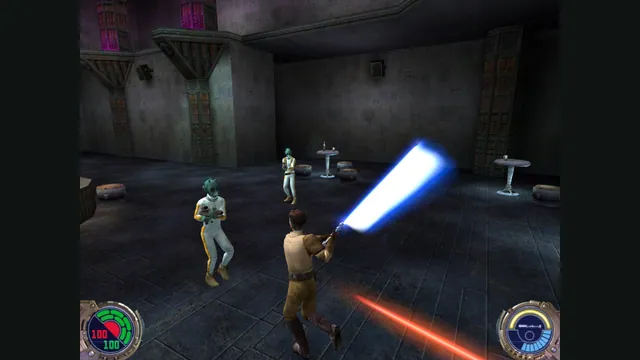
Jedi Outcast publisher screenshot reference; not a capture of the web port.
Image credits ↗Play the free Kejim Post demo, or bring your own files for Jedi Outcast’s campaign.
Bloodborne alpha-build gameplay reference; not a capture of Bloodborne PC.
Image credits ↗A Windows runtime for the original PS4 game and its Vulkan graphics path.
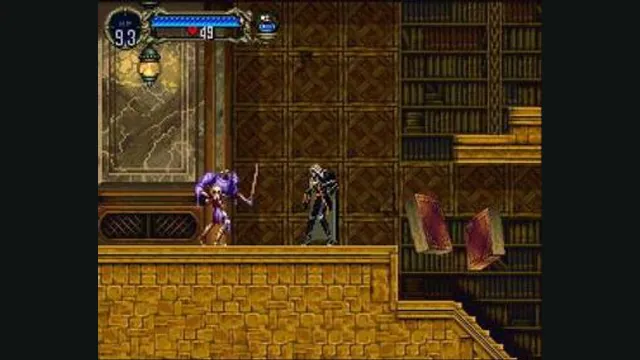
Castlevania: Symphony of the Night gameplay reference; not a capture of the linked project.
Image credits ↗The Xbox Live Arcade edition recompiled for Windows and Linux.
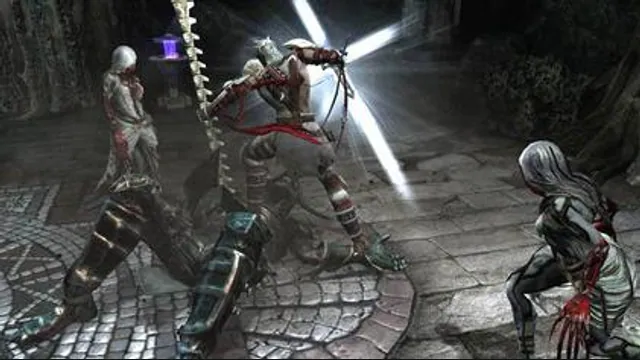
Dante’s Inferno original-game screenshot reference; not a capture of the linked project.
Image credits ↗Dante’s Inferno’s Xbox 360 code translated to a native PC build.
A combined native engine for the first three Tomb Raider games with configurable controls and rendering.