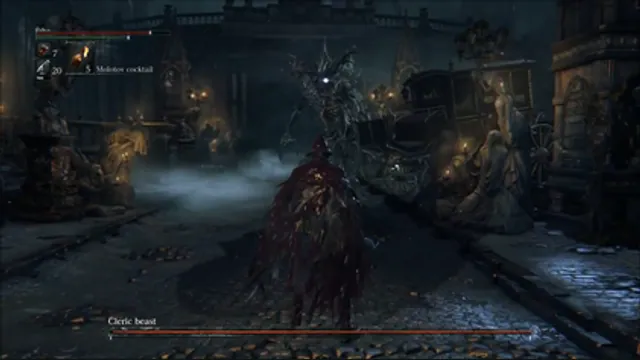
Bloodborne alpha-build gameplay reference; not a capture of Bloodborne PC.
Image credits ↗A Windows runtime for the original PS4 game and its Vulkan graphics path.
Original files requiredSetup
Dante’s Inferno’s Xbox 360 code translated to a native PC build.
 SetupYour game files required
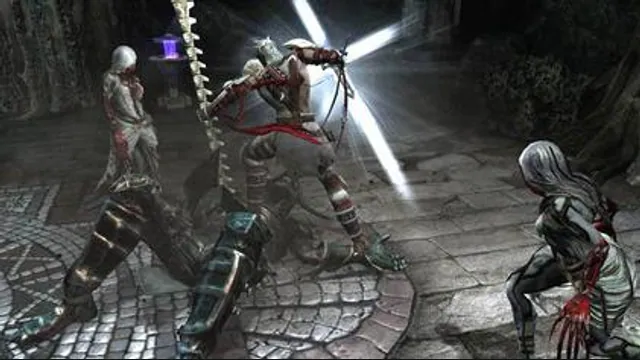
Dante’s Inferno original-game screenshot reference; not a capture of the linked project.
Dante's Inferno (video game) game imagery remains copyright its respective rights holders. Image credit and provenance: linked source page. No transferable license is inferred.
Source & attribution ↗View image ↗Hell’s Gate documents a playable release with saves and language selection derived from the user’s game region. Compatibility claims belong to the creator; this catalog has not run the game.
Hell’s Gate recompiles Dante’s Inferno and replaces its graphics layer with a Vulkan renderer. The maintainer reports play from beginning to end with saves, alongside support for importing DLC packages. The base game and the DLC still come from your own Xbox 360 copy; the installer supplies the port rather than the game data.
Its visual options are a major distinction: the native renderer supports arbitrary resolutions, original 4:3 framing and wider formats up to super-ultrawide. Refresh choices run from 60 to 240 fps in multiples of 60, with menus and minigames kept at the intended speed. These are configurable targets, not a guarantee that every graphics card can sustain them.
On Windows, the installer asks for an installation folder and your Xbox 360 ISO, then creates the launch route. Choose controls and graphics before pressing Play. Keyboard bindings are adjustable; Xbox and PlayStation controllers are supported, with button prompts following the device in use.
Language selection depends on which languages your disc’s region contains. To add owned DLC, open the launcher’s DLC folder, copy the STFS packages there and launch again. The packages are installed at startup. Do not assume a language or expansion becomes available merely because it appears in another regional edition.
A working Vulkan driver is required. Linux x86-64 users can follow the native build instructions or the documented Proton route; ARM64 has a separate launcher and AppImage path. These are different installation routes and should not be treated as one universal download.
The native renderer is still being refined. The project documents a Xenos/D3D12 fallback when the new renderer misbehaves, configured through dantes_inferno.toml. Trials of Saint Lucia’s online server is still in development: DLC import support does not mean the online service has been restored.
Your own supported copy of Dante’s Inferno.
Creator-reported · Project guideFollow the current release’s game import and setup instructions.
Creator-reported · Project guideBloodborne alpha-build gameplay reference; not a capture of Bloodborne PC.
Image credits ↗A Windows runtime for the original PS4 game and its Vulkan graphics path.
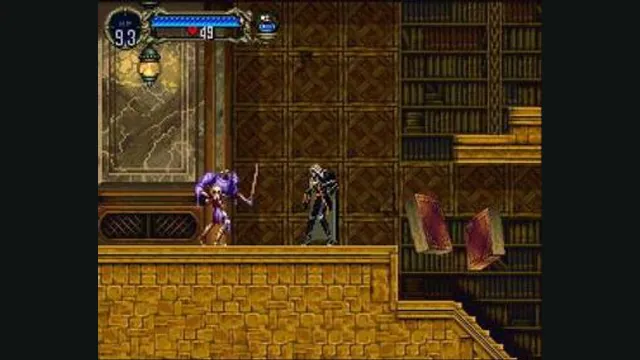
Castlevania: Symphony of the Night gameplay reference; not a capture of the linked project.
Image credits ↗The Xbox Live Arcade edition recompiled for Windows and Linux.
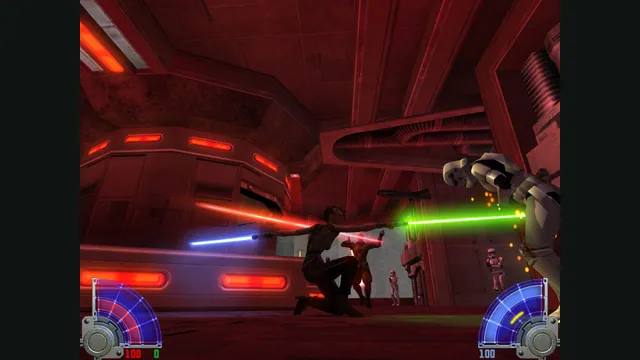
STAR WARS™ Jedi Knight - Jedi Academy™ gameplay reference; not a capture of the linked project.
Image credits ↗Maintained Jedi Academy and Jedi Outcast engines with distinct support limits.
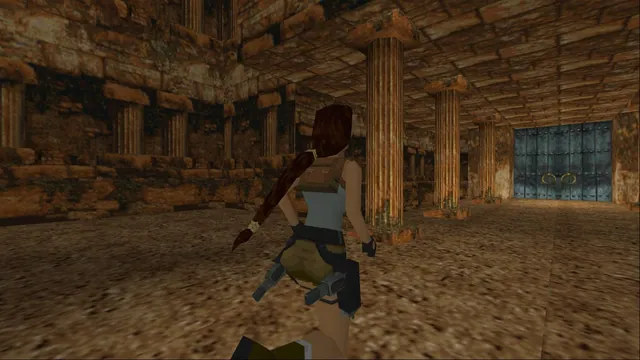
A combined native engine for the first three Tomb Raider games with configurable controls and rendering.