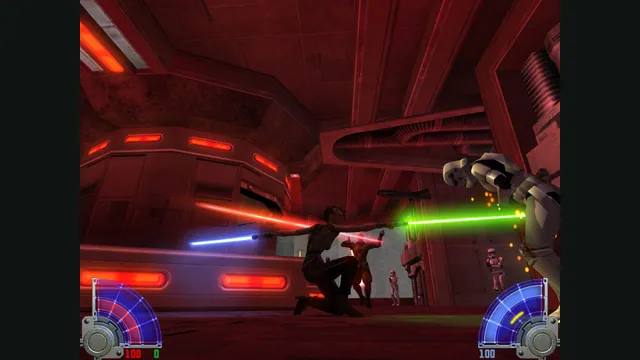
STAR WARS™ Jedi Knight - Jedi Academy™ gameplay reference; not a capture of the linked project.
Image credits ↗Single player and multiplayer with locally imported Jedi Academy assets.
PlayYour game files requiredSTAR WARS™ Jedi Knight - Jedi Academy™ gameplay reference; not a capture of the linked project.
STAR WARS™ Jedi Knight - Jedi Academy™ game imagery remains copyright its respective rights holders. Publisher-supplied screenshot from the linked official Steam store gallery.
Source & attribution ↗View image ↗LK’s OpenJK client uses separate WebAssembly builds for single player and multiplayer. It stores selected assets on the device and documents a public free-for-all server.
Jedi Academy puts you in the role of a new student learning the Force under Luke Skywalker. Character customization, lightsaber construction and a choice of missions give the adventure more room for personal preference than a fixed sequence of identical firefights. Progression introduces different saber arrangements, alongside weapons, vehicles and Force powers.
That is the original game's design. Its retail multiplayer has several modes, including Siege and Power Duel; the exact public server exposed by this browser client is free-for-all.
LK's client uses OpenJK through WebAssembly, with separate builds for single player and multiplayer. OpenJK itself aims to maintain the original games and improve stability and platform support without rebalancing their core gameplay. The browser wrapper adapts how you load and start that engine.
Choose single player when you want the adventure and multiplayer when you want the hosted FFA server. The distinction is more than a menu filter: the site loads a different runtime for each path. This page covers the Jedi Academy client, not every game or modification supported by the wider OpenJK project.
Select all .pk3 files from GameData/base in your own Jedi Academy installation. The host stores them on the current device and reuses them on later visits; they are loaded into the runtime when you start the game. Selecting the full set avoids treating a single archive as a complete installation.
The site does not distribute those game assets. Keep the original installation available if you later use a different device or browser profile. The convenience here is reusing local files in a web client, rather than obtaining the commercial game from the launcher.
Select all .pk3 files from GameData/base in your own Jedi Academy installation. The host keeps them locally on that device and reuses them across visits.
Creator-reported · Project guideImport the .pk3 files once, then select the single-player or multiplayer runtime.
Creator-reported · Project guideA public FFA server is documented; single player uses a separate build.
Creator-reported · Project guideSingle-player and multiplayer run in separate WebAssembly builds. Multiplayer offers the host’s public FFA server.
Creator-reported · Project guideSTAR WARS™ Jedi Knight - Jedi Academy™ gameplay reference; not a capture of the linked project.
Image credits ↗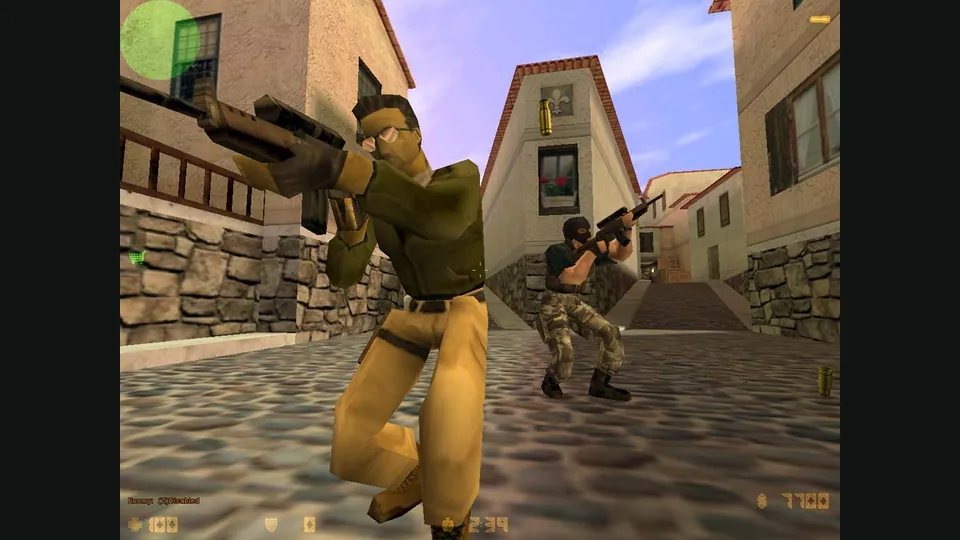
Counter-Strike publisher screenshot. Original-game reference; not the CSJS browser build.
Image credits ↗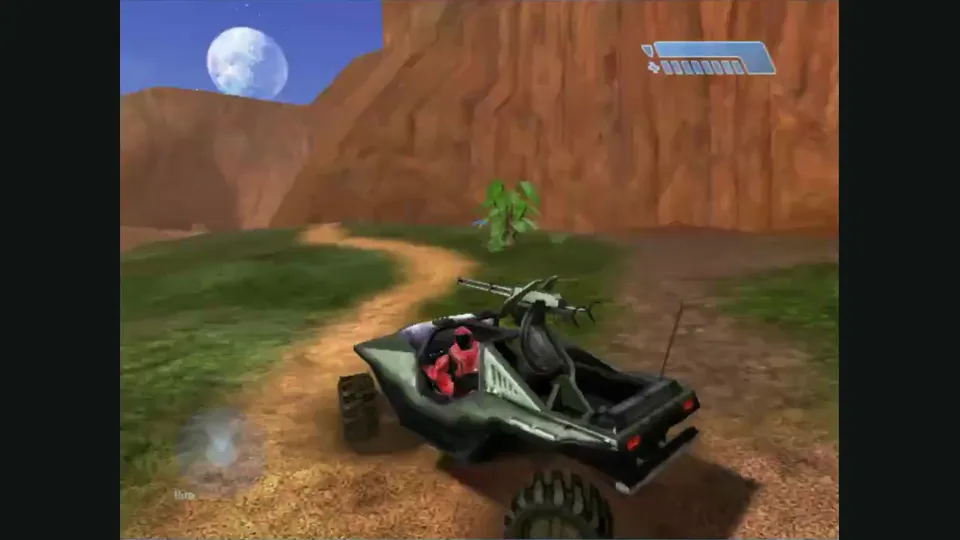
Mitchell Hynes Web gameplay, from the creator’s launch demonstration at approximately 1:52. Gameplay area cropped from the published video.
Image credits ↗Halo’s Xbox campaign and invite-based multiplayer, with your own disc image.

Doom publisher gameplay reference from the current DOOM + DOOM II gallery; not a capture of the linked port.
Image credits ↗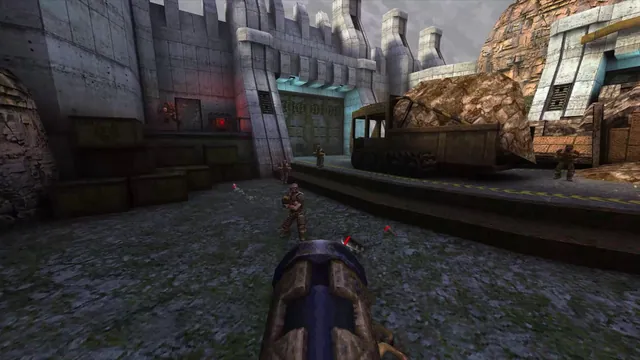
Quake publisher gameplay reference from the current enhanced-edition gallery; not a QuakeWorld or NetQuake session.
Image credits ↗