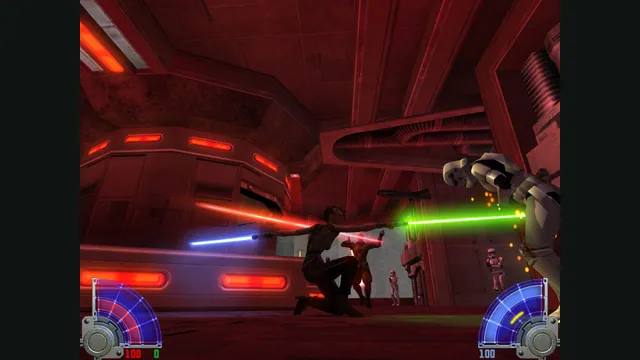
STAR WARS™ Jedi Knight - Jedi Academy™ gameplay reference; not a capture of the linked project.
Image credits ↗Play the free Kejim Post demo, or bring your own files for Jedi Outcast’s campaign.
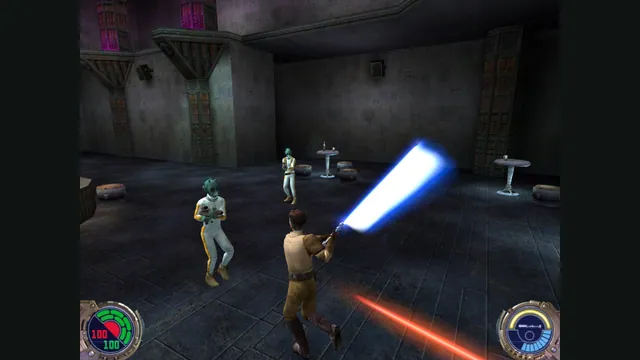 PlayDemo or your game files
Jedi Outcast publisher screenshot reference; not a capture of the web port.
Game imagery remains copyright its respective rights holders. Image published by the linked source for Jedi Outcast; no transferable license is inferred.
Source & attribution ↗View image ↗Virtastic’s single-player browser port uses Raven’s original source release. It is a separate implementation from the existing OpenJK/Jedi Academy entries, and does not build the multiplayer sources.
Jedi Outcast follows Kyle Katarn, an agent of the New Republic, through a Star Wars action adventure. The original game combines conventional weapons with a lightsaber and Force powers. Its appeal is that range of approaches to an encounter: the equipment and abilities give combat a different character from a shooter built entirely around firearms.
The commercial release also includes multiplayer, but that is a separate part of the original game. This browser project's scope is the single-player adventure.
LucasArts · Jedi Knight II: Jedi Outcastjk2-web · single-player scope and setup
Virtastic's jk2-web compiles Raven's source for WebAssembly and runs on your computer. The maintainers report the campaign working end to end, including skeletal characters, the saber and Force abilities. They keep their browser adaptations separate from the original source and do not base this port on OpenJK.
There are two starting routes: the free official Kejim Post demo mission, or retail data from an owned installation. The demo is a useful way to check the engine before locating files for the full campaign.
For the retail route, choose assets0.pk3, assets1.pk3, assets2.pk3 and assets5.pk3 from GameData/base. The browser reads them from disk. On Windows, copy GameData outside Program Files first if protected-folder access prevents selection.
Use desktop Chrome, Chromium, Edge or Brave. The folder-picker route is not supported in Firefox or Safari, and mobile is outside the port's scope. The setup is for a keyboard-and-mouse desktop session rather than a touch adaptation.
jk2-web · single-player scope and setupVirtastic · Jedi Outcast launcher
Saves and settings persist in browser storage independently of the game data you selected. Keeping the PK3 archives therefore retains the assets needed to launch, but does not by itself back up a browser playthrough. The multiplayer source is not built, so owning the retail files does not enable online matches in this version.
The official Kejim Post demo needs no owned copy. For the retail campaign, select assets0.pk3, assets1.pk3, assets2.pk3 and assets5.pk3 from your own GameData/base folder.
Creator-reported · Project guideChoose Start the demo or Choose .pk3 files. Retail archives are read locally. On Windows, copy GameData outside Program Files if folder access is blocked.
Creator-reported · Project guideDesktop Chrome, Chromium, Edge or Brave is the documented path. Safari and Firefox do not support the folder access path; mobile is out of scope.
Creator-reported · Project guideSingle-player only. The multiplayer sources are present upstream but are not built into this browser port.
Creator-reported · Project guideThe demo is the official Kejim Post mission. The creator reports an end-to-end retail campaign with your own files.
Creator-reported · Project guideSaves and settings persist in browser storage through IDBFS, independently of which data route you used.
Creator-reported · Project guideMade possible by Virtastic.
STAR WARS™ Jedi Knight - Jedi Academy™ gameplay reference; not a capture of the linked project.
Image credits ↗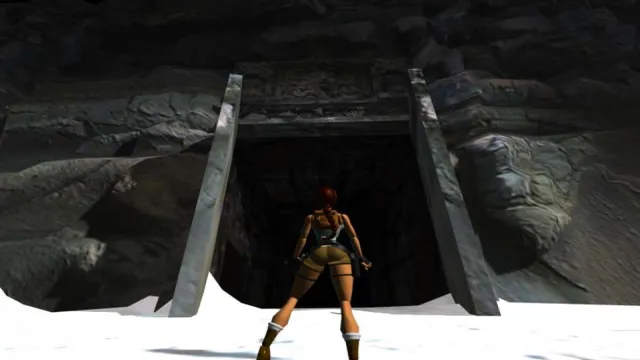
Tomb Raider I (1996) gameplay reference; not a capture of the linked project.
Image credits ↗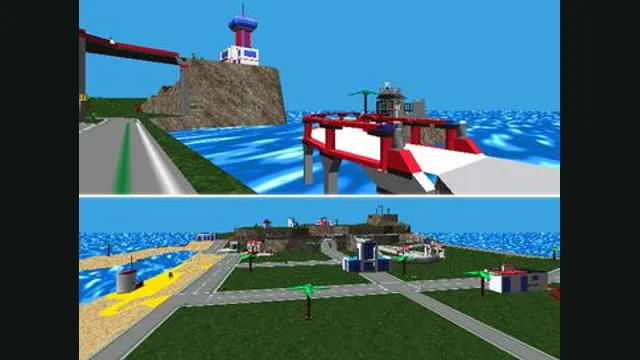
LEGO Island original-game screenshot reference; not a capture of the linked project.
Image credits ↗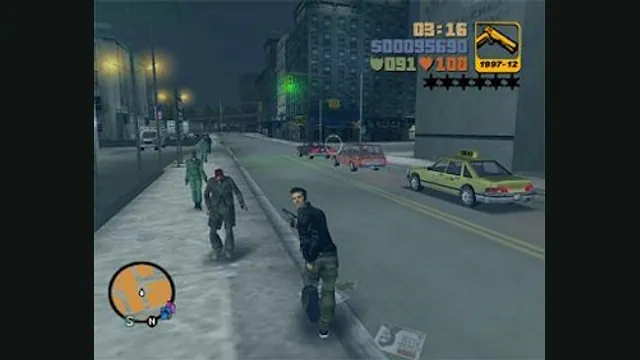
GTA III PC screenshot. Original-game reference; not a capture of the WASM Arcade host.
Image credits ↗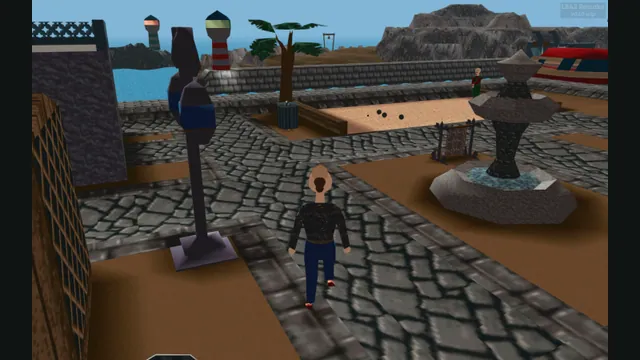
LBA2 Remake creator screenshot of Little Big Adventure 2; not an LBA1 scene.
Image credits ↗Explore Twinsen’s world in an unfinished browser reimplementation of Little Big Adventure.