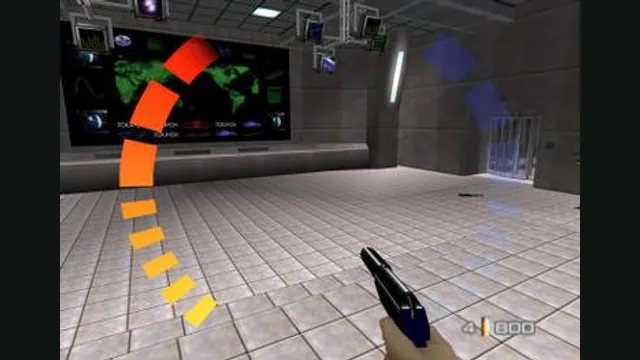
GoldenEye 007 original-game screenshot reference; not a capture of the linked project.
Image credits ↗GoldenEye’s N64 game on Windows and Linux, using your own US cartridge image.
SetupYour game files requiredGoldenEye 007 original-game screenshot reference; not a capture of the linked project.
GoldenEye 007 game imagery remains copyright its respective rights holders. Image credit and provenance: linked source page. No transferable license is inferred.
Source & attribution ↗View image ↗Project Midas brings the N64 decompilation to Windows and Linux with mouse aiming, configurable controls and local saves. The 1.0 release loads the original US cartridge; co-op, netplay and mod loading remain in development.
GoldenEye 007 mixes first-person shooting with mission objectives and gadgets. You can approach an encounter quietly or fight through it, but reaching the exit is only part of the job. Harder difficulties add objectives, giving familiar locations new routes and priorities. Timed completion targets also reward learning a mission well enough to move through it efficiently.
Project Midas starts from the N64 decompilation and offers Windows and Linux downloads. Choose it for a cartridge-based desktop setup; GoldenEye Metal is a different project with a different data format and Mac requirements. Midas 1.0 is still a work in progress, with co-op, netplay and mod loading under development.
Project Midas · 1.0 setup and limitationsProject Midas · public 1.0 release
Put an unmodified US cartridge image in the release’s Data folder. The accepted byte orders are .z64, .v64 and .n64; changing a filename cannot convert another region or a modified cartridge into the required game. Startup checks the contents and writes the rejection reason to the log if they do not match.
You can also point the program at an existing image instead of keeping another copy: the data instructions document drag-and-drop on Windows, a command-line path and a setting in midas.ini. Progress lives in Data/Saves/eeprom.bin, with separate folders for profiles and device bindings. Preserve Data when moving or updating the installation.
The mouse controls looking, while WASD moves. Use left click to fire, right click to aim, R to reload and E to operate doors or pick up items. F1 frees or recaptures the pointer. Keyboard bindings are saved per device, and controller layouts can be changed without replacing the cartridge image.
On Linux, the release needs the 32-bit SDL2 and OpenGL libraries. If geometry appears as large blank triangles, the project’s documented workaround starts the executable with GE_FULLHEIGHT=0 and GE_EDGEINSET=1. These are specific rendering options for that fault; the native releases are separate from a browser game.
Project Midas · input and settings referenceProject Midas · 1.0 setup and limitations
Bring your own unmodified GoldenEye 007 US cartridge image (12,582,912 bytes). The port accepts .z64, .v64 and .n64 byte orders; other regions and modified cartridges are rejected.
Creator-reported · Project guideExtract the release for your system, place the US cartridge image in its Data folder, then run ProjectMidas.exe on Windows or ProjectMidas on Linux.
Native Windows and Linux builds are available. The Linux build needs 32-bit SDL2 and OpenGL libraries.
Creator-reported · Project guideWASD moves, the mouse looks, left click fires and right click aims. R reloads, E uses doors or items, the mouse wheel changes weapons and F1 releases or recaptures the pointer. Gamepad layouts and bindings are configurable.
Creator-reported · Project guideA native port of the GoldenEye 007 N64 decompilation. Release 1.0 reads the stock US cartridge image; modified cartridges are not supported.
Creator-reported · Project guideLocal progress is stored in Data/Saves/eeprom.bin. Player profiles and per-device bindings live in separate folders under Data; keep that directory when updating.
Creator-reported · Project guideCo-op, netplay and mod loading remain in development. If Linux levels appear as large blank triangles, the project documents the GE_FULLHEIGHT=0 GE_EDGEINSET=1 launch workaround.
Creator-reported · Project guideGoldenEye 007 original-game screenshot reference; not a capture of the linked project.
Image credits ↗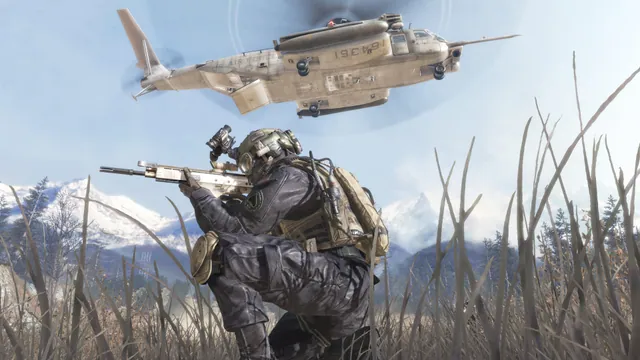
Call of Duty®: Modern Warfare® 2 (2009) gameplay reference; not a capture of the linked project.
Image credits ↗The Xbox 360 game’s executables translated for native PC play.

Doom publisher gameplay reference from the current DOOM + DOOM II gallery; not a capture of the linked port.
Image credits ↗Ports designed to preserve the original DOS behavior, including compatibility quirks.