
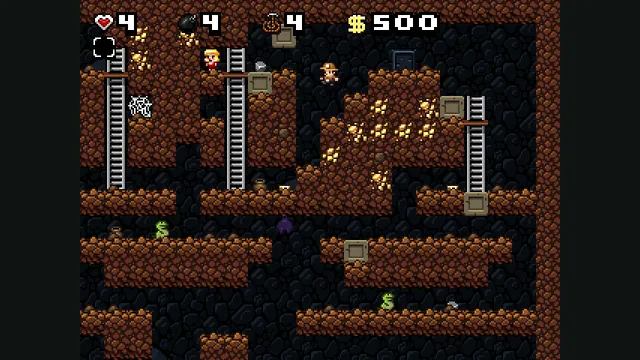
Derek Yu’s freeware Spelunky Classic, ported from GameMaker to HTML5 by Darius Kazemi.
Explore Cave Story through NXEngine-evo, ready to load in a browser.
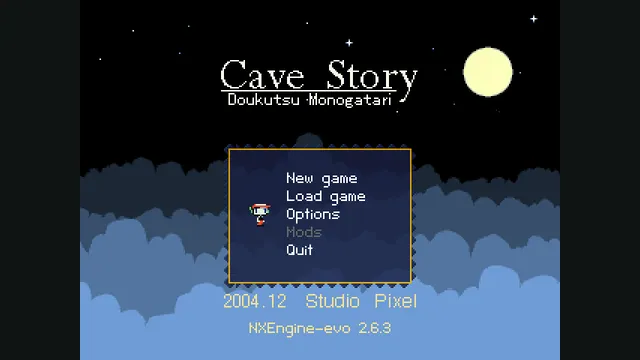
midzer’s browser build brings the NXEngine-evo recreation of Cave Story to the web. Load the game, choose New game and explore with keyboard controls without importing an original installation.
The first playable room places you on a small platform with water below, a door above and useful objects across a gap. Movement and jumping are the first challenge: look at the room before leaving the starting platform, then learn how much space each jump covers.
This browser route runs Cave Story through NXEngine-evo. It gives you the game’s New game path, opening dialogue and keyboard-driven exploration, rather than a video or a standalone level demonstration.
midzer’s fork links directly to this web build. It builds on NXEngine-evo, the refactored continuation of Caitlin Shaw’s NXEngine recreation. The live menu identifies version 2.6.5; the repository’s representative title-screen image shows an older 2.6.3 menu.
NXEngine-evo documents SDL2, resolution options and other engine changes. Those project features should not be confused with the separate commercial Cave Story+ edition, which is not what this link launches.
Choose Click here to load on the host. Its initial estimate is about 9 MB. Wait for the menu, click inside the game to focus it, leave New game selected and press Z.
Advance the opening conversation with Z. When Start Point appears, the arrow keys move and Z jumps. The initial room is a useful place to get comfortable with the controls before continuing through a door.
The default input mapping uses arrow keys for movement, Z for jump and confirmation, and X for firing or cancelling. Down handles interactions; Q opens inventory, while A and S select the previous and next weapon. A weapon action only becomes useful after obtaining a weapon.
Escape opens the pause menu, where Options provides the game’s settings. Click the game again if a key operates the surrounding browser instead.
Use a desktop keyboard as the starting route. The host provides no browser-specific phone or controller compatibility guide, so there is no promised touch workflow here.
The menu includes a Load game option, but this host does not explain save export or transfer between browsers. Keep a continuing game in the same browser profile; do not expect another Cave Story build to find its progress automatically.
Click the load link to retrieve the hosted game data; the page estimates about 9 MB. No local game files are requested.
Creator-reported · Project guideChoose Click here to load and wait for the Cave Story menu. Click the game, select New game and press Z. Use Z to advance the opening dialogue; move with the arrow keys and jump with Z when the starting cave appears.
Start with a desktop browser and keyboard. The browser build does not publish a device compatibility matrix.
Creator-reported · Project guideArrow keys move; Z jumps and confirms; X fires once you have a weapon and cancels menus. Down interacts, Q opens inventory, A/S switch weapons and Escape opens the pause menu. Options can change bindings.
Creator-reported · Project guideThe page loads an NXEngine-evo recreation, not Cave Story+. Keep the game focused for keyboard input. Browser save transfer is not documented on this host.
Creator-reported · Project guideDerek Yu’s freeware Spelunky Classic, ported from GameMaker to HTML5 by Darius Kazemi.
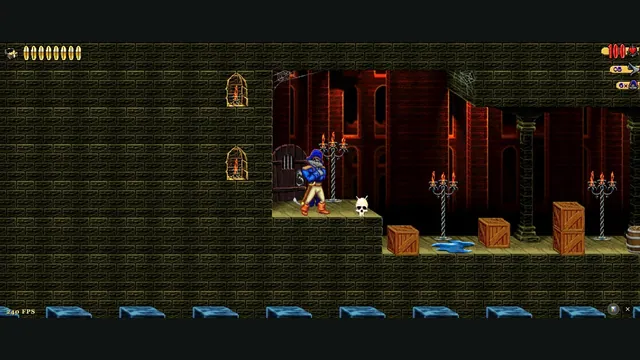
Captain Claw’s 14 levels, with widescreen play, gamepad support and browser saves.
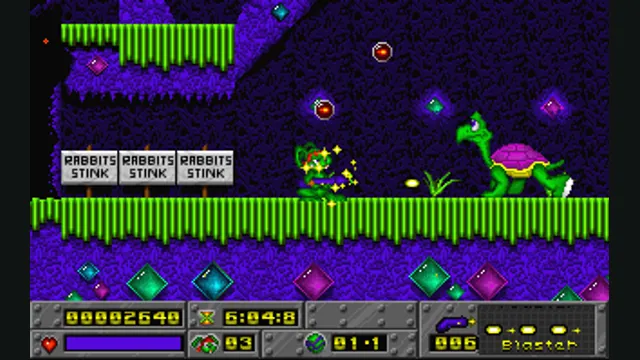
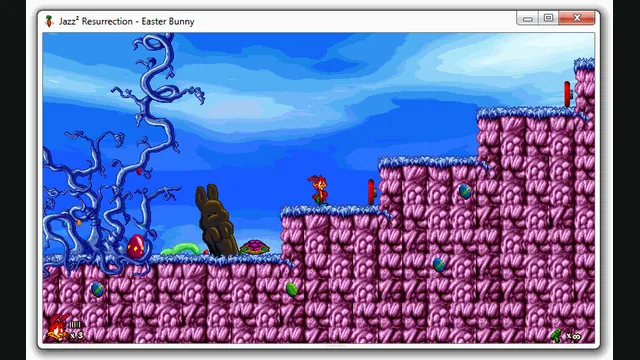
A browser preview of the Jazz Jackrabbit 2 reimplementation with an episode import option.