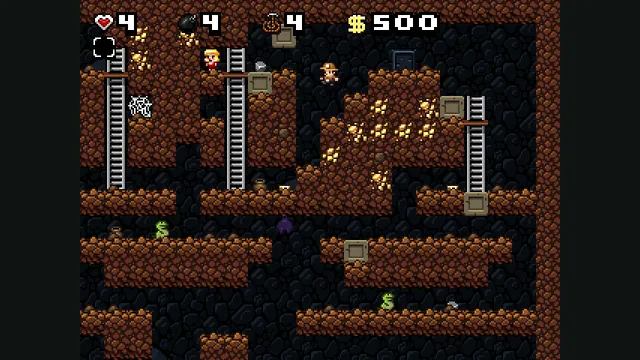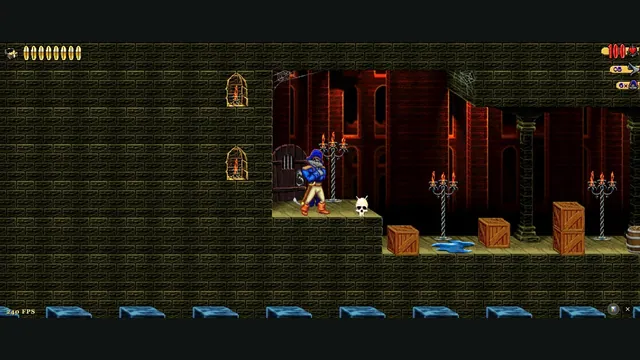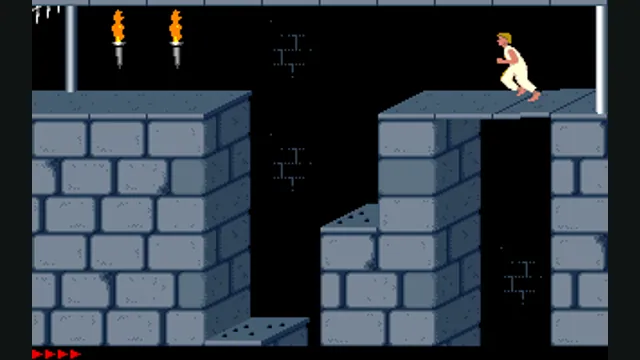
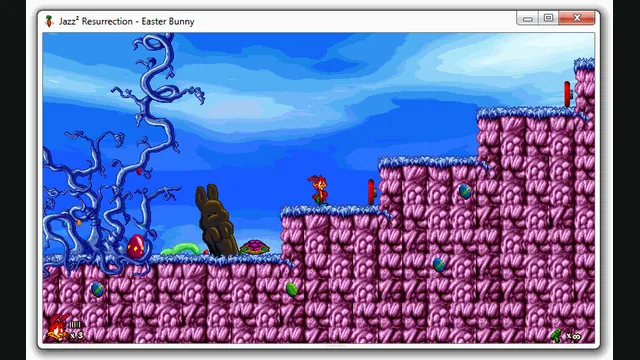
Jazz² Resurrection creator preview, extracted as a still from a native window. It illustrates the project, not a capture of the browser build.
Image credits ↗A browser preview of the Jazz Jackrabbit 2 reimplementation with an episode import option.
The OpenJazz engine compiled for the browser, linked by its maintainers.
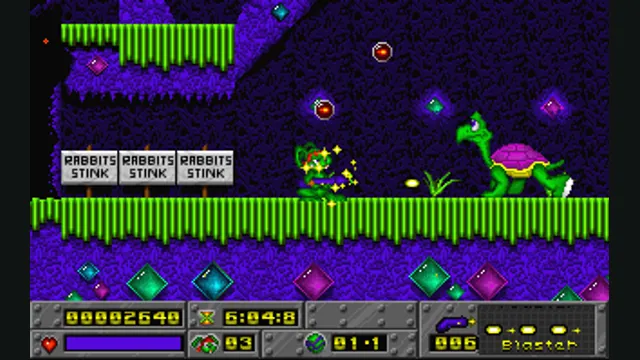
PlayCheck file requirementsJazz Jackrabbit original-game reference; not a capture of OpenJazz’s browser build.
Game imagery remains copyright its respective rights holders. Image published at https://en.wikipedia.org/wiki/File:Jazz_Jackrabbit_gameplay.screenshot.png.
Source & attribution ↗View image ↗OpenJazz recreates the engine of the original Jazz Jackrabbit, with a browser build linked by its maintainers. Its configurable controls and fast platforming make this a different project from Jazz² Resurrection, which targets the sequel.
Epic’s original Jazz Jackrabbit is a colourful PC platform game built around speed and shooting. OpenJazz’s weapon selection includes the Blaster, Toaster, Missile, Bouncer and TNT; movement also includes jumping and swimming. Choosing a weapon and lining up a jump are both part of navigating its levels.
This is the first Jazz Jackrabbit’s engine family. Jazz² Resurrection is a separate project for the sequel, with a different episode import system. A data set intended for one should not be treated as a substitute for the other.
The maintainers link this browser build from OpenJazz's main repository. OpenJazz replaces the old executable so that original Jazz data can run on modern systems. The hosted build's own repository names three supplied shareware sets: Jazz Jackrabbit Shareware 1.1, Holiday Hare and Holiday Hare '95. These provide a browser starting point without presenting the complete retail game as bundled content.
The broader engine manual lists additional compatible data sets, including the CD's Lost Episodes and the Complete edition. That native-engine compatibility list is wider than the hosted shareware inventory. Use the main project's setup documentation when exploring an owned retail release; the browser host does not document an equivalent retail-import flow.
OpenJazz · engine READMEOpenJazz · player manualOpenJazz web build · supplied shareware inventory
Use Enter to select menu items and Escape to go back. In Setup options, check the bindings for movement, jump and fire: OpenJazz defaults vary by platform, so remembered DOS or Windows keys may not match this build. The number keys 1–5 select the five weapon types when available, and P pauses.
The manual’s controller instructions concern devices recognised by SDL and can require manual mapping. They should not be read as a guarantee for every controller in the hosted browser version. A keyboard is the clearest starting point while checking the in-game bindings.
The browser host packages Jazz Jackrabbit Shareware 1.1, Holiday Hare and Holiday Hare ’95. These shareware episodes are separate from the full retail game data required by other OpenJazz installations.
Creator-reported · Project guideOpen the maintainer-linked web build. Use the project manual for controls and the repository for native alternatives.
Creator-reported · Project guideAn Emscripten browser build is linked by the project; no device/browser compatibility matrix is established by the reviewed web page.
Creator-reported · Project guideUse Enter to choose menu options, Escape to go back and P to pause. Movement, jump and fire bindings can be changed under Setup options; defaults vary by platform.
Creator-reported · Project guide