
The Binding of Isaac: Repentance+
Start a Repentance+ run in chiikabu’s browser recompilation.
About this version
The Browsing of Isaac recompiles the Windows Repentance+ game for WebAssembly. The hosted route starts without a file import and provides keyboard controls and browser-local saves.
- Project
- The Browsing of Isaac
- Original game
- The Binding of Isaac: Repentance+
Move and shoot independently
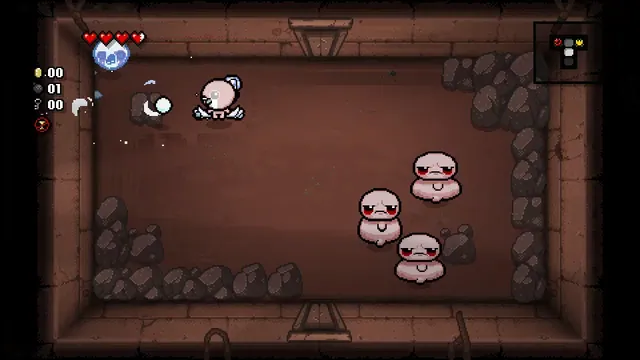
A run begins in a basement room with separate controls for movement and shooting. WASD moves Isaac while the arrow keys send tears in a chosen direction. This lets you keep moving away from danger while aiming somewhere else.
The starting room puts those controls on the floor. Try walking across it and firing before leaving through a doorway. Bombs and active items use separate keys, so avoid spending a limited resource while learning the movement.
chiikabu’s Repentance+ port
The Browsing of Isaac is chiikabu’s WebAssembly recompilation of the Windows game. It is an independent fan port, rather than a new Isaac remake or an official Nicalis browser release. The hosted launch and the repository’s build process are different routes: starting this page has no local-file import, while compiling your own copy needs your own game.
The retail Repentance+ update adds features to the Steam game. Those original online modes do not establish working browser matchmaking. Choose New Run for a local first session.
The Browsing of Isaac instructionsOfficial Repentance+ Steam edition
Start an Isaac run
Allow the first resource load and introductory sequence to finish. Click the game, press Enter at the title and select a save slot with Space. Choose New Run, keep Isaac and Normal selected, then press Space.
Once the room appears, use WASD and the arrow keys independently. Escape opens the pause menu. A short first run is enough to decide whether this input and browser setup suit you before investing in a longer session.
Keyboard and creator-documented alternatives
Space uses the active item, Q uses a card or pill, E drops a bomb and Ctrl swaps items or drops a held pickup. Tab opens the map. Keep the canvas focused so those keys reach the game.
The creator also documents phone touch controls and controllers, and names Chromium browsers as the target. Those are creator-supported options; the keyboard route is the starting point described here.
Keep an export of important progress
The creator stores saves in the browser and exposes export and import through EDIT FILE on the file-selection screen. Existing PC .dat saves can also be imported. Use an export before clearing site data or moving to another browser profile.
Browser progress and the official Steam version are separate stores. The Repentance+ Steam update requires the base game and its listed DLC; that purchase path is distinct from the hosted browser startup.
The Browsing of Isaac instructionsOfficial Repentance+ Steam edition
Before you play
Do I need the original game files?
The hosted browser route loads its own resources and does not ask you to import game files. Building a separate copy from source requires your own game.
Creator-reported · Project guideHow do I get started?
Wait for the initial load and intro, click the game and press Enter at Press Start. Select a save slot with Space, choose New Run and leave Isaac selected on Normal. Press Space to begin. Move with WASD and shoot with the arrow keys.
- Wait for the initial load and intro, click the game and press Enter at Press Start.
- Select a save slot with Space, choose New Run and leave Isaac selected on Normal.
- Press Space to begin. Move with WASD and shoot with the arrow keys.
Which devices and browsers work?
The creator targets Chrome, Edge and other Chromium browsers on desktop or Android. The README documents direct touch input on phones.
Creator-reported · Project guideWhat are the controls?
WASD moves; arrow keys shoot. Space uses an active item, Q uses a card or pill, E drops a bomb, Ctrl swaps or drops held items, Tab shows the map and Escape pauses. The creator also documents USB/Bluetooth controller input with Xbox-layout buttons.
Creator-reported · Project guideHow do saves work?
The creator documents browser-local saves. EDIT FILE on file selection exports or imports saves, including PC .dat saves. No cloud synchronization is promised.
Creator-reported · Project guideWhat should I know before playing?
Browser storage belongs to this site and profile. Export important progress before clearing it. The port is independent of Nicalis; original Steam multiplayer features are not a promise of browser online support.
Creator-reported · Project guideKeep exploring
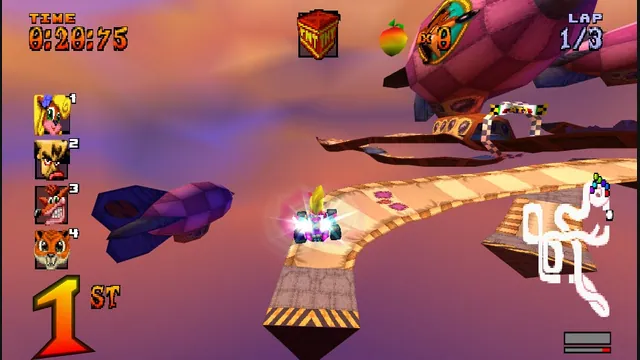
The PS1 kart racer with widescreen, remappable controls and browser save backups.
Original files requiredPlay
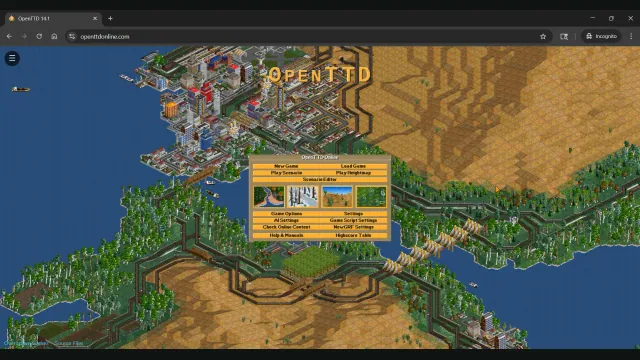
Build railways and transport networks with OpenTTD’s free assets and browser save transfers.
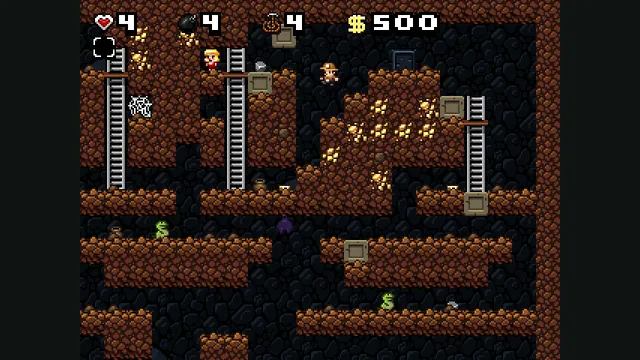
Derek Yu’s freeware Spelunky Classic, ported from GameMaker to HTML5 by Darius Kazemi.