
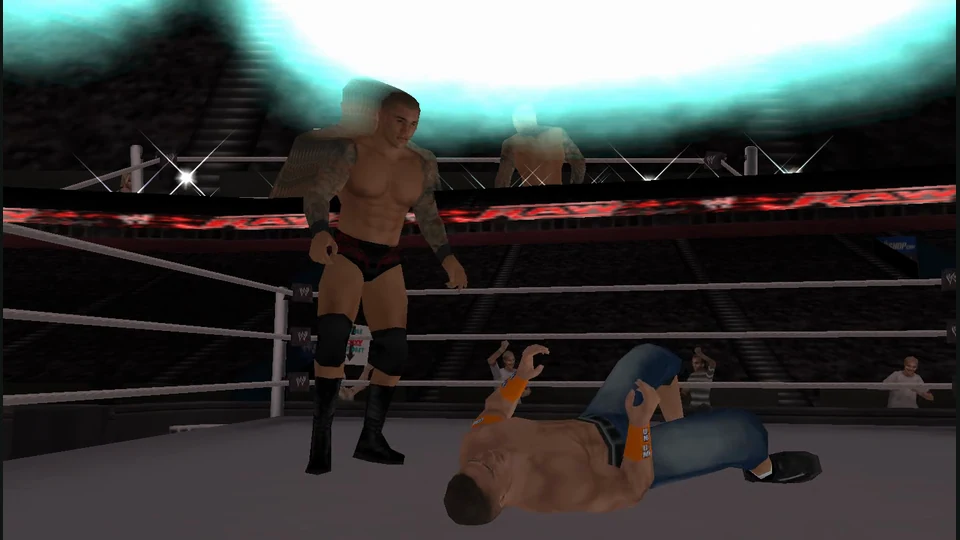
WWE SmackDown vs. Raw 2011
PSP wrestling in your browser, with a quick-match launcher and local saves.
About this version
This independent host runs the PSP edition through PSP Web Recomp. Quick match jumps into a bout; Play opens the game menus. Keyboard and standard gamepad controls, internal-resolution settings and save backups sit beside the game.
- Project
- PSP Web Recomp browser build
- Original game
- WWE SmackDown vs. Raw 2011
A PSP wrestling bout in a browser
This build takes the PSP edition of SmackDown vs. Raw 2011 into a web runtime. Its appeal is the immediate wrestling match: move around the opponent, time strikes and grapples, and work toward the finish. The portable edition is the relevant version here; features of the home-console releases should not be assumed to carry across.
The web launcher offers two entrances. Quick match selects a bout for you, while Play starts the ordinary game menus. Choose Quick match when you want to reach the ring with fewer decisions, or the game menu when you want control over its match selections.
PSP Web Recomp browser build · launch and setup documentationOperator ownership and software notice
Translate the PSP buttons before you start
Click inside the game so it receives your input. Enter sends Start and Z sends Cross, the usual confirmation button. Arrows act as the D-pad; IJKL provide the analog stick. X, A and S map to Circle, Square and Triangle, while Q and W map to the shoulder buttons. These are console-button mappings, so an instruction shown by the game still refers to the PSP button rather than your keyboard letter.
A standard controller can be activated by pressing a button while the game has focus. Start with one input method and learn the strike and grapple prompts shown by the selected match. F or the launcher button requests fullscreen.
PSP Web Recomp browser build · launch and setup documentationOperator ownership and software notice
Adjust the picture and protect your memory card
The Graphics panel offers the original 480×272 internal resolution and higher 2×, 3× and 4× settings. Higher settings render more pixels and demand more graphics work. Change one setting at a time; a sharper picture is useful only while the bout remains responsive.
The Saves panel exports and imports the browser-local memory card. Keep a backup before clearing this site’s data or moving to another browser. The operator says you need your own game copy; the reviewed launcher loads its data automatically rather than presenting an ISO upload step.
PSP Web Recomp browser build · launch and setup documentationOperator ownership and software notice
Treat this as local wrestling
The current runtime status reports local mode and disables experimental online play. An Online tab or an empty wins table does not make a synchronized wrestling match available. Choose this build for its local game route, and check the host’s current status before planning a session with another player.
Before you play
Do I need the original game files?
The launcher loads its runtime and data automatically. The operator says you need your own copy of the game; its start flow does not ask you to import an ISO.
Creator-reported · Project guideHow do I get started?
Wait for Ready, then choose Quick match for a bout or Play for the game menus. Click the game and press Enter for Start; Z confirms menu choices.
Creator-reported · Project guideWhich devices and browsers work?
The host targets PC keyboard and standard gamepad input with WebGL2 graphics. Raise internal resolution only if the game remains responsive.
Creator-reported · Project guideWhat are the controls?
Arrows are the D-pad; Z is Cross/confirm, X Circle/back, A Square and S Triangle. Q/W are L/R, Enter is Start, Shift is Select and IJKL is the analog stick. F toggles fullscreen. Click the game before using keyboard or gamepad controls.
Creator-reported · Project guideCan I play multiplayer?
The current service reports local mode with onlineExperimental set to false. The online leaderboard is not an available multiplayer match.
Creator-reported · Project guideWhat is included in this version?
This is the PSP edition, with ordinary game menus and a quick-match shortcut. It is not the PlayStation 2, PlayStation 3 or Xbox 360 edition.
Creator-reported · Project guideHow do saves work?
The launcher offers browser-local memory-card storage and export/import backups. Keep a backup before clearing site data or changing browser profiles.
Creator-reported · Project guideKeep exploring
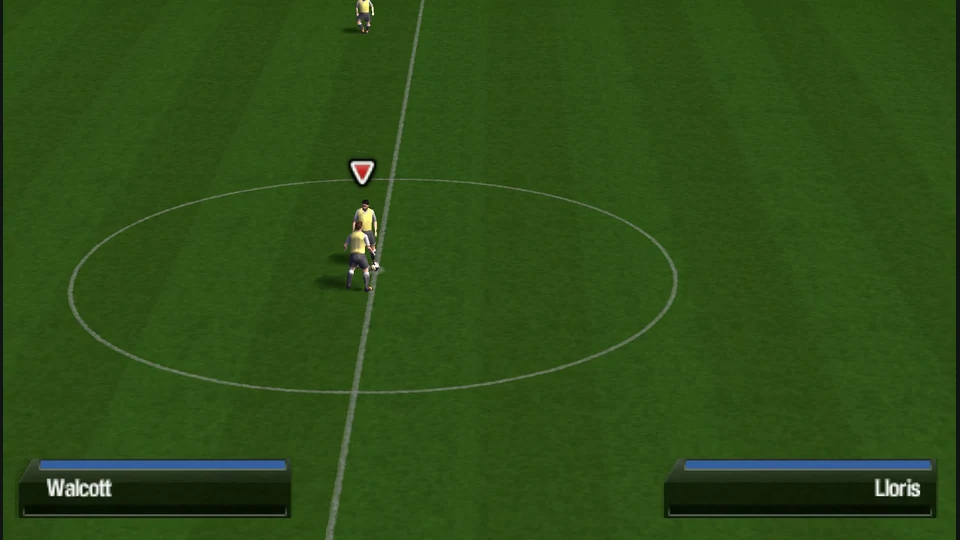
PSP football with a quick-friendly shortcut, keyboard mapping and browser save backups.
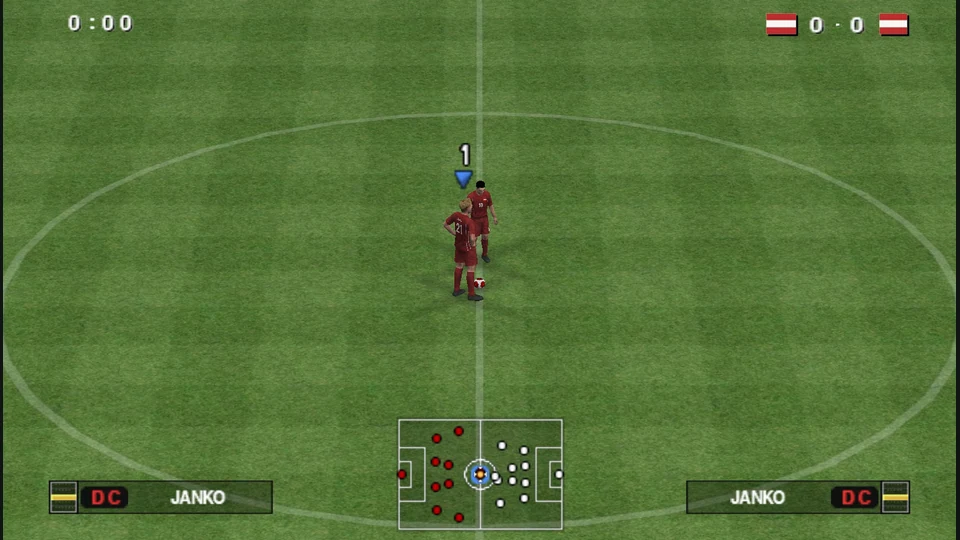
PES 6’s PSP edition, with browser saves, controller mapping and an online lobby.