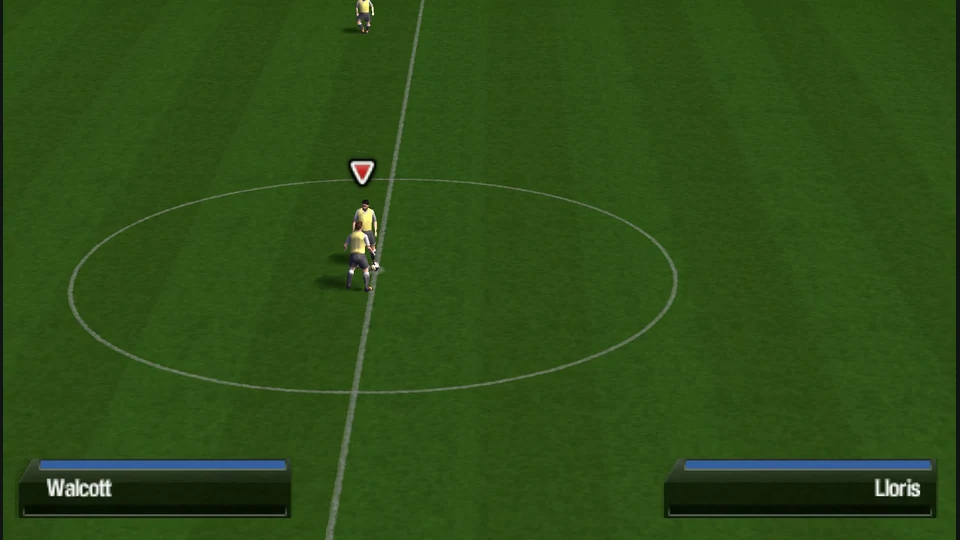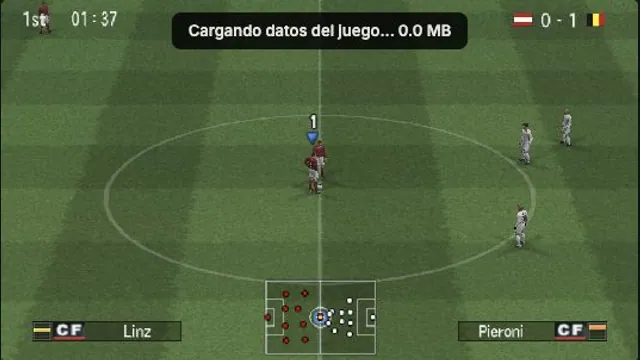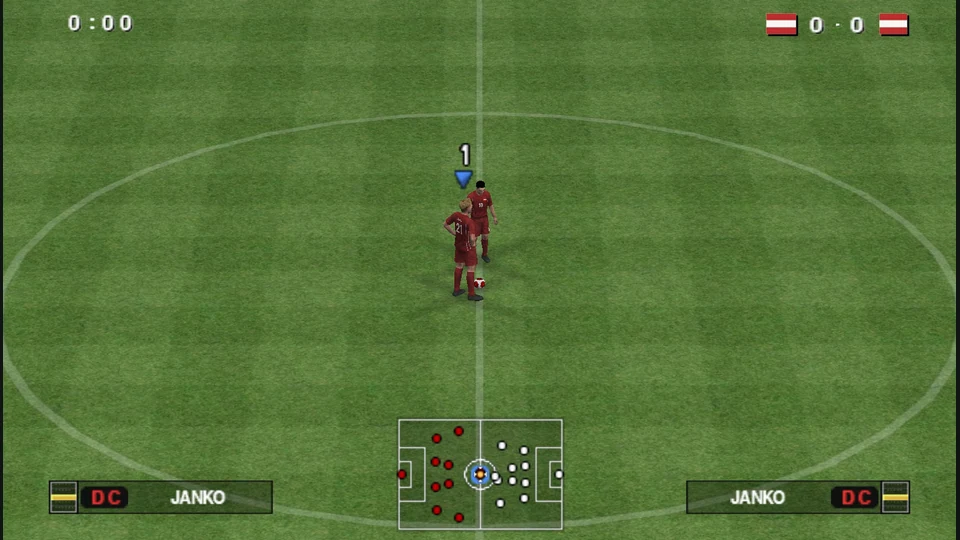
Pro Evolution Soccer 2014
PSP football with a quick-friendly shortcut, keyboard mapping and browser save backups.
About this version
This independent browser build uses the PSP edition through PSP Web Recomp. Its web shell provides keyboard and standard gamepad input, WebGL2 internal-resolution choices and browser-local memory-card tools. Other console and PC editions are separate versions.
- Project
- PSP Web Recomp browser build
- Original game
- Pro Evolution Soccer 2014
A portable PES match with a direct shortcut
This host runs the PSP edition of Pro Evolution Soccer 2014 through PSP Web Recomp. It is a separate implementation from the PC and home-console versions, so choose it for the portable game and the convenience of its web controls.
Quick match takes the short route into a friendly. Game menu keeps the game’s own team and match choices in your hands. The distinction is useful for a first session: learn passing and player movement in a short friendly before spending time on a longer competition.
PSP Web Recomp browser build · launch and setup documentationOperator ownership and software notice
The online panel is a preview
The host labels its online rooms as a preview and says synchronized gameplay is still in development. A room connection or shared controls should not be treated as a finished online football match. Plan your first session around the local match route.
The operator says you need your own game copy. The reviewed web start flow loads its data automatically and does not ask you to import a disc image. This ownership statement and the launcher’s loading behavior are separate details.
PSP Web Recomp browser build · launch and setup documentationOperator ownership and software notice
Before you play
Do I need the original game files?
The launcher loads its runtime and data automatically. The operator says you need your own copy of the game; its start flow does not ask you to import an ISO.
Creator-reported · Project guideHow do I get started?
Wait for Ready, then choose Quick match for a friendly or Game menu to choose the match yourself. Click the picture, use Enter for Start and Z to confirm.
Creator-reported · Project guideWhich devices and browsers work?
The host targets PC keyboard and standard gamepad input. Its graphics panel uses WebGL2 and offers 1× through 4× internal resolution.
Creator-reported · Project guideWhat are the controls?
Arrows are the D-pad; Z is Cross/confirm, X Circle/back, A Square and S Triangle. Q/W are L/R, Enter is Start, Shift is Select and IJKL is the analog stick. F toggles fullscreen. Click the game before using keyboard or gamepad controls.
Creator-reported · Project guideCan I play multiplayer?
The online panel is a lobby preview. The host says synchronized game play is still in development; matching with a person does not establish a working online match.
Creator-reported · Project guideWhat is included in this version?
This is the PSP edition, not the PC or home-console version. The game uses its own menus after the browser runtime starts.
Creator-reported · Project guideHow do saves work?
The launcher offers browser-local memory-card storage and export/import backups. Keep a backup before clearing site data or changing browser profiles.
Creator-reported · Project guide