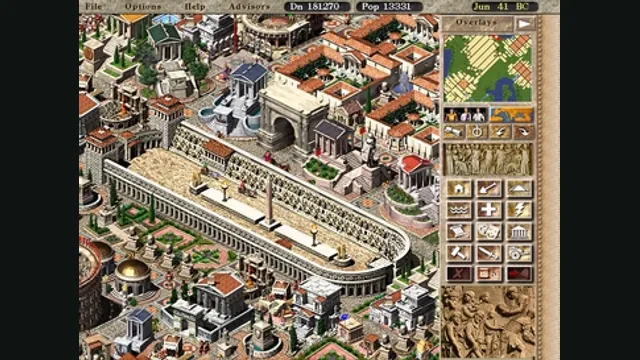
Caesar III with modern compatibility and small usability improvements.
Original files requiredSetup
A native Heroes III engine recreation with a launcher, map editor and mod support.
 SetupYour game files required
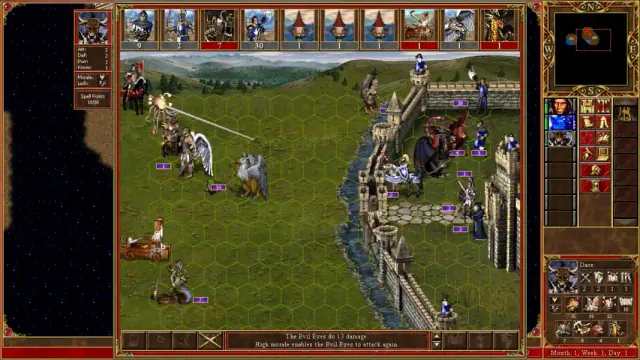
VCMI creator screenshot of a Heroes III castle siege.
Game imagery remains copyright its respective rights holders. Image published at https://vcmi.eu/.
Source & attribution ↗View image ↗A native Heroes III engine recreation with a launcher, map editor and mod support. Saves from different major VCMI versions are usually incompatible; finish or preserve ongoing games before upgrading.
VCMI recreates the Heroes of Might and Magic III engine and gives it an expandable platform for maps, campaigns and mods. Its launcher organizes the installation, and the project includes a map editor and documented mod formats. The original game data still supplies the familiar assets; VCMI is the engine around them, not a free replacement for buying the game.
The interface work includes larger information displays, creature ability descriptions and touch-oriented elements. That makes it interesting both for returning desktop players and for people using one of the separately documented mobile builds. Follow the platform guide that matches the device rather than assuming desktop installation steps transfer directly to a phone.
The Windows launcher accepts a supported Heroes III installation or the GOG offline backup installer. For the latter, keep both the EXE and matching BIN file; selecting only a downloaded executable without its data partner is not the complete input. The launcher can extract the required files itself.
If an existing Complete or Shadow of Death installation is not detected, the Windows guide identifies Data, Maps and Mp3 as the directories to copy into the VCMI user-data folder before scanning again. Recommended mods can be chosen after the basic data import, so establish the base installation before adding more variables.
Heroes games can represent many evenings of progress, and VCMI’s update warning matters: saves from a different major version are usually incompatible. Preserve the working version and its data, or finish an ongoing game before making a major upgrade. Daily builds are available for testing but are not guaranteed stable.
On Windows, imported data, mods, saves and settings normally live under Documents/My Games/vcmi. Advanced directory overrides require restarting the application and moving existing data where appropriate. Reinstalling the program and relocating its user data are separate operations; keep the latter intact when maintaining a long-running game.
VCMI · project and version guidanceVCMI · Windows installation and data locations
Heroes III Complete or Shadow of Death data is required. The Windows guide accepts the GOG offline installer pair (.exe and .bin), or Data, Maps and Mp3 from an existing installation.
Creator-reported · Project guideInstall VCMI, open its launcher, and import the supported GOG installer or scan the original game directories.
Creator-reported · Project guideThe project publishes Windows, macOS, Linux, Android and iOS packages.
Creator-reported · Project guideSaves from different major VCMI versions are usually incompatible; finish or preserve ongoing games before upgrading.
Creator-reported · Project guideCaesar III with modern compatibility and small usability improvements.
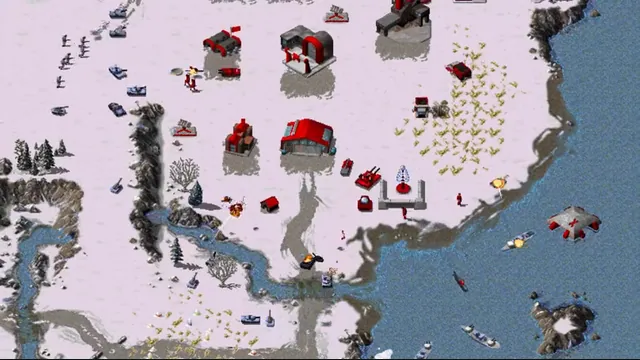
OpenRA creator footage still showing its Red Alert ruleset. Other included rulesets have different units and settings.
Image credits ↗Classic Westwood real-time strategy games reimagined in a modern native engine.
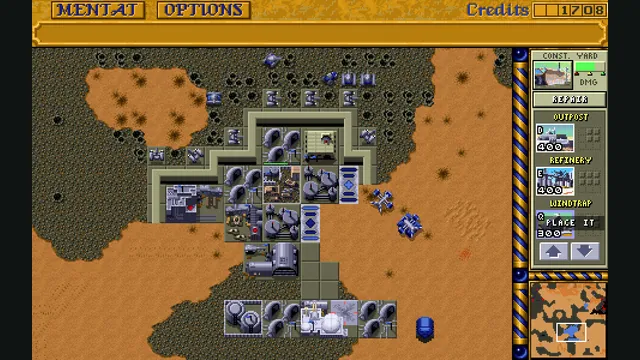
Dune Dynasty creator screenshot; the gameplay panel is cropped from the project’s four-panel showcase.
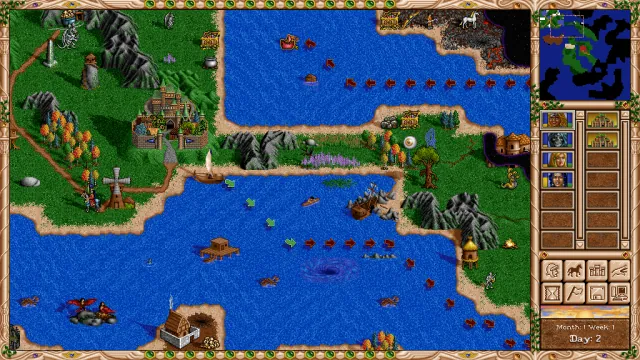
Image credits ↗Heroes II recreated with modern resolutions, interface improvements and revised AI.