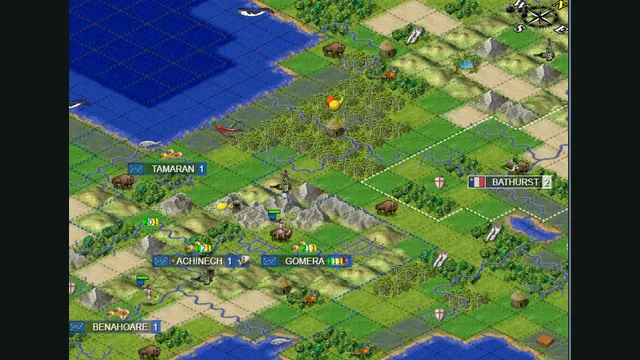
Map excerpt from the Freeciv-web community server’s published 2021 screenshot. It illustrates the project, not a current session or compatibility test.
Image credits ↗Caesar III with modern compatibility and small usability improvements.
 SetupYour game files required
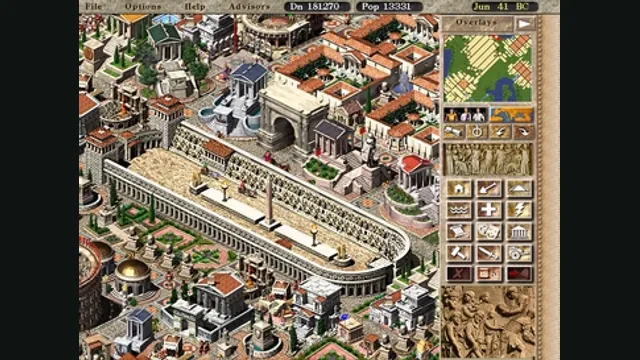
Caesar III gameplay reference; not a capture of the linked project.
Caesar III game imagery remains copyright its respective rights holders. Screenshot provenance and original credit: linked Wikimedia file page. No Wikimedia license is assumed.
Source & attribution ↗View image ↗Julius preserves the original city-builder while adapting it to modern systems. Its documentation covers releases and where to place the original Caesar III files.
Caesar III asks you to build Roman cities while balancing trade, industry, money and imperial expectations. Some scenarios involve defending the settlement as well as developing it. Citizens provide clues about what needs attention, so the city’s apparent prosperity is only part of the picture.
Its appeal lies in making the parts work together: new structures and challenges arrive as your career progresses, requiring you to rethink how the settlement functions. Julius is intended for players who want those original rules with a more usable modern display.
Julius deliberately keeps Caesar III’s game logic, look and feel while adding interface improvements such as widescreen support and windowed play. It also supports the high-quality MP3 music files once provided by Sierra. The goal is a familiar game, not a redesign of the simulation.
That goal includes retaining gameplay bugs from the original when needed for compatibility. Augustus, a separate fork, adds broader gameplay changes such as roadblocks. If you want the original behavior, Julius is the appropriate branch; if you want a revised ruleset, compare Augustus before starting a long campaign.
Supply the original Caesar III files from your CD or digital purchase, patched to version 1.0.1.0. You can place Julius in that game folder or run it elsewhere and select the folder when prompted. The application does not include the original data.
The game-data directory must be writable because Julius stores saves there. If saving fails, check that location rather than assuming the city itself is damaged. A system-protected installation directory can need a different location or permissions arrangement.
Julius and original Caesar III saves are compatible in both directions. That makes Julius particularly useful when you want to continue an old city while retaining the option of returning to the original program.
Augustus can import original or Julius saves, but cities saved by Augustus cannot be loaded back into Julius or Caesar III. Keep a separate pre-conversion copy if you experiment with that fork. The browser and mobile targets listed by the project also have their own platform setup; this page links the upstream project and its installation instructions.
Original Caesar III game files from your disc or digital purchase.
Creator-reported · Project guideGet the platform release and follow its game-data location instructions.
Creator-reported · Project guideMap excerpt from the Freeciv-web community server’s published 2021 screenshot. It illustrates the project, not a current session or compatibility test.
Image credits ↗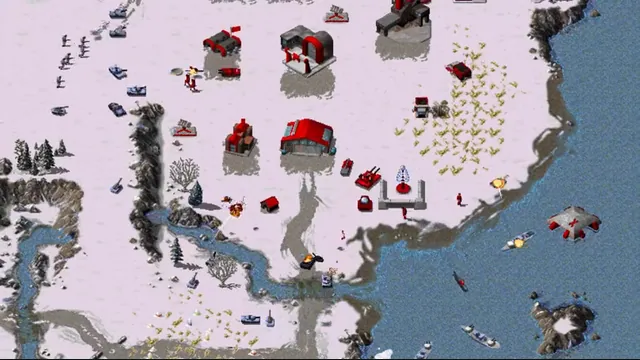
OpenRA creator footage still showing its Red Alert ruleset. Other included rulesets have different units and settings.
Image credits ↗Classic Westwood real-time strategy games reimagined in a modern native engine.
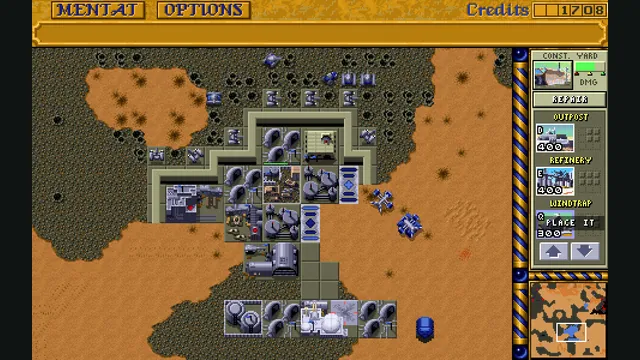
Dune Dynasty creator screenshot; the gameplay panel is cropped from the project’s four-panel showcase.
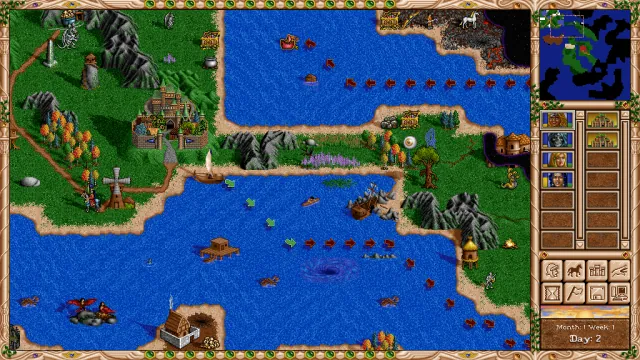
Image credits ↗Heroes II recreated with modern resolutions, interface improvements and revised AI.