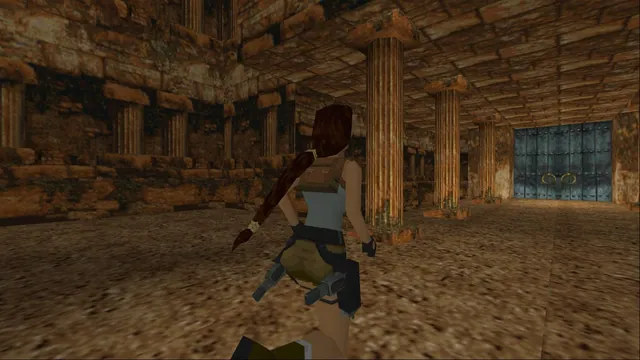
A combined native engine for the first three Tomb Raider games with configurable controls and rendering.
Demo availableDownload
A Windows/Vulkan runtime for Bluepoint’s PS4 remake, requiring your own game and console audio files.
 SetupYour game files required
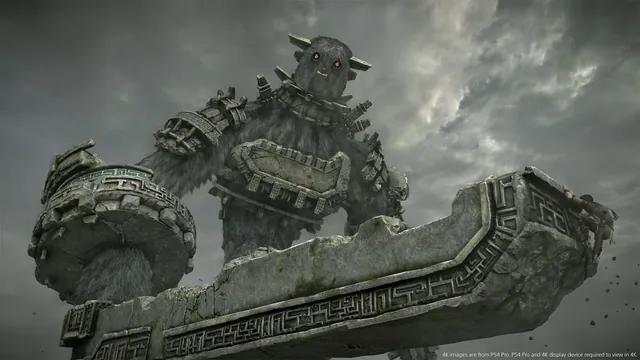
Original-game reference: Shadow of the Colossus (2018), from the PlayStation 4 gallery. Not a capture of the PC project.
Sony Interactive Entertainment / Bluepoint Games / Japan Studio; official PlayStation screenshot.
Source & attribution ↗View image ↗AjncSystem’s project loads the 2018 PS4 remake’s original x86-64 code on Windows and translates its graphics to Vulkan. The public v0.57 release supplies a runtime ZIP. The launcher offers output upscaling and control options; its 4K output is upscaled from internal 1080p, not a claim of native 4K rendering.
Shadow of the Colossus sends a solitary traveler across an ancient landscape to seek creatures connected to the power to revive a loved one. A sword and bow are the basic tools, but each enormous opponent presents a different problem to understand. The journey between encounters and the contrast between a small human figure and a vast creature are central to its appeal.
This project targets Bluepoint and Japan Studio’s 2018 PS4 remake. That distinction matters when supplying game data or comparing imagery: the original PS2 release is not the input for this runtime.
The runtime executes the PS4 game’s own x86-64 code and translates graphics to Vulkan on Windows. Its launcher adds keyboard remapping, mouse camera controls and gamepad support, plus save import from an existing shadPS4 setup.
The up-to-4K output setting uses FSR 1 and sharpening from internal 1080p rendering. Treat that as upscaled output rather than native 4K. The 60 FPS and filtering patches are tied to the supported EU 1.01 revision, so display options and executable compatibility should be checked together.
Use your own CUSA08809 game dump and the two required sound modules from your console: libSceNgs2.sprx and libSceUlt.sprx. The launcher can locate existing local files and offers save import, but the release includes none of those Sony files. Without the sound modules the game runs silently.
Expect shader rebuilding after updates and demanding memory use in large areas. Version 0.57’s AMD color fix was not yet validated on AMD hardware in the creator’s notes, so do not read its presence in a changelog as a solved problem on every card. Preserve saves before changing the runtime or importing another installation.
Your own CUSA08809 PS4 game dump, preferably EU version 1.01. Audio also needs your own decrypted libSceNgs2.sprx and libSceUlt.sprx console modules; those files are not included.
Creator-reported · Project guideExtract SotC-PC.zip from the project release. In the launcher, select your CUSA08809 game folder and your own required audio modules, then configure the display and controls. The game runs silently without the audio modules.
Creator-reported · Project guideWindows 10/11 64-bit with a Vulkan 1.3 GPU and a recent driver. The project documents NVIDIA, AMD and Intel paths; no mobile or browser build is verified.
Creator-reported · Project guideKeyboard, controller and mouse camera input are documented together. The launcher provides key remapping and display settings.
Creator-reported · Project guidev0.57 changes the AMD shader path, but its release notes explicitly say that fix had not yet been tested on an AMD card. The shader cache rebuilds at first start. The 4K output option upscales internal 1080p with FSR 1 and RCAS.
Creator-reported · Project guideA combined native engine for the first three Tomb Raider games with configurable controls and rendering.
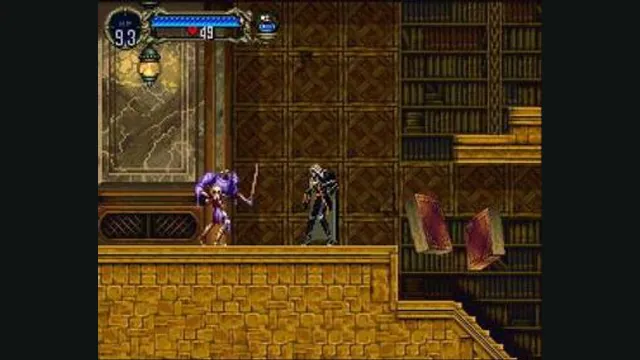
Castlevania: Symphony of the Night gameplay reference; not a capture of the linked project.
Image credits ↗A PlayStation recompilation with an openly labeled beta release.
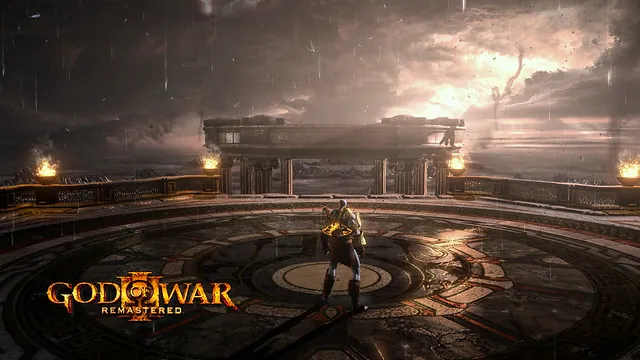
Original-game reference: God of War III Remastered from the official PS4 announcement. Not a capture of the PC runtime.
Image credits ↗A Windows and experimental Linux runtime for the PS4 remaster, with your own game dump.
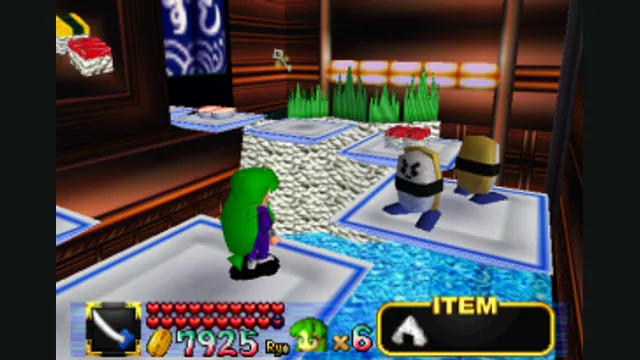
Mystical Ninja Starring Goemon original-game reference; not a Goemon 64: Recompiled capture.
Image credits ↗Goemon’s N64 adventure with native rendering, remappable input and modern display options.