The Darkness
The Xbox 360 shooter translated to a native Windows build.
 SetupYour game files required
Credits
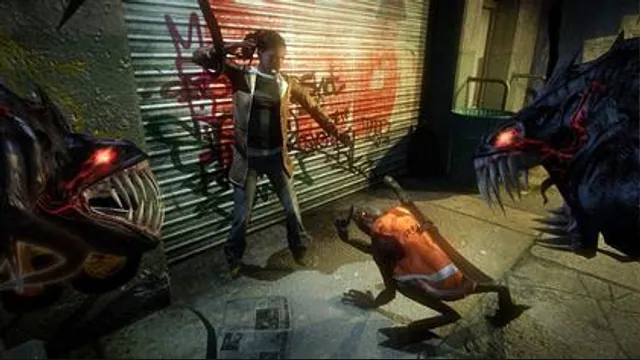
The Darkness original-game screenshot reference; not a capture of the linked project.
The Darkness (video game) game imagery remains copyright its respective rights holders. Image credit and provenance: linked source page. No transferable license is inferred.
Source & attribution ↗View image ↗About this version
This project translates the game ahead of time and supplies a D3D11 renderer. The README documents keyboard remapping, mouse look and controller input.
- Project
- The Darkness Recomp
- Original game
- The Darkness
A dedicated Windows version of the Xbox 360 game
The Darkness Recomp translates this specific game into a Windows executable and uses a Direct3D 11 renderer. Its documented player features include mouse look, controller support, keyboard remapping, audio, saves and adjustable display settings. It is a dedicated port: replacing its files with another Xbox 360 game does not turn it into a general console runtime.
The port adds practical PC menu controls, including mouse selection, subtitle scaling and separate dialogue-choice bindings. Adjusting those dialogue controls independently of weapon switching is useful when the same mouse wheel or keys need different meanings during conversations and combat.
Use the release route for a first session
Extract the Windows release and put your complete supported game dump in its Darkness folder, including default.xex, Content, System and the other original files. Launch.cmd starts the installed game with sound; LaunchWithSettings.cmd offers settings before play. The release does not require a compiler or a separate audio build.
An ISO alone is not the documented input. The runtime expects the extracted matching files and decodes the original executable at startup. Older instructions involving prepared decrypted executables are no longer the current route, and arbitrary title updates need their own supported translation.
Keep the controls and progression predictable
F1 shows controls, F2 toggles mouse capture and Escape releases it. The game’s Video Quality menu and settings launcher share saved graphics options. Subtitle size can be adjusted during play, while language changes take effect after restarting.
The original achievement list is available under Extra Content, with local unlocks stored between sessions; Xbox LIVE synchronization is unavailable. Developer tools can change missions and Darkness abilities and may autosave, so they are separate from ordinary settings. The commit-update launcher also requires development tools and extra disk space; installing a newer release ZIP is the simpler update route for an existing player.
Before you play
Do I need the original game files?
Your own extracted Xbox 360 game dump.
Creator-reported · Project guideHow do I get started?
Follow the current original-project release and setup guide; supply the supported game files when requested.
Creator-reported · Project guide
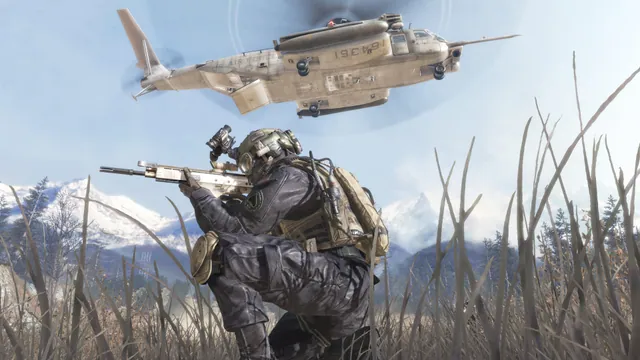
Call of Duty®: Modern Warfare® 2 (2009) gameplay reference; not a capture of the linked project.
Image credits ↗The Xbox 360 game’s executables translated for native PC play.
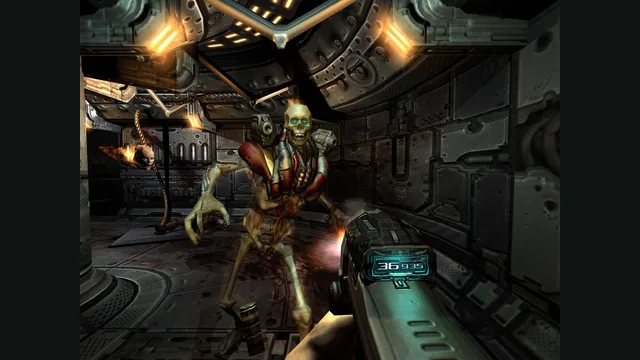

Doom publisher gameplay reference from the current DOOM + DOOM II gallery; not a capture of the linked port.
Image credits ↗Ports designed to preserve the original DOS behavior, including compatibility quirks.