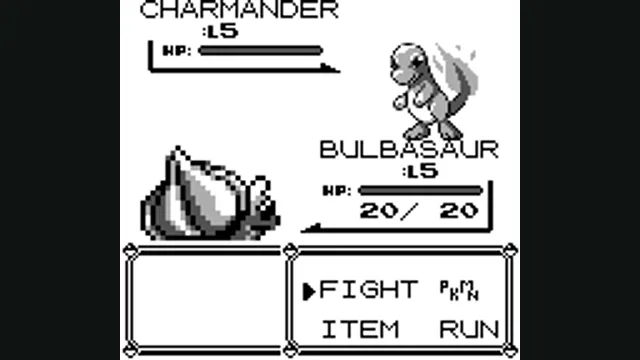
Pokémon Red/Blue battle reference for the generation-I portion of Gen1Recomp; not a generation-II/III or project capture.
Image credits ↗Pokémon Emerald decompilation compiled for browser and native frontends.
 SetupCheck file requirements
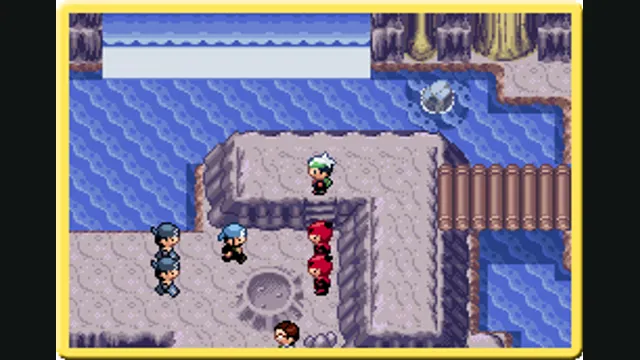
Original Japanese Pokémon Emerald scene from Nintendo’s publisher site, used as a source-game reference for the WebAssembly project.
Pokémon imagery © Nintendo, Creatures and GAME FREAK. Publisher screenshot from the Japanese Pokémon Emerald site.
Source & attribution ↗View image ↗Tripp Lyons’s project compiles pret’s Pokémon Emerald decompilation to WebAssembly and provides separate native frontends. The Raylib version targets Apple Silicon macOS and Linux; the 3D renderer lives in a separate project.
Pokémon Emerald expands the Hoenn adventure from Ruby and Sapphire, with Teams Magma and Aqua and the clash between Groudon and Kyogre driving the story. Exploration leads into battles, while the Battle Frontier adds seven different Frontier Brain challenges for players who want more demanding tests of their Pokémon choices.
That combination gives the original game two appealing rhythms: discovering what lies beyond the next town or route, and refining an approach to a difficult battle. Emerald’s original cable and wireless features belong to the GBA release; they are not evidence that this WebAssembly frontend supports trading or linked battles.
pokeemerald-wasm compiles pret’s Pokémon Emerald decompilation to WebAssembly and supplies a browser interface around it. Its purpose is to run the reconstructed game code through a new frontend, rather than present a different Pokémon adventure. The separate pokeemerald-3d project builds a 3D renderer from this work; those visual changes should not be assumed for this version.
This catalog entry points to the source project. The repository also provides a directly compiled Raylib frontend for Apple Silicon macOS and Linux. That native program uses the port’s rendering and hardware implementations without a WebAssembly module or runtime, so its build requirements and save location differ from the browser frontend.
The browser interface presents a directional pad and action buttons as well as keyboard controls: arrows move, Z and X stand in for the GBA’s A and B, Enter is Start and Shift is Select. These mappings give a desktop player a clear way into the original button-based interface without assuming that a controller is required.
Flash saves are stored locally by the frontend. Download .sav exports a copy, while Upload .sav imports a file containing a valid Emerald save slot. Keep an exported save when moving between installations or clearing browser data; an in-browser save and a separately downloaded backup serve different purposes.
Browser frontend · control layoutBrowser frontend · flash-save handling
For the Raylib build, the documented prerequisites include Clang, Python 3, Raylib discoverable through pkg-config, and shared asset-build dependencies. Its save is written next to the native build output as pokeemerald-native.sav. Follow the repository instructions for the selected target instead of expecting the browser controls or storage location to apply unchanged.
There is also an experimental framebuffer frontend intended for a jailbroken Kindle Scribe, with grayscale output and a separate cross-compilation workflow. It is a specialist target, not evidence that ordinary e-readers or phones can install the desktop build.
Follow the repository’s build documentation for the browser or native frontend; no public Play link is assumed.
Creator-reported · Project guideThe native Raylib frontend supports Apple Silicon macOS and Linux. These native targets are separate from the browser build.
Creator-reported · Project guideThe browser frontend uses arrows to move, Z for A, X for B, Enter for Start and Shift for Select. It also renders an on-screen directional pad and action buttons.
Creator-reported · Project guideThe WebAssembly frontend builds on pret/pokeemerald. pokeemerald-3d is a separate renderer project, not the same frontend.
Creator-reported · Project guideThe browser frontend stores flash saves locally and provides Download .sav and Upload .sav. Imports must contain a valid Emerald save slot.
Creator-reported · Project guidePokémon Red/Blue battle reference for the generation-I portion of Gen1Recomp; not a generation-II/III or project capture.
Image credits ↗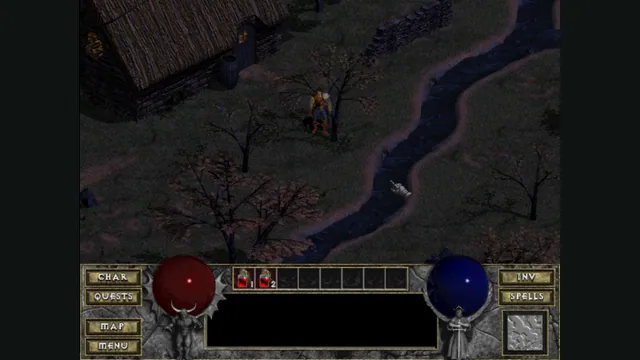
DiabloWeb browser capture in Tristram using the freely supplied shareware demo.
Image credits ↗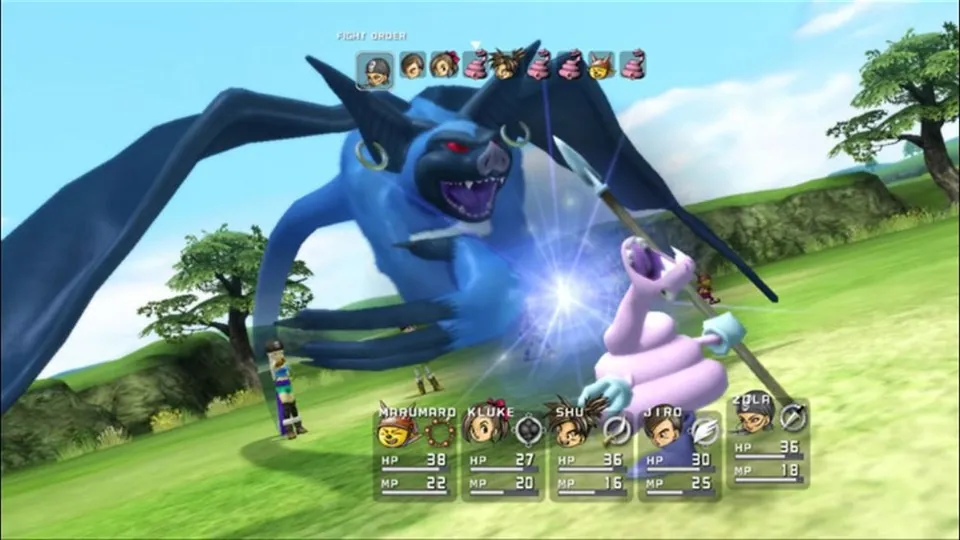
Original Blue Dragon battle from the Xbox publisher gallery, used as a source-game reference for re:Blue.
Image credits ↗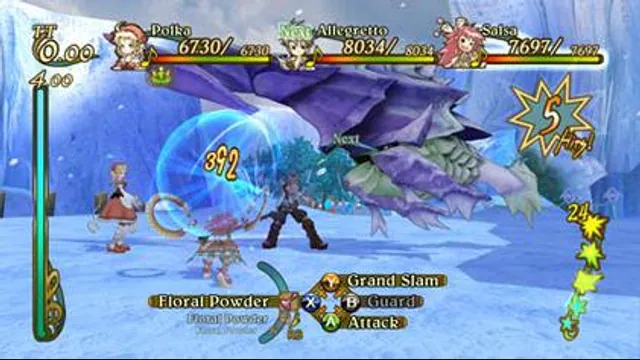
Eternal Sonata gameplay reference; not a capture of the linked project.
Image credits ↗