Blue Dragon
Blue Dragon’s Xbox 360 program rebuilt for native execution.
 SetupYour game files required
Credits
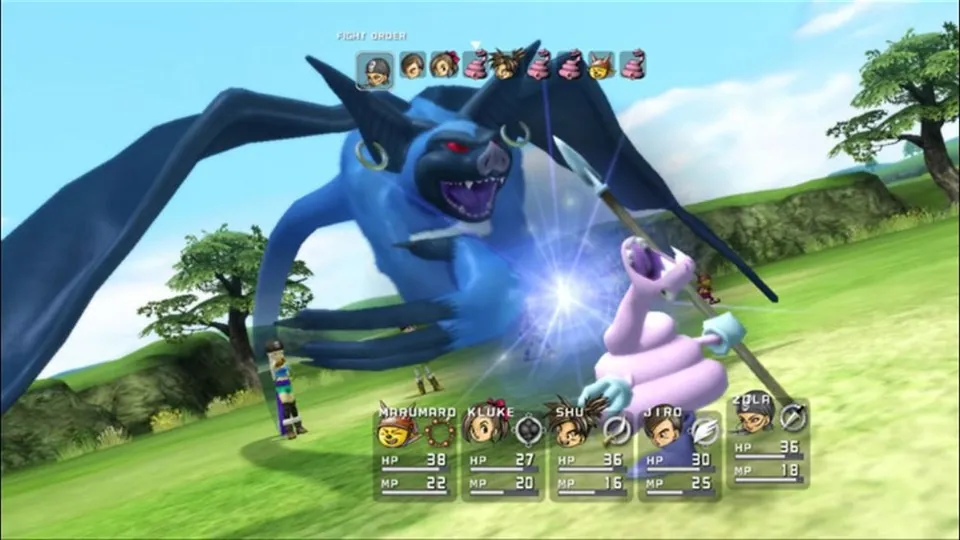
Original Blue Dragon battle from the Xbox publisher gallery, used as a source-game reference for re:Blue.
Blue Dragon © Microsoft Corporation. Playable’ screenshot presentation was created under Microsoft's Game Content Usage Rules using assets from Blue Dragon, and it is not endorsed by or affiliated with Microsoft.
Source & attribution ↗View image ↗About this version
re:Blue translates the game through static recompilation. The reviewed README specifies the Global release and says Asia/Japan support is future work.
- Project
- re:Blue
- Original game
- Blue Dragon
A party whose shadows fight alongside them
Blue Dragon follows five young characters with the power to control shadow creatures that mirror their actions. The Xbox 360 RPG combines that premise with character designs by Akira Toriyama and music by Nobuo Uematsu. re:Blue brings the game to a native application while adding optional navigation, display and input conveniences around the original adventure.
Choose how much help exploration gives you
re:Blue’s additions include saving from the camp menu away from the original save points and a fuller area map with zoom, floor switching and a legend. Optional markers show remaining hidden items, chests and barriers, with counts that also reach the field compass. Those options can make a completion-focused run easier to navigate; leave them off if you prefer discovering things without the extra guidance.
The application also provides a mod manager, separate interface and voice-language settings, and direct mouse interaction with menus. Keyboard bindings and controller prompts can be adjusted, while field of view and HUD fading let you tune how much of the screen the interface occupies.
Prepare all three discs before setup
The installer needs all three disc images from your own Global US/EU release of Blue Dragon. Asia/Japan support is still listed as future work. The wizard verifies each disc, asks for an installation location and extracts the files before the first session.
The program copies itself into the chosen installation folder and restarts there. Saves and settings then live under profiles/default, separate from the game subfolder and mods directory. Additional named profiles can keep different saves, settings, achievements and DLC toggles apart.
Match the build to the machine
The documented targets include Windows x86-64, Linux AMD64/ARM64 and Apple silicon macOS, with other graphics or architecture choices available through source builds. The minimum guidance calls for 8 GB RAM and about 15 GB of storage; higher resolution and antialiasing increase graphics-memory needs.
To update, copy the newer build over the installation without deleting profiles or mods. The repair option reopens the installer to restore missing files, avoiding an unnecessary full setup. DLC and mods remain separate additions: the built-in manager can install a mod folder or ZIP, while official DLC still comes from your own content.
Before you play
Do I need the original game files?
Your own Global (US/EU) Blue Dragon disc images.
Creator-reported · Project guideHow do I get started?
Follow the current release’s disc-import workflow and region checks.
Creator-reported · Project guide
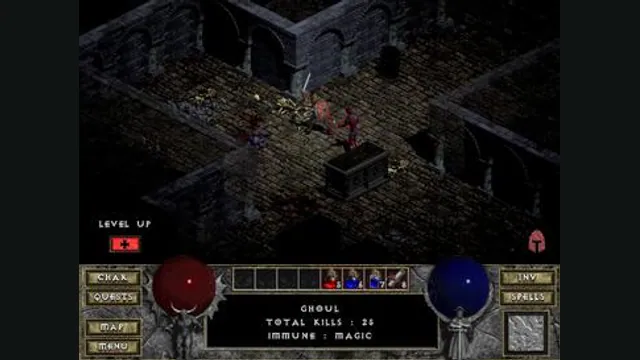
Diablo gameplay reference; not a browser or DevilutionX capture, and not a Hellfire scene.
Image credits ↗A maintained Diablo and Hellfire port with a shareware option.
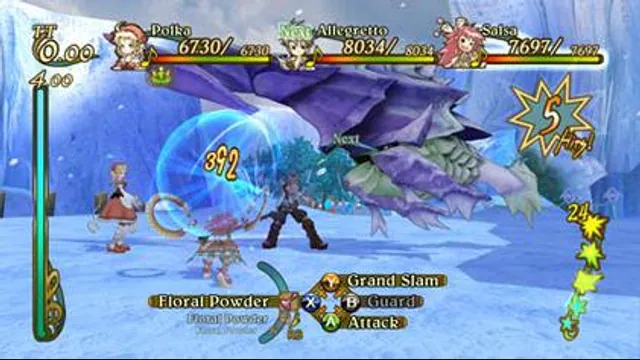
Eternal Sonata gameplay reference; not a capture of the linked project.
Image credits ↗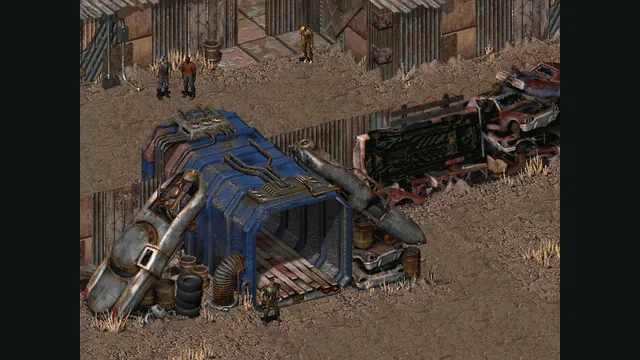
Fallout original-game reference from its Steam store; not a Community Edition capture.
Image credits ↗