Eternal Sonata
The Xbox 360 RPG with a Windows/Linux native runtime.
 SetupYour game files required
Credits
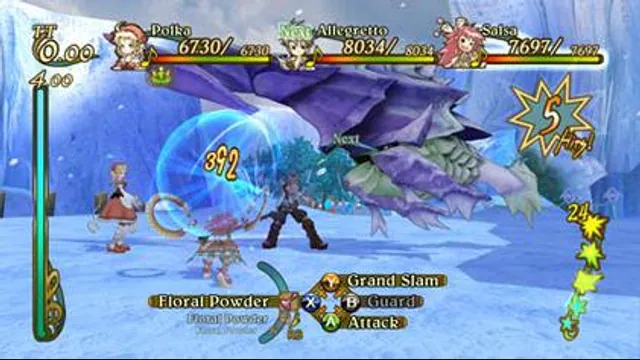
Eternal Sonata gameplay reference; not a capture of the linked project.
Eternal Sonata game imagery remains copyright its respective rights holders. Image credit and provenance: linked source page. No transferable license is inferred.
Source & attribution ↗View image ↗About this version
This ReXGlue project translates default.xex and wraps it with a native host for hooks and overlays. Stable releases and nightly builds are documented separately.
- Project
- Eternal Sonata Reprise
- Original game
- Eternal Sonata
Choose the game edition before choosing a build
Eternal Sonata Reprise is a native recompilation project with an unusually important distinction between playing and compiling. The current prebuilt release accepts Xbox 360 and PS3 game data across PAL, USA and Japanese editions, according to its documentation. Building the executable yourself still requires the Xbox 360 PAL version.
For a player, the stable release is the useful starting point; nightly artifacts are a separate development option. Keep the edition you own in mind when following instructions, because the source-build example that extracts default.xex is not a generic instruction for every supported disc.
Combat and exploration on the keyboard
WASD handles walking. The mouse buttons supply interaction, attack and guard, with the middle button assigned to Object; Space uses a special ability and Alt changes the camera. The PS3 version’s alternative special ability is mapped to Ctrl. Those edition-specific inputs matter more than assuming the Xbox and PS3 releases share every action.
Insert opens the overlay, F4 settings and F5 input options. Shift is fast-forward, so distinguish it from an ordinary movement modifier when learning the default layout. F1 opens the mod manager; start with standard controls before adding optional modifications.
Keep progress portable and diagnose startup delays
By default, saves, options and caches live in the platform’s user folder. Creating an empty portable.txt beside the executable keeps them next to the program instead. The configuration also lets advanced users separate game data, saves, caches and mods into different folders.
A black window before the title appears on Windows can come from an unresponsive input device delaying SDL’s DirectInput scan. The project documents a way to bypass that scan, but doing so also disables controllers that rely on DirectInput. Android startup failures may instead involve an old Vulkan driver; the port supplies a custom-driver selection path. Neither workaround establishes that every device will run the game.
Before you play
Do I need the original game files?
Your own legally dumped Eternal Sonata game.
Creator-reported · Project guideHow do I get started?
Prefer the documented stable release and follow its game-import instructions.
Creator-reported · Project guide
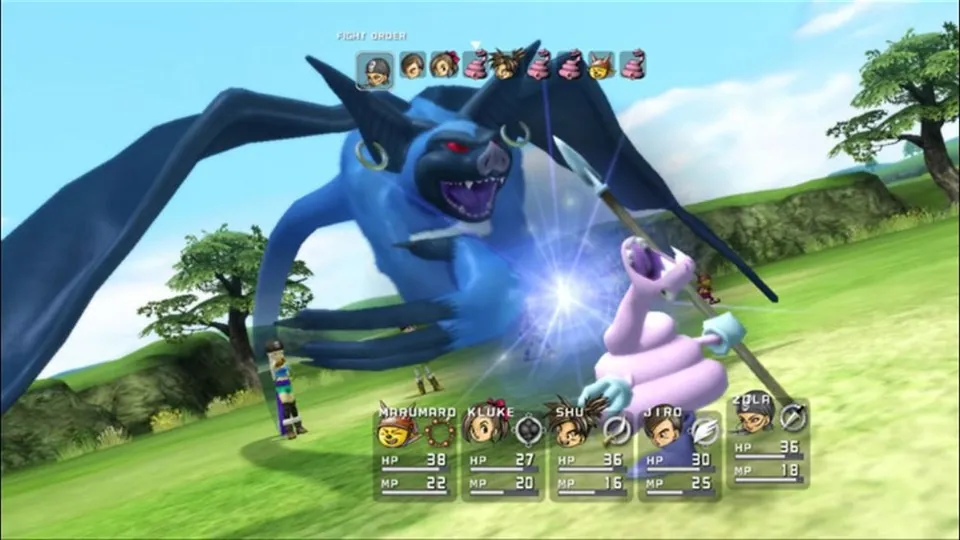
Original Blue Dragon battle from the Xbox publisher gallery, used as a source-game reference for re:Blue.
Image credits ↗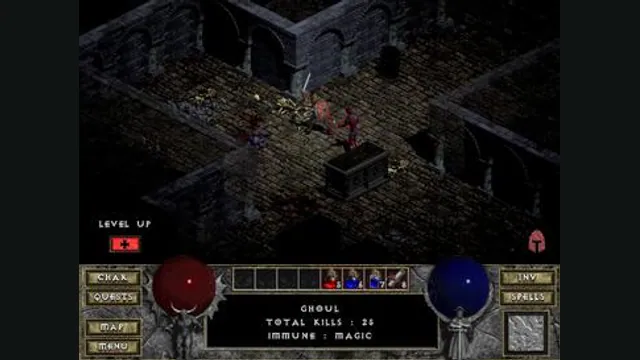
Diablo gameplay reference; not a browser or DevilutionX capture, and not a Hellfire scene.
Image credits ↗A maintained Diablo and Hellfire port with a shareware option.
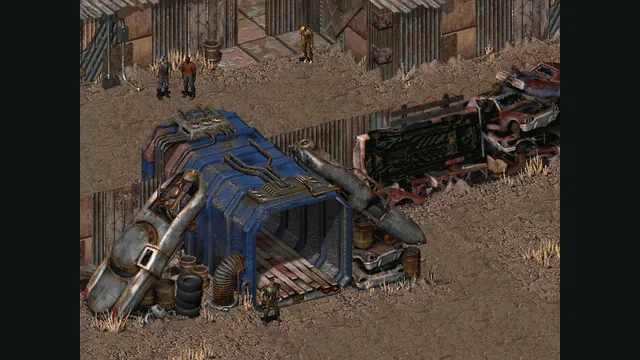
Fallout original-game reference from its Steam store; not a Community Edition capture.
Image credits ↗