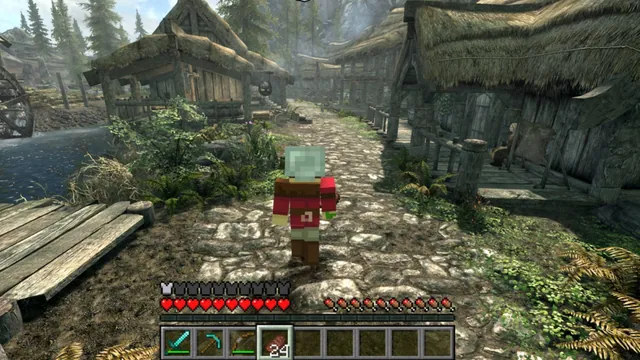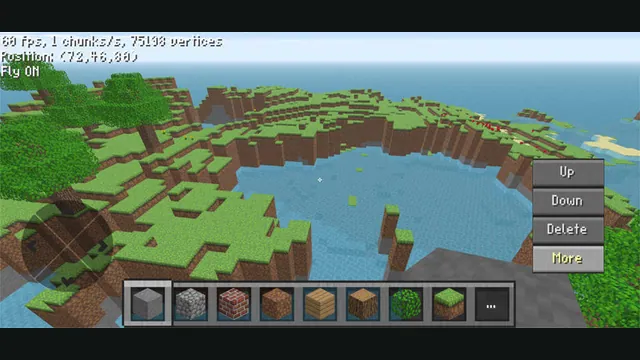
ClassiCube creator screenshot demonstrating its mobile controls; not a desktop browser capture.
Image credits ↗Java Edition 1.8.8 through EaglercraftX, with local worlds and keyboard controls.
 Play
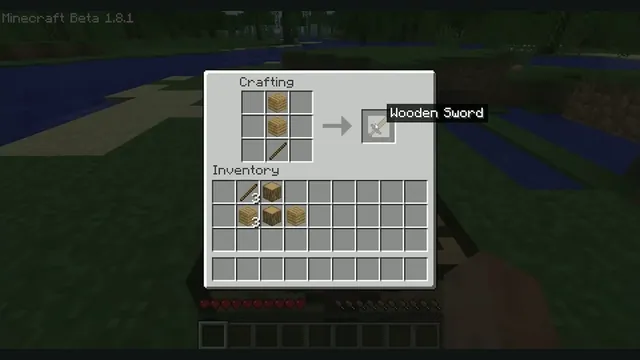
PlayMinecraft Beta 1.8.1 crafting reference from Xbox México. Earlier original-game version; not EaglercraftX 1.8.8.
Minecraft © Mojang / Microsoft. Screenshot by Xbox México, via Wikimedia Commons; resized and letterboxed. Independent guide; no endorsement implied.
Source & attribution ↗View image ↗The linked list identifies EaglercraftX as the Minecraft engine behind this hosted browser page. It is a different project from ClassiCube and the Minecraft crossover mods already listed. The host describes a WebAssembly GC build with a compatibility fallback; neither current Minecraft feature parity nor successful multiplayer is established.
Minecraft is a sandbox built from blocks that you can explore, break and place. Creative mode emphasises building with available materials, while Survival makes gathering resources and dealing with the world part of the work. The same landscape can therefore be a construction project or a place to establish a foothold.
That freedom is the attraction: you decide what deserves the next session, whether it is changing a building, exploring further or starting another world. The current official Minecraft releases have their own features and services; this older browser project represents a particular version.
WASM Arcade hosts EaglercraftX for Minecraft 1.8.8, with Survival and Creative worlds. It runs locally through WebAssembly and WebGL 2. The host can select a compatibility build when its faster WebAssembly path is unavailable, so a browser may take a different startup route without changing the listed game version.
Multiplayer uses outside community servers and relays. Those are separate services with their own availability; the archive says it does not maintain them. For the most self-contained starting point, create a single-player world first.
The documented route is desktop keyboard and mouse. WASD moves, Space jumps, Shift sneaks, E opens inventory and number keys select the hotbar. The page does not provide touch controls, so fitting the canvas onto a phone is not enough to make it a comfortable mobile game.
Worlds live in this browser. Use the in-game world export before clearing site data or switching devices, and keep that exported copy somewhere you can find again. Your local build survives through its saved world data, not through signing into the hosting site's game page.
The host streams the browser build and stores worlds locally; its setup page does not require a local game-file import.
Creator-reported · Project guideOpen Play Minecraft in a current browser. The host says its Play buttons also open an advertising sponsor tab.
Creator-reported · Project guideThe host recommends desktop keyboard and mouse and explicitly says there are no on-screen touch controls. It lists WebGL 2 and a current browser.
Creator-reported · Project guideWASD moves, mouse looks, Space jumps, left/right mouse breaks or places blocks, E opens inventory and Esc releases the pointer. The host also lists gamepad mappings.
Creator-reported · Project guideThis host is configured for single-player. The port’s multiplayer/LAN options depend on third-party relay servers which the host does not operate or vouch for.
Creator-reported · Project guideMinecraft Java Edition 1.8.8 via EaglercraftX; not current-version Minecraft.
Creator-reported · Project guideWorlds remain in local browser storage. Use in-game world export before clearing site data.
Creator-reported · Project guideRelay connectivity and controller mappings are creator-reported, not tested here. The 1.8.8 version omits later Minecraft features.
Creator-reported · Project guideClassiCube creator screenshot demonstrating its mobile controls; not a desktop browser capture.
Image credits ↗
2010 Rust Rewrite creator screenshot of its shooter portion; does not show the skating or Minecraft components.
Image credits ↗Skating, MW2 combat and a Minecraft world in one IW4L-based project.
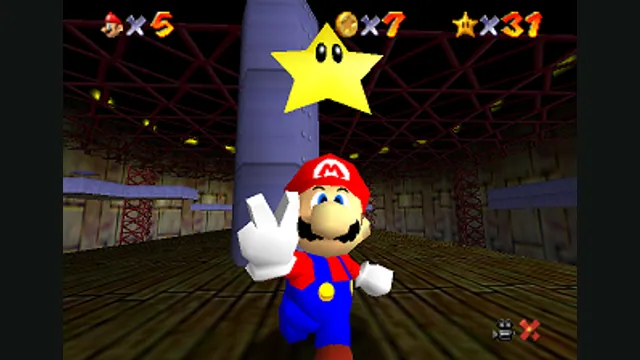
Super Mario 64 original-game screenshot reference; not a capture of the linked project.
Image credits ↗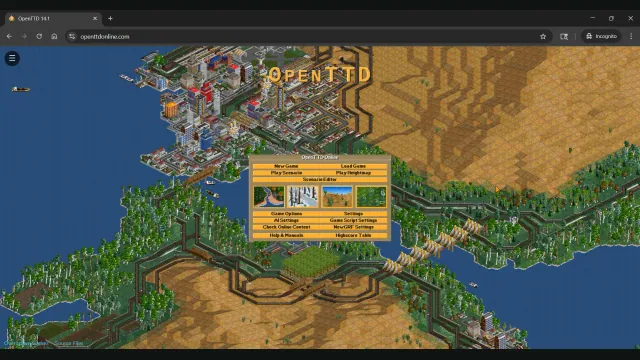
OpenTTD Online creator screenshot of the main menu over a transport network.
Image credits ↗Build railways and transport networks with OpenTTD’s free assets and browser save transfers.
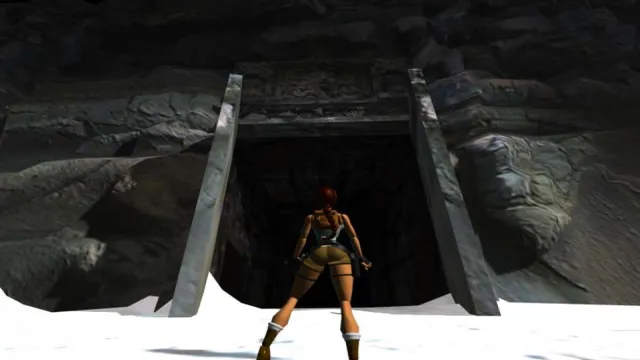
Tomb Raider I (1996) gameplay reference; not a capture of the linked project.
Image credits ↗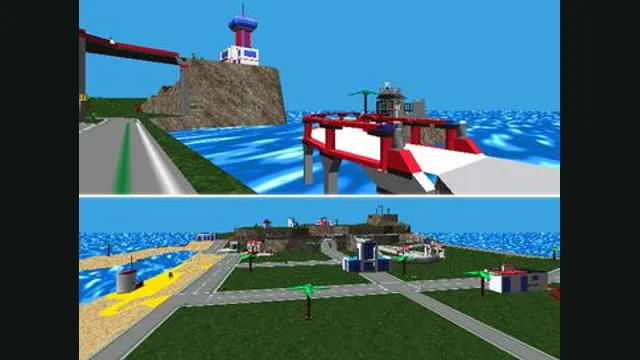
LEGO Island original-game screenshot reference; not a capture of the linked project.
Image credits ↗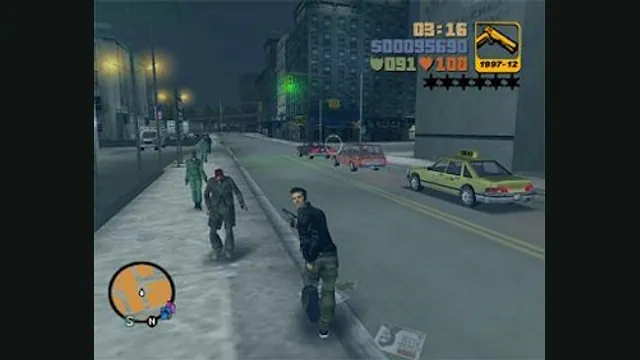
GTA III PC screenshot. Original-game reference; not a capture of the WASM Arcade host.
Image credits ↗