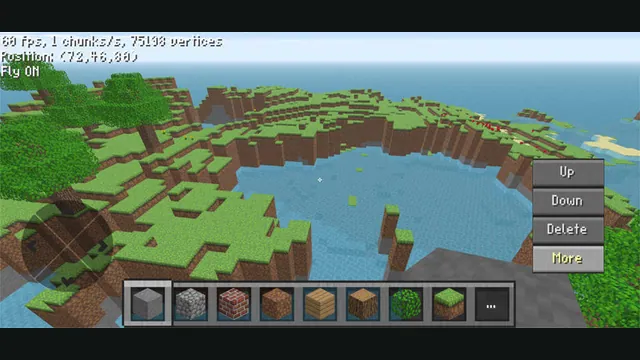
ClassiCube creator screenshot demonstrating its mobile controls; not a desktop browser capture.
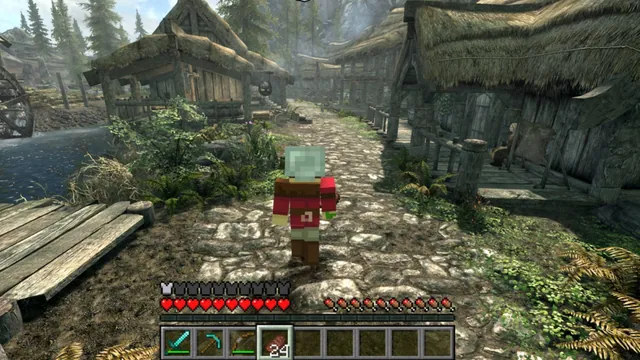
Image credits ↗Minecraft’s player and blocks inside Skyrim’s world.
 SetupYour game files required
SkyCraft creator screenshot.
Skyrim × Minecraft game imagery remains copyright its respective rights holders. Screenshot published by chasmlol / SkyCraft.
Source & attribution ↗View image ↗SkyCraft connects a Skyrim SKSE plugin to a Fabric Minecraft mod through shared memory. Both games keep their own logic; this is an experimental native mod, not a clean-room browser tribute.
SkyCraft puts Minecraft movement, inventory and block interaction inside Skyrim. You can build across its landscape, mine ground into layers of dirt and stone, send water or lava flowing over terrain and fight Skyrim NPCs with Minecraft weapons. Minecraft lights illuminate the world, while Skyrim NPCs collide with placed blocks and attempt to navigate around them.
The two games continue running their own logic. Skyrim retains quests and characters, while Minecraft runs hidden in the background and supplies the player’s movement, items and block world. Combat and crafting can train Skyrim skills, but this is an experimental connection between systems rather than a complete replacement for Skyrim’s ordinary interface.
The project targets Skyrim Special Edition’s Anniversary runtime, with matching SKSE64 and the Anniversary Address Library. It does not support SE 1.5.97 or VR. You also need an account that owns Minecraft Java Edition; the bundled Prism setup handles Minecraft, Java, Fabric and the mod after sign-in.
Allow extra memory and disk space for the hidden Minecraft process. The scripted cart ride and Helgen opening may get stuck, so use a post-Helgen save or the recommended alternate-start route. Back up saves before adding this early mod.
Minecraft owns most controls: E opens inventory, F5 changes camera and Shift crouches. G remains Skyrim’s activate action for doors, dialogue and furniture. Esc opens Skyrim’s menu or closes a Minecraft screen; O opens Minecraft’s menu. That division is essential when a familiar Skyrim key no longer does what you expect.
Skyrim’s inventory, magic, shouts and perks cannot be opened while Minecraft drives the player. Minecraft attacks also cannot clear every Skyrim quest object. Some camera mods conflict, and interiors share Minecraft coordinates, which can make placed blocks appear in another interior.
Friends can join the Minecraft side of a SkyCraft session, sharing blocks, items, mobs and other players. Each person keeps a separate Skyrim world, NPCs and quests; guests cannot currently hit their own Skyrim NPCs. The multiplayer feature therefore does not make Skyrim’s campaign cooperative.
Your own supported Skyrim Special Edition and Minecraft Java Edition copies.
Creator-reported · Project guideFollow the SKSE/Fabric prerequisites and install the mod using the project’s guide; back up saves first.
Creator-reported · Project guideClassiCube creator screenshot demonstrating its mobile controls; not a desktop browser capture.
Image credits ↗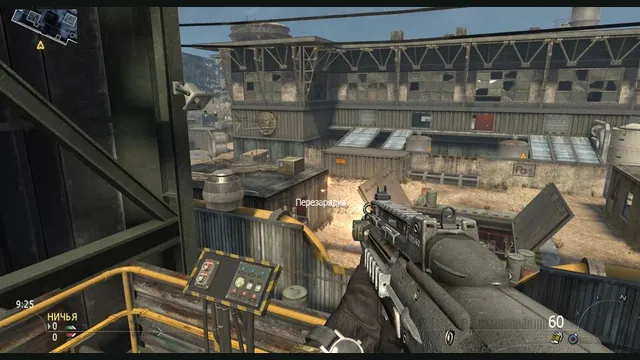
2010 Rust Rewrite creator screenshot of its shooter portion; does not show the skating or Minecraft components.
Image credits ↗Skating, MW2 combat and a Minecraft world in one IW4L-based project.
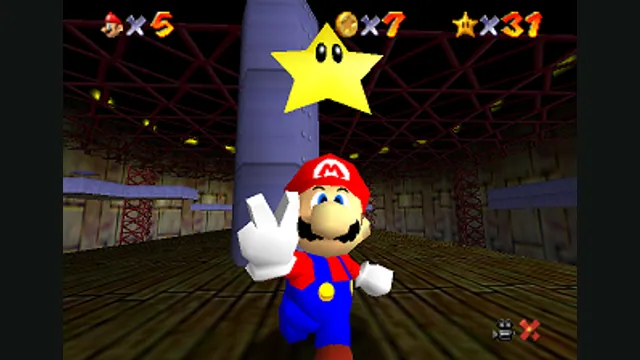
Super Mario 64 original-game screenshot reference; not a capture of the linked project.
Image credits ↗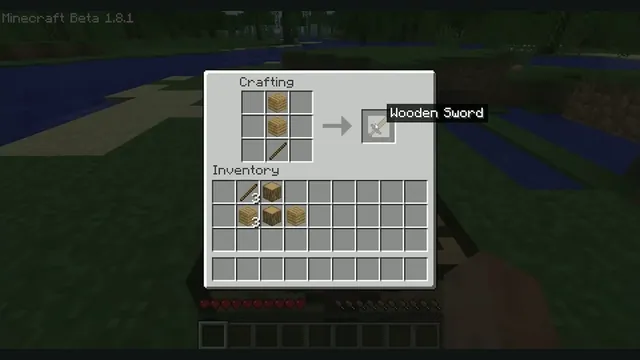
Minecraft Beta 1.8.1 crafting reference from Xbox México. Earlier original-game version; not EaglercraftX 1.8.8.
Image credits ↗Java Edition 1.8.8 through EaglercraftX, with local worlds and keyboard controls.
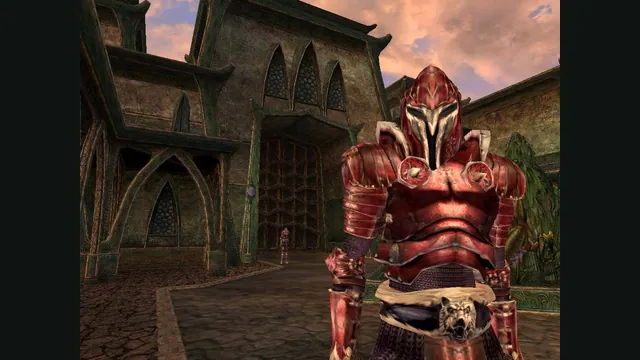
The Elder Scrolls III: Morrowind® Game of the Year Edition gameplay reference; not a capture of the linked project.
Image credits ↗Morrowind on an open-source replacement engine.
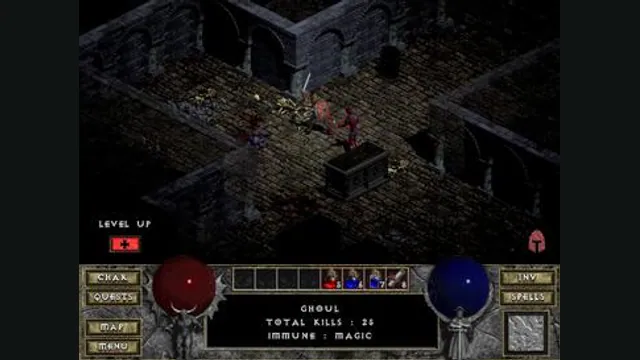
Diablo gameplay reference; not a browser or DevilutionX capture, and not a Hellfire scene.
Image credits ↗A maintained Diablo and Hellfire port with a shareware option.
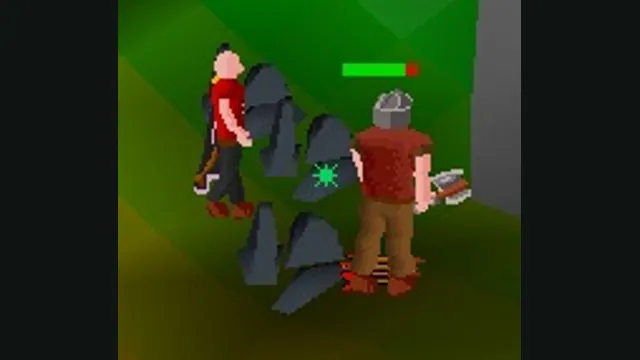
RuneScape Classic original-game screenshot reference; not a capture of the linked project.
Image credits ↗