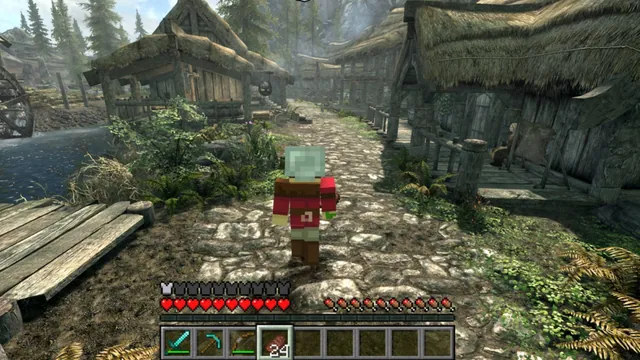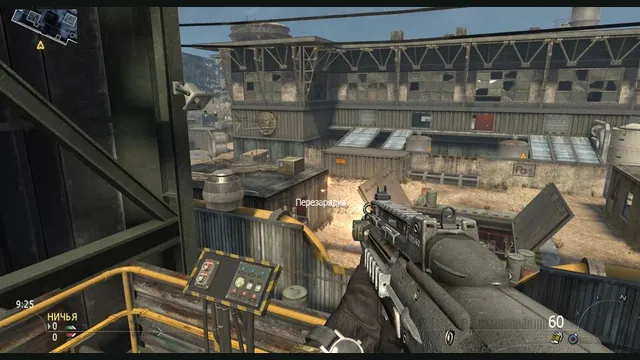
2010 Rust Rewrite creator screenshot of its shooter portion; does not show the skating or Minecraft components.
Image credits ↗Skating, MW2 combat and a Minecraft world in one IW4L-based project.
Original files requiredSetup
Build your own corner of a classic block world.
 PlayCheck file requirements
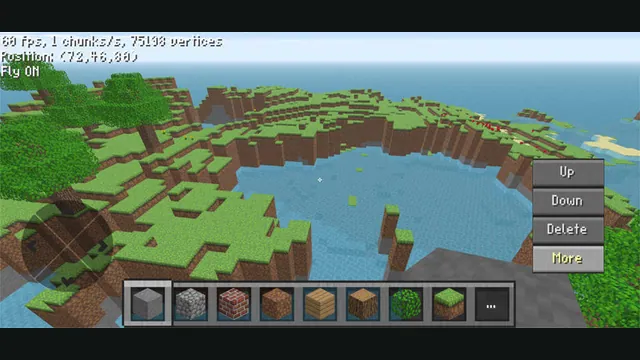
ClassiCube creator screenshot demonstrating its mobile controls; not a desktop browser capture.
ClassiCube game imagery remains copyright its respective rights holders. Image credit and provenance: linked source page. No transferable license is inferred.
Source & attribution ↗View image ↗ClassiCube is a sandbox block game with an official in-browser client. Its creators also offer a downloadable client; the web version has a smaller feature set.
ClassiCube recreates the style of the 2009 Minecraft Classic client. The focus is placing and exploring block structures in that older creative sandbox, rather than following the survival progression of modern Minecraft. That makes it a useful choice when the activity you want is building in a shared block world.
The distinction is deliberate: ClassiCube does not provide modern Minecraft survival, use Minecraft accounts or connect to modern Minecraft servers. It is its own client and community, with optional extensions such as custom blocks, models and environment colors.
The project offers both a web client and native downloads. Its browser launch notice explicitly lists no music or sound, lower performance, alternate textures and an inability to connect to every server. Choose the browser route for convenient access while allowing for those differences from the downloaded client.
A server can also set rules that change what a client is allowed to do. If flying or speed controls do not work, the project's help notes that the server may have disabled those abilities. A missing ability in a particular world is therefore not necessarily a broken key binding.
ClassiCube · web client noticesClassiCube · project and troubleshooting documentation
Open Escape, then Options and Controls to inspect or change the keyboard layout. The project's troubleshooting guidance suggests reducing view distance with F when performance is poor. That reduces how much of the world must be drawn, a practical adjustment when entering a larger or more demanding build.
For a first visit, read the chosen server's rules and use the client's controls menu before assuming it behaves like a newer Minecraft release. If a particular server or a more complete audiovisual experience matters to you, compare the native client against the web client's stated limitations.
ClassiCube · project and troubleshooting documentationClassiCube · web client notices
The official site offers an in-browser client. Extra game files are not specified for that route.
Creator-reported · Project guideOpen the official browser client. The site may ask you to acknowledge its web-client limitations.
Creator-reported · Project guideThe project has documented mobile web touch controls; support varies by device and browser.
Creator-reported · Project guideAfter joining a world, Escape opens Pause. Go to Options → Controls to see the client’s key bindings. F cycles view distance; a lower distance can improve performance. Touch controls are documented for mobile web.
Creator-reported · Project guideThe site discusses web-client server connections, but the web client cannot connect to all servers.
Creator-reported · Project guideThe official notice says the web client has no sound, lower performance, alternate textures, and cannot connect to all servers.
Creator-reported · Project guide2010 Rust Rewrite creator screenshot of its shooter portion; does not show the skating or Minecraft components.
Image credits ↗Skating, MW2 combat and a Minecraft world in one IW4L-based project.
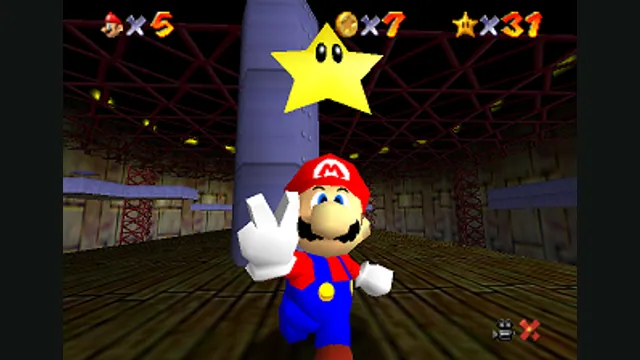
Super Mario 64 original-game screenshot reference; not a capture of the linked project.
Image credits ↗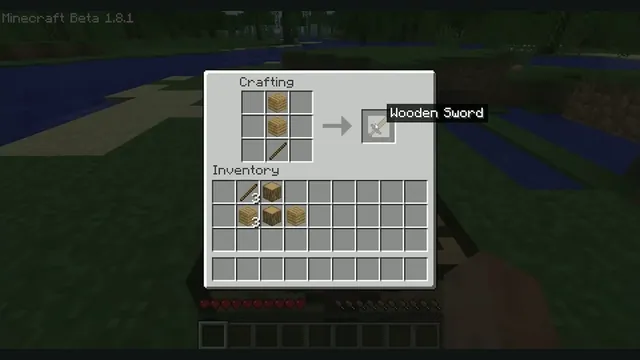
Minecraft Beta 1.8.1 crafting reference from Xbox México. Earlier original-game version; not EaglercraftX 1.8.8.
Image credits ↗Java Edition 1.8.8 through EaglercraftX, with local worlds and keyboard controls.
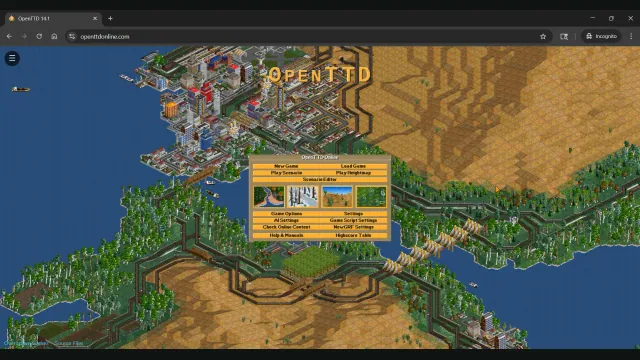
OpenTTD Online creator screenshot of the main menu over a transport network.
Image credits ↗Build railways and transport networks with OpenTTD’s free assets and browser save transfers.
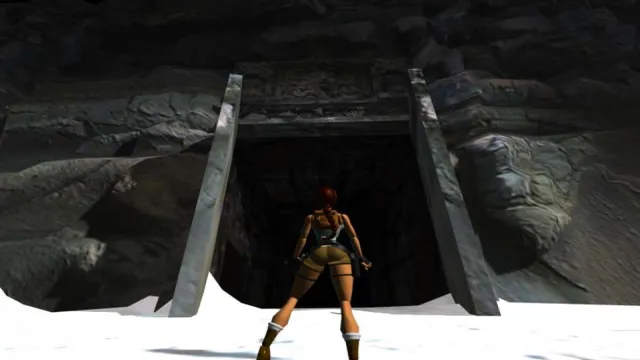
Tomb Raider I (1996) gameplay reference; not a capture of the linked project.
Image credits ↗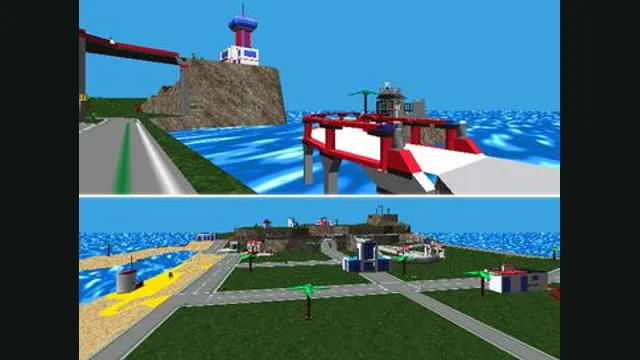
LEGO Island original-game screenshot reference; not a capture of the linked project.
Image credits ↗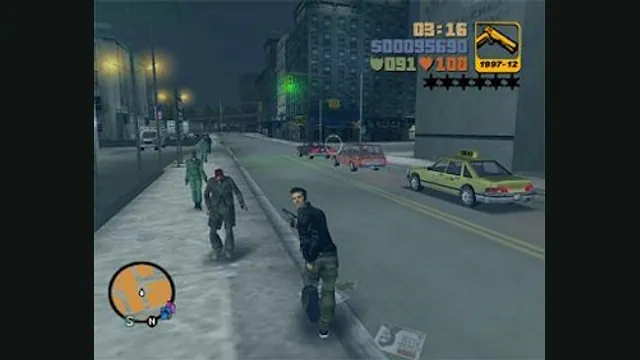
GTA III PC screenshot. Original-game reference; not a capture of the WASM Arcade host.
Image credits ↗