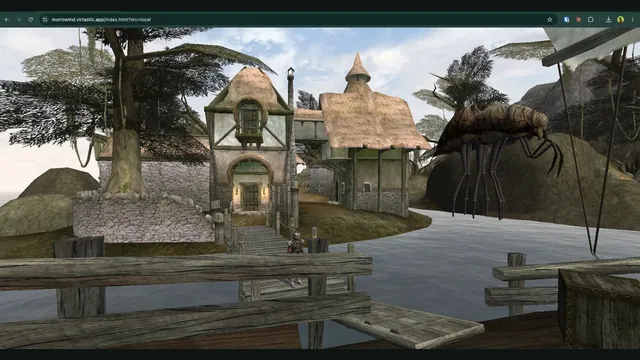
OpenMW-Web creator screenshot of Seyda Neen.
Image credits ↗OpenMW in the browser; the current hosted world requires an invite and sign-in.
Invite required · Original files requiredOpen host
Morrowind on an open-source replacement engine.
 SetupYour game files required
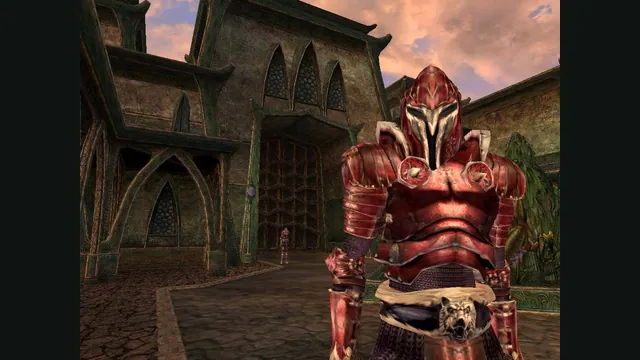
The Elder Scrolls III: Morrowind® Game of the Year Edition gameplay reference; not a capture of the linked project.
The Elder Scrolls III: Morrowind® Game of the Year Edition game imagery remains copyright its respective rights holders. Publisher-supplied screenshot from the linked official Steam store gallery.
Source & attribution ↗View image ↗OpenMW supports the original Morrowind data and includes OpenMW-CS as a Construction Set replacement. The engine and editor do not replace ownership of Morrowind.
Morrowind lets you create a character and decide how closely to follow its main story. You can investigate the blight threatening the land, explore unfamiliar places or develop your character through the actions you take. Tribunal adds Mournhold and its surrounding mysteries; Bloodmoon moves the adventure to the colder island of Solstheim.
That open-ended structure makes the choice of engine and mods consequential for a long campaign. OpenMW supplies an alternative foundation for playing your owned game, while Bethesda’s world, quests and expansion assets remain the content you install.
OpenMW is a replacement game engine, not merely a widescreen patch for the original executable. Its documentation describes the main quests of Morrowind, Tribunal and Bloodmoon as completable, while acknowledging rare side-quest issues. It also includes OpenMW-CS, a replacement for the Construction Set used to author content.
The current project documentation supports 64-bit Windows, macOS and Linux. Its graphics and interface improvements live in this engine, so use OpenMW’s settings and documentation when configuring a playthrough rather than applying instructions intended only for the original Windows program.
The installation wizard can use a retail disc or an existing Morrowind installation. For an existing copy, locate Morrowind.esm, import Morrowind.ini when prompted, and enable the master file in the launcher’s Data Files tab. The guide also explains extracting GOG installers on Linux or macOS.
If both expansions are installed, Bloodmoon.esm belongs below Tribunal.esm in the data-file order. Getting the base game and expansion order working first gives you a dependable starting point before adding a larger mod list.
A mod made for Morrowind does not automatically work in OpenMW. The replacement engine checks scripts more strictly, and some older mods depend on original engine bugs or unusual behavior. The project handles these cases individually: sometimes OpenMW adds compatibility, and sometimes the mod needs a change.
Use OpenMW’s mod-status resources for the particular mods you want. For a new campaign, confirm your essential content before investing in a character rather than assuming a long list designed for another engine will transfer unchanged.
Your own Morrowind installation.
Creator-reported · Project guideInstall OpenMW and follow its wizard to select the original game data.
Creator-reported · Project guideOpenMW-Web creator screenshot of Seyda Neen.
Image credits ↗OpenMW in the browser; the current hosted world requires an invite and sign-in.
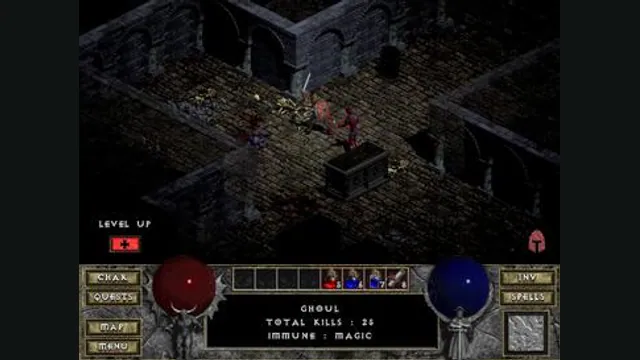
Diablo gameplay reference; not a browser or DevilutionX capture, and not a Hellfire scene.
Image credits ↗A maintained Diablo and Hellfire port with a shareware option.
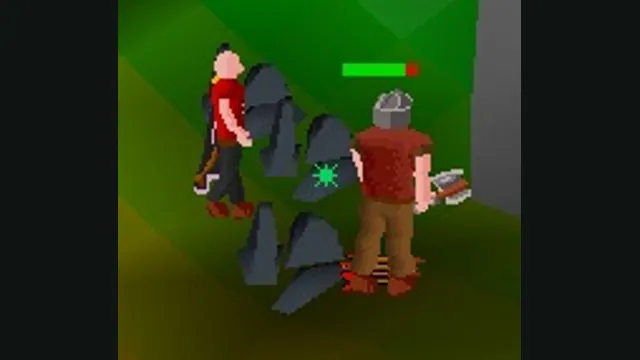
RuneScape Classic original-game screenshot reference; not a capture of the linked project.
Image credits ↗