
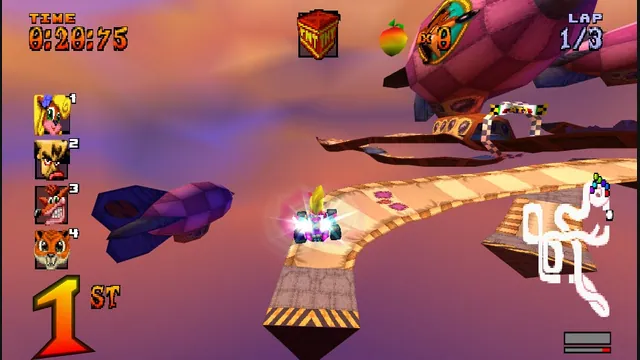
The PS1 kart racer with widescreen, remappable controls and browser save backups.
Original files requiredPlay
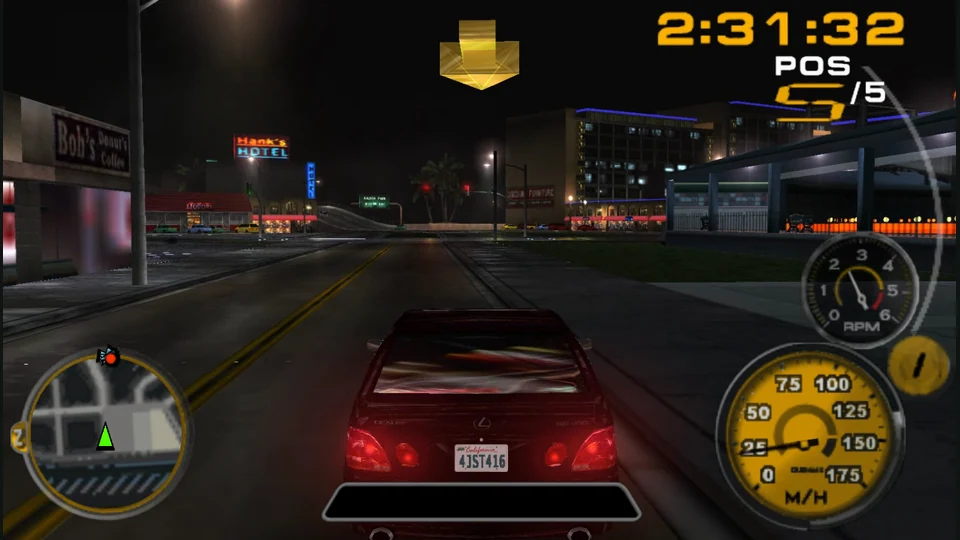
The PSP street racer with Quick Race, gamepad controls and browser display settings.
This independent browser build uses the PSP edition through PSP Web Recomp. Its web shell provides keyboard and standard gamepad input, WebGL2 internal-resolution choices and browser-local memory-card tools. Other console and PC editions are separate versions.
This is the PSP edition of Midnight Club 3: DUB Edition running through PSP Web Recomp. The game’s night streets, traffic and checkpoint arrows make the racing route easy to recognize. Keep watching the next checkpoint while judging the room available for a turn; the fastest-looking line is not always the line the city gives you.
Quick Race is the direct offline entrance from the main game menu. Career and Arcade are separate choices, so a short first drive does not require committing to career progress. This version should not be confused with the home-console DUB Edition Remix release.
PSP Web Recomp browser build · launch and setup documentation
Press Play on the web host, click the game and use Enter for Start. Z sends the PSP Cross button to confirm the menu selection. The launcher maps arrows to the D-pad and IJKL to the analog stick; X, A and S send Circle, Square and Triangle, with Q and W for L and R. Use the in-game prompts to connect those buttons to driving actions.
The graphics panel offers 1× through 4× internal resolution. Higher resolution gives the PSP image more detail but increases the rendering load. The host applies these choices through its runtime, so allow it to restart or finish loading after a change.
PSP Web Recomp browser build · launch and setup documentation
A first launch can show “Memory Stick is not found” and offer Continue Without Saving. That route is sufficient for a short drive, but it does not protect a career. Resolve the warning before starting progress you want to keep, and use the web Saves panel to export a memory-card backup when available.
The operator requires your own copy, while the launcher loads runtime data automatically rather than requesting an ISO upload. Its two-to-four-driver room instructions are experimental online functionality: the web room and the game’s Multiplayer Host Game or Join Game selections are both part of that process.
PSP Web Recomp browser build · launch and setup documentationOperator ownership and software notice
The launcher loads its runtime and data automatically. The operator says you need your own copy of the game; its start flow does not ask you to import an ISO.
Creator-reported · Project guidePress Play, focus the game and use Enter for Start and Z to confirm. Quick Race is the shortest offline route; Career and Arcade remain game-menu choices.
Creator-reported · Project guideThe host targets PC keyboard and standard gamepad input. Its graphics panel uses WebGL2 and offers 1× through 4× internal resolution.
Creator-reported · Project guideArrows are the D-pad; Z is Cross/confirm, X Circle/back, A Square and S Triangle. Q/W are L/R, Enter is Start, Shift is Select and IJKL is the analog stick. F toggles fullscreen. Click the game before using keyboard or gamepad controls.
Creator-reported · Project guideThe host describes two-to-four-driver rooms. Host or join the same web room, then use the game’s Multiplayer Host Game or Join Game menu. Online synchronization is experimental.
Creator-reported · Project guideThis is the PSP edition, not the PC or home-console version. The game uses its own menus after the browser runtime starts.
Creator-reported · Project guideThe launcher offers browser-local memory-card storage and export/import backups. Keep a backup before clearing site data or changing browser profiles.
Creator-reported · Project guideThe game can show “Memory Stick is not found” at startup and offer Continue Without Saving. Resolve the memory-card warning before starting a career you want to keep.
Creator-reported · Project guideThe PS1 kart racer with widescreen, remappable controls and browser save backups.
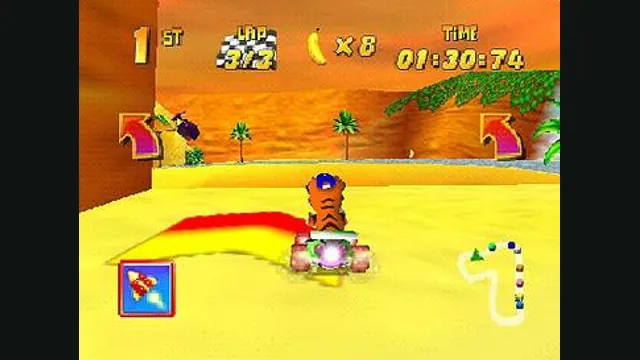
Diddy Kong Racing with WebGPU, split-screen and local ROM loading.
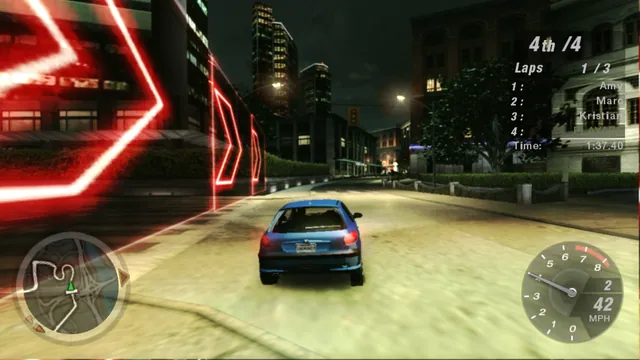
Night driving and racing in a fan-hosted Underground 2 browser port.
Stunts 1.1 translated from your own copy, with an HD browser renderer and the original driving physics.