
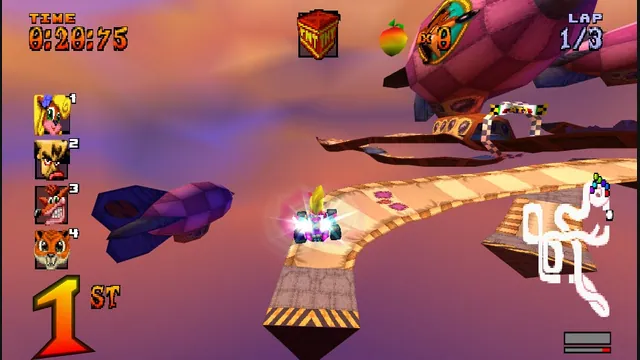
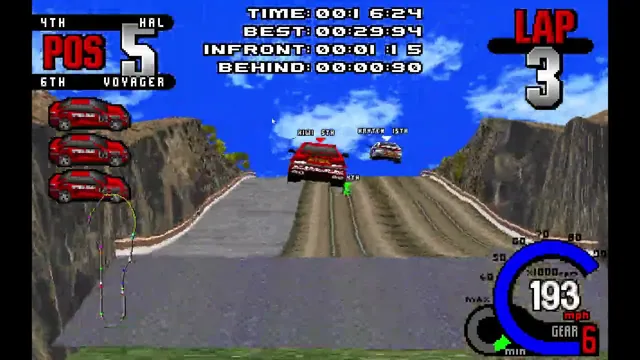
High Octane project screenshot; the source does not identify its build platform.
Image credits ↗The PS1 kart racer with widescreen, remappable controls and browser save backups.
Original files requiredPlay
Night driving and racing in a fan-hosted Underground 2 browser port.
 Play
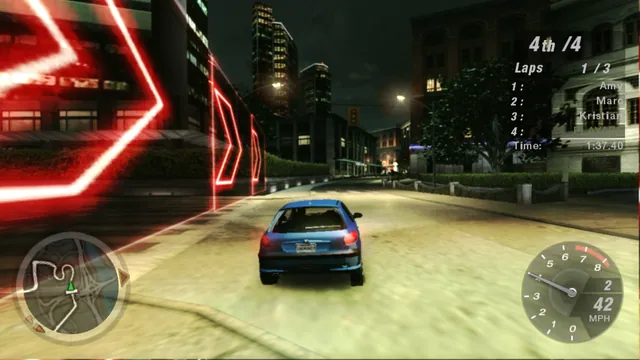
Playnfsu2.xyz browser capture: a Peugeot 206 on Resort Loop in an offline Circuit race.
Need for Speed: Underground 2 imagery © Electronic Arts and respective rights holders. Browser capture from nfsu2.xyz by Playable; limited independent editorial excerpt.
Source & attribution ↗View image ↗Controls: Hold ArrowUp to accelerate and use ArrowLeft/ArrowRight to steer. Press Esc to pause.
The nfsu2.xyz host describes this as Underground 2’s PC code recompiled for the browser, with WebGPU graphics, local profile saves and its own online server. Open the host in a compatible browser; this is an independent fan project, not an EA release.
nfsu2.xyz describes this as the PC game recompiled for the browser, using WebGPU for graphics and Web Audio for sound. Its additions include widescreen rendering, browser-local profiles and a server for online play. The familiar Underground 2 presentation remains, with the host identifying it as an independent fan project.
Start with the launcher’s Ready state, then press Play and focus the game. At the title screen, press Enter. The game uses its own menus rather than a separate web menu for choosing what to drive. A local profile keeps those choices together.
For a short first session, Quick Race leads to a mode selector with Circuit as an option. This is a useful way to settle into the car before choosing a longer session: you can concentrate on the road, braking points and the next turn. The city’s night lighting and reflections give the driving its distinctive atmosphere.
Use the arrow keys and Enter to move through the selection screens; Esc returns to the previous menu. Resort Loop is one Circuit course. The following screen lets you choose direction, laps, traffic, opponents and difficulty before selecting a car and transmission. Read those choices before continuing, and keep the first drive offline if you want room to learn the steering.
The launcher maps throttle and braking to the arrow keys or WASD. Space is the handbrake and Alt activates nitrous; Shift and Ctrl change gears when using a manual gearbox. C cycles the camera and B looks back. R returns the car to the road, while Esc or P pauses.
F9 opens the host’s overlay for controls, fullscreen and quitting. The host also documents Xbox and PlayStation controllers with rumble. Choose a familiar input and camera first so that a change in viewpoint does not interrupt the next corner.
The host offers two routes to playing with friends: shared career free roam and races through the game’s Online menu. It says neither needs an EA account. Enable Free roam with others before launching if you want other cars in that mode.
Use the same Room value to filter which cars appear together. The host explicitly describes this as a filter rather than privacy: names and online presence can still be visible on the server. These are this host’s online features, separate from EA’s original service.
nfsu2.xyz · browser port, controls, settings and savesGoygoy Engine · browser multiplayer announcement
Profiles and settings stay in the browser you use for this site. Quit through the game menu or F9 → Quit game before managing a backup, allowing any save to finish. The launcher’s Download a backup button exports a zip containing profiles, options, settings.ini and its F12 screenshots.
Restore a backup replaces those items in the current browser. Keep the exported zip somewhere you can find it before clearing site storage or moving to another browser. A room name or an online session does not replace that local backup.
The host targets Chrome and Firefox and needs WebGPU. Browser and graphics support determine whether the runtime can start. Start on desktop with a keyboard or the host’s documented controller controls.
Resolution scale is the practical first adjustment when the image is too demanding: lower values render fewer pixels and look softer. The host applies display changes on the next Play. Fullscreen is available from F9, and holding Esc leaves it.
The host streams game data and caches it in this browser. Its launcher has no game-file import step.
Creator-reported · Project guideWait until the host says Ready, then press Play. Focus the game and press Enter at the title screen; use arrow keys and Enter in menus.
The host targets Chrome and Firefox with WebGPU graphics. A compatible browser and graphics adapter are required.
Creator-reported · Project guideArrow keys or WASD drive; Alt uses nitrous and Space is the handbrake. Shift/Ctrl shift up/down with a manual gearbox. C changes camera, B looks back, R resets the car, M opens the map, and Esc/P pauses. F9 opens the browser-game menu. The host also documents Xbox and PlayStation controllers with rumble.
Creator-reported · Project guideThe host offers shared career free roam and Online-menu races on its own server without an EA account. Free roam with others is an opt-in setting. Room names filter visible cars but do not make presence or names private.
Creator-reported · Project guideThe host identifies its build as the PC game recompiled for the web and offers free roam and its own Online mode. This fan-hosted version is separate from an official EA release.
Creator-reported · Project guideProfiles and settings stay in this browser. Download a backup exports a zip including profiles, options, settings.ini and F12 screenshots. Restore a backup replaces those items in this browser. Quit through the game menu or F9 → Quit game before backing up.
Creator-reported · Project guideUse a browser with WebGPU. Display settings apply on the next Play; lowering Resolution scale trades sharpness for fewer rendered pixels.
Creator-reported · Project guideHigh Octane project screenshot; the source does not identify its build platform.
Image credits ↗The PS1 kart racer with widescreen, remappable controls and browser save backups.
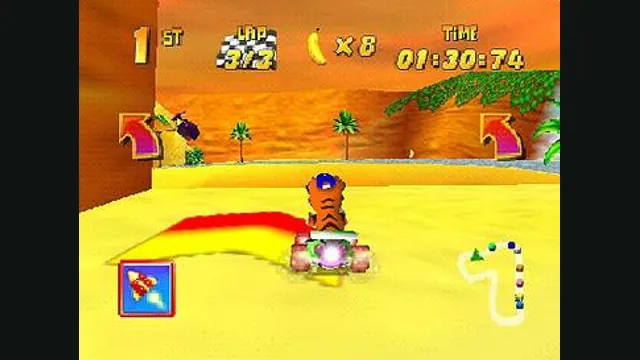
Diddy Kong Racing original-game screenshot reference; not a capture of the linked project.
Image credits ↗Diddy Kong Racing with WebGPU, split-screen and local ROM loading.
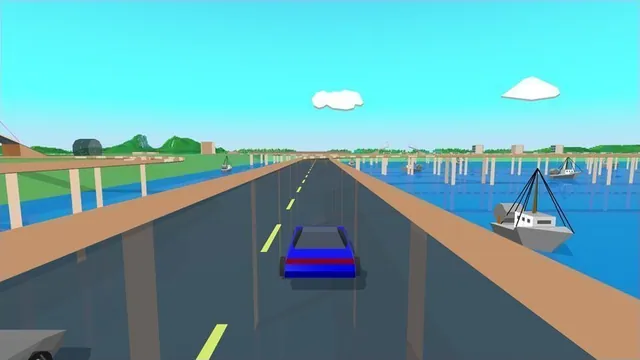
Stunts HD creator screenshot, cropped from the upper-right driving panel of the project montage.
Image credits ↗Stunts 1.1 translated from your own copy, with an HD browser renderer and the original driving physics.
Creator video preview of the Whiplash browser port; a static gameplay still.
Image credits ↗A freeware demo in the browser, with an import route for the full game.