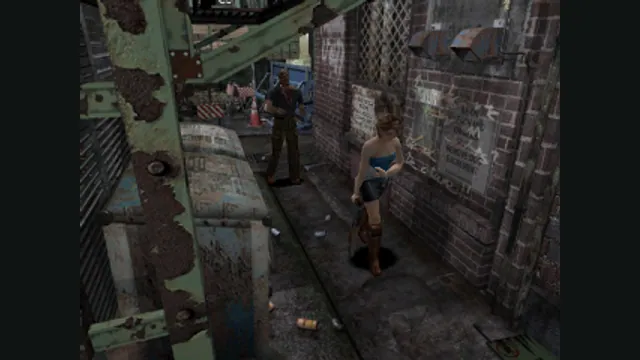
Resident Evil 3: Nemesis original-game screenshot reference; not a capture of the linked project.
Image credits ↗A Windows port of the original PlayStation survival-horror game.
Original files requiredSetup
A Windows port with a first-run disc-image installer.
 SetupYour game files required
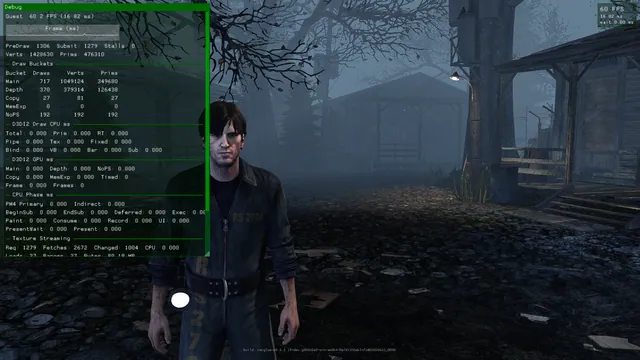
DownpourRecomp creator screenshot.
Silent Hill: Downpour game imagery remains copyright its respective rights holders. Screenshot published by LittleBitUA / DownpourRecomp.
Source & attribution ↗View image ↗DownpourRecomp documents mouse look, keyboard/controller support and display options. Release notes track Windows-version and CPU-compatibility changes, which should be checked before setup.
DownpourRecomp converts Silent Hill: Downpour’s Xbox 360 code into a Windows application, with ReXGlue providing the console-facing runtime. Its release supplies that runtime rather than the game assets. This is the Downpour project, distinct from the author’s separate Deadly Premonition work.
The player-facing additions include mouse look, keyboard and controller input, display settings and locally tracked achievements. F7 opens the achievement list. These unlocks stay on the machine; their presence does not imply an Xbox LIVE connection or synchronization with a console profile.
The current raw-input path maps mouse displacement directly to the game’s controller-style input. Raw Input Scale is the main speed adjustment; Stick Scale and Deadzone Compensation affect how movement reaches the stick model. The older smoothing and acceleration settings belong to the fallback mouse path, so changing them will not tune the default raw-input behavior.
There is still a maximum turning speed imposed by the original stick input. Raising sensitivity can make it easier to reach that ceiling, but cannot remove it. Start with small adjustments instead of expecting this conversion to behave exactly like a shooter designed around unrestricted mouse aiming.
The first-run installer can extract your own Downpour ISO and then handle the title-update step. Extraction is resumable, so an interrupted preparation need not mean starting over. Existing installations have an in-place update route intended to preserve saves, settings and shader caches.
Version details matter: v1.1.7 removed the former AVX2 requirement but introduced a Direct3D startup problem on some Windows versions; v1.1.8 removes that unintended runtime dependency. Consult the current release notes for the actual package you install. A successful CPU compatibility change does not establish identical performance on every older machine.
Your own supported Silent Hill: Downpour Xbox 360 disc image.
Creator-reported · Project guideFollow the current original-project release and setup guide; supply the supported game files when requested.
Creator-reported · Project guideResident Evil 3: Nemesis original-game screenshot reference; not a capture of the linked project.
Image credits ↗A Windows port of the original PlayStation survival-horror game.
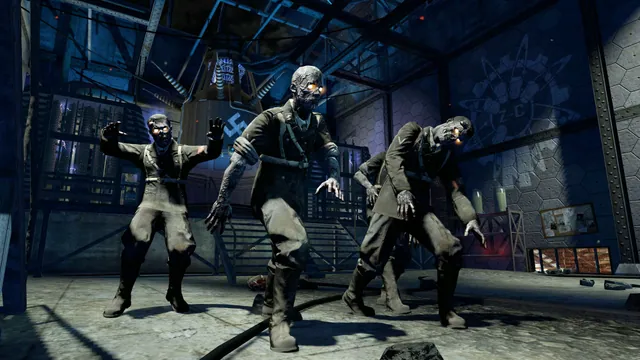
Black Ops Zombies: Rezurrection publisher screenshot. Original-game DLC reference; not the browser project or a promise that this map is playable there.
Image credits ↗