
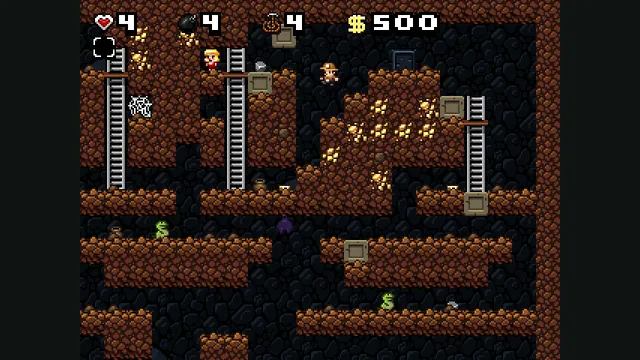
Spelunky Classic screenshot published by Derek Yu; reference image of the freeware original, not a capture of the HTML5 port or the HD remake.
Image credits ↗Derek Yu’s freeware Spelunky Classic, ported from GameMaker to HTML5 by Darius Kazemi.
Climb Celeste Mountain in Webleste with your own FNA-edition files and optional Everest mods.
 PlayYour game files required
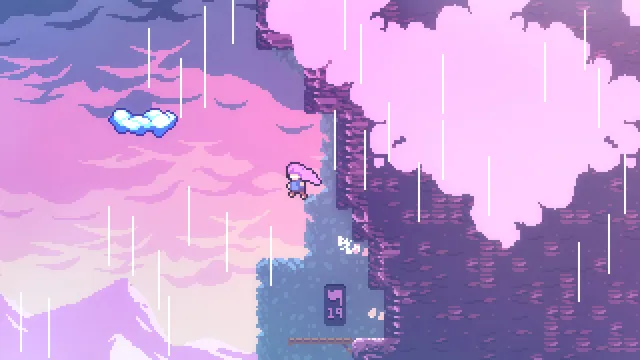
Celeste publisher screenshot. Original-game reference, not a capture of Webleste.
Celeste © Extremely OK Games / Maddy Makes Games. Publisher screenshot; independent editorial reference.
Source & attribution ↗View image ↗Webleste adapts Celeste (2018) and the Everest mod loader to browser WebAssembly. Import your own FNA installation, then patch it in the browser. The creator describes the port as near-complete; low-memory devices and Firefox can have problems.
Celeste follows Madeline up a mountain through compact platforming challenges. The attraction is learning a route closely enough to put a difficult sequence together: progress comes from understanding the room and refining the next attempt, while the story gives the climb a personal purpose.
This listing concerns the 2018 commercial game. Celeste Classic is a different, smaller PICO-8 game; importing files into Webleste is the route for an owner who wants the later game in a browser.
Celeste · official game and purchase informationWebleste · creator README
Webleste runs the FNA version of Celeste through WebAssembly and patches the player-provided game assembly. Its creator describes it as near-complete and documents support for Everest mods. That makes this project useful for someone who already owns Celeste and wants a browser-based route that keeps the connection to the actual game and its mod ecosystem.
Have the FNA edition installed first. The launcher says non-Windows editions use FNA and that Steam also offers an FNA version. Choose Copy local Celeste assets and select the installation directory containing Celeste.exe and Content. On macOS, the launcher points inside Celeste.app to Contents/Resources.
Keep the installation folder structure intact. An Everest installation can supply the original executable from its orig directory. After copying the files, let Webleste patch the assembly. For a browser that already has Webleste prepared, the File Browser can export a root archive that another installation can import.
The live launcher asks for roughly 1 GB of memory and warns about low-end devices. The README also flags possible Firefox issues. A desktop Chromium browser offers the clearest route through the documented file-management controls.
Requires your own FNA edition of Celeste, including Celeste.exe and its Content directory. The import accepts Celeste.exe from an orig subfolder for an existing Everest installation.
Creator-reported · Project guideOpen Webleste, choose Copy local Celeste assets, select the FNA installation folder and follow the patching step. An exported Webleste root-directory .tar archive is an alternative import.
Creator-described near-complete port of Celeste (2018), with Everest mod support. This is separate from Celeste Classic for PICO-8.
Creator-reported · Project guideThe launcher provides a File Browser with root-folder archive export and import. Exported Webleste archives can be imported on another prepared browser.
Creator-reported · Project guideThe live launcher budgets around 1 GB of memory and warns about low-end devices. Use a Chromium-based desktop browser for the documented file-management features.
Creator-reported · Project guideSpelunky Classic screenshot published by Derek Yu; reference image of the freeware original, not a capture of the HTML5 port or the HD remake.
Image credits ↗Derek Yu’s freeware Spelunky Classic, ported from GameMaker to HTML5 by Darius Kazemi.
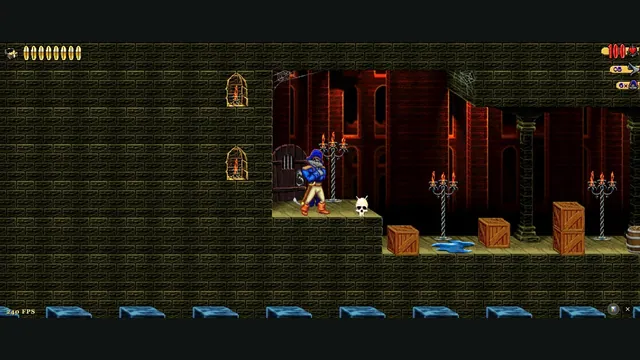
Claw Web creator screenshot from level 1.
Image credits ↗Captain Claw’s 14 levels, with widescreen play, gamepad support and browser saves.
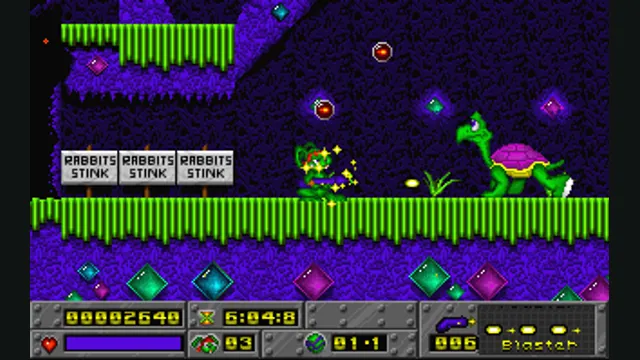
Jazz Jackrabbit original-game reference; not a capture of OpenJazz’s browser build.
Image credits ↗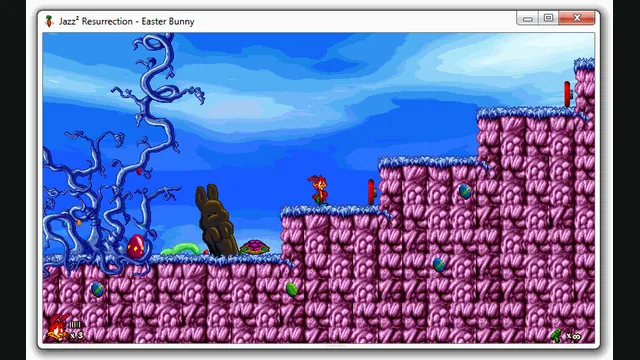
Jazz² Resurrection creator preview, extracted as a still from a native window. It illustrates the project, not a capture of the browser build.
Image credits ↗A browser preview of the Jazz Jackrabbit 2 reimplementation with an episode import option.