
TimeSplitters 2
Arcade firefights on Ice Station and three more maps, with bot practice and private rooms.
About this version
Concentric’s browser recreation focuses on TimeSplitters 2 arcade combat. Its current lobby lists Ice Station, Chinese, Mexican Mission and Training Ground, with character selection, team choices and private bot practice. It does not offer the original story campaign.
- Project
- Concentric browser arcade
- Original game
- TimeSplitters 2
Arcade combat rather than the story campaign
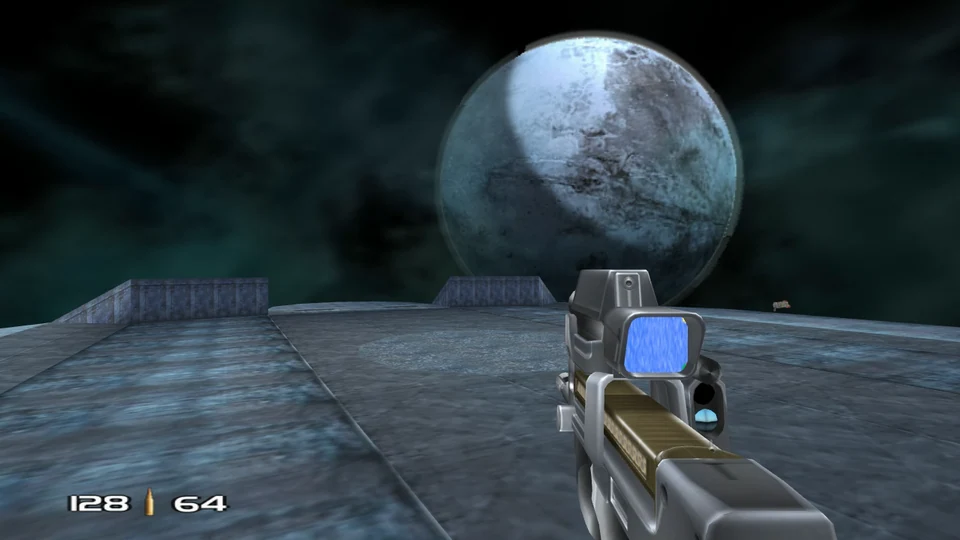
Concentric’s recreation concentrates on the fast arena side of TimeSplitters 2. Ice Station supplies the snow-covered outpost that gave the original shared link its identity, but the current lobby also lists Chinese, Mexican Mission and Training Ground. Map descriptions and available arcade modes belong to this browser project; the original story campaign is not part of this launcher.
Character and team selection happen in the web room before a match starts. The map is locked once that room has been created, so choose the setting first instead of expecting to change it from the character screen.
Start with a private bot match
Practice with bots creates a private solo room with three bots. Select your character and team, press Ready, then Start match. This gives you an arena to learn without using Quick Play or advertising a public room.
Use Resume or click the game to capture the mouse. WASD or arrows move, Shift sprints and mouse input looks and fires. Escape releases the pointer and brings back the match controls. Read the host’s full controls panel before changing weapons or using a controller.
Choose who can find your room
Create room and Join accept a room name or invite code, and List publicly controls whether a room appears in the public list. Quick Play is a different choice: it looks for an open room or creates one. Share the actual invite when organizing friends rather than just sending the project homepage.
The lobby’s desktop keyboard-and-mouse recommendation is a useful starting point for this shooter. A controller panel exists, but that is separate from a promise that every controller or phone is a comfortable way to play.
Before you play
How do I get started?
Choose a map, then Practice with bots for a private solo room with three bots. Choose your character and team, press Ready, then Start match. Resume or click the game to capture the mouse; Esc releases it.
Creator-reported · Project guideWhich devices and browsers work?
The lobby recommends desktop keyboard and mouse. A separate controls panel includes controller settings.
Creator-reported · Project guideWhat are the controls?
WASD or arrows move, Shift sprints and the mouse looks and fires. Esc releases the mouse and opens the match menu. Check the host’s controls panel for the complete current mapping.
Creator-reported · Project guideCan I play multiplayer?
Create a room and share its invite, or join a room code. The List publicly option controls public listing; Practice with bots creates a private solo room.
Creator-reported · Project guideWhat is included in this version?
The arcade lobby lists four maps: Ice Station, Chinese, Mexican Mission and Training Ground. It offers bot practice and room-based arcade play, rather than a story-campaign port.
Creator-reported · Project guide
Halo’s Xbox campaign and invite-based multiplayer, with your own disc image.
Original files requiredPlay
Arena survival, quests and two-player online co-op in a browser rebuild of Crimsonland Classic.
