
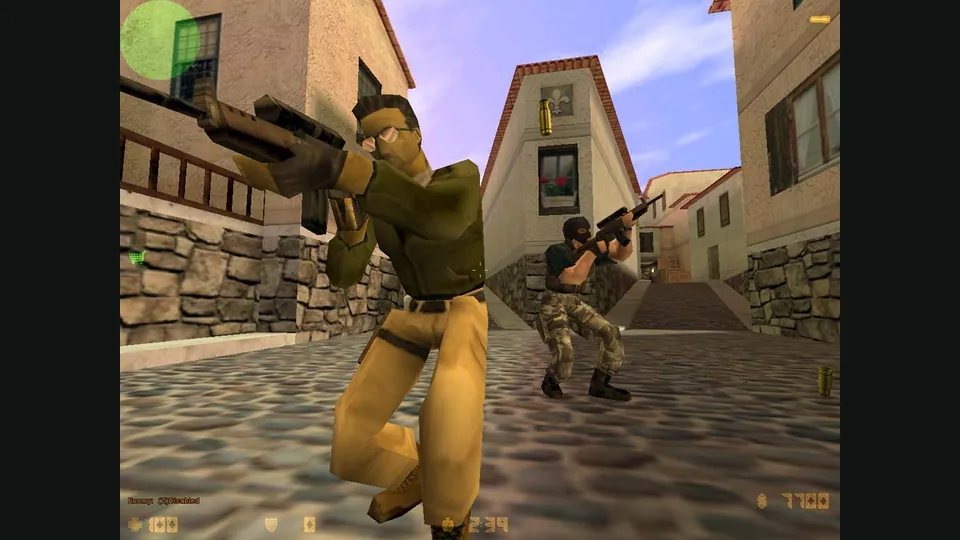
Counter-Strike publisher screenshot. Original-game reference; not the CSJS browser build.
Image credits ↗Arena survival, quests and two-player online co-op in a browser rebuild of Crimsonland Classic.
 Play
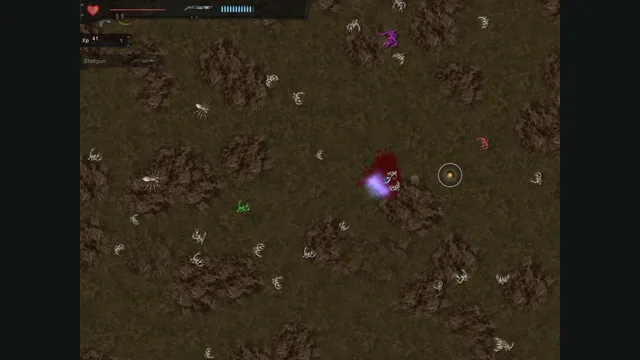
PlayCrimsonland Classic in Crimson’s browser build. A Survival encounter captured from the public game.
Crimsonland Classic © 10tons. Crimson browser build by banteg; gameplay capture by Playable. Independent editorial excerpt.
Source & attribution ↗View image ↗Controls: WASD moves, the mouse aims and left click fires. Options → Controls displays right click for perk selection and middle click for reload; these two actions were not exercised in this run.
Crimson brings the Classic 1.9.93 game to browsers from recovered source code. Fight through creature swarms, build a run around weapon drops and perks, or work through scripted quests. The creator also provides a separate Python port; this listing launches the web build.
Crimsonland is an overhead arena shooter built around space: creatures arrive from the edges, so staying alive means moving through gaps while aiming somewhere else. Survival begins with a pistol and a small weapon pool. As the clock runs, enemies arrive faster; as your experience rises, they grow tougher. A weapon pickup can change the rhythm of the next encounter, while each level gives you a perk choice.
Quests offer a more directed alternative: fifty scripted fights across five tiers, with a definite last wave to clear. Beating them unlocks the next quest and usually a weapon or perk, expanding the choices available elsewhere. Survival rewards endurance and experience; quests reward clearing their encounters efficiently.
This is the Classic 1.9.93 version of Crimsonland, rather than the later remake. The web client runs the recovered original code compiled for the browser. The project also contains a Python reimplementation and a desktop client, but their installation steps and extra features do not all carry over to this launch.
The creator lists Survival, Rush, Quests, Tutorial and Typ-o-Shooter for the web build, with documented original bugs fixed by default. The game view stays at 1024×768 and scales to the page; use the launch page’s fullscreen button for more room. A WebGL2-capable browser is required.
Crimson · Classic browser buildCrimson · web feature comparison
Wait for the first-visit download, press Play, then open Play Game. There is no separate game package to find or import: the creator distributes the Classic assets automatically and reports permission from 10tons to do so. Choose Tutorial for guided movement, shooting, pickups and perk choices. It is single-player, keeps your health full and records no score.
For keyboard and mouse, the default Controls screen maps WASD to movement and the mouse to aiming. Left click fires, right click selects a perk and middle click reloads. If middle click is awkward on your mouse, change the binding in Options → Controls before starting. Survival is a quick way to try the combat; leave Ranked unchecked for an unranked session. Ranked Survival and quest runs can be uploaded to the project’s leaderboards.
Crimson · Classic browser buildCrimson · tutorial guideCrimson · Play and Controls
Choose Play co-op on the launch page to create an invite link for a friend in another browser. The host chooses Survival or a stock quest; the current release lets either player continue with Play Again or Next Quest. Pausing affects both players, and leaving ends the shared run. The creator says each player keeps their own settings and save.
The web feature matrix also lists the original two-player local mode and one connected gamepad at a time. Four-player local co-op is a feature of the separate Python port. For a pair playing on separate computers, use the browser invite flow.
Crimson · co-op release notesCrimson · web feature comparison
Saves, recorded runs and the web player key live in the creator site’s browser storage. Return with the same browser profile to keep using that local progress. Clearing the site’s data or moving to another profile is not the same as moving a desktop save folder.
The current web client can watch replays from its high scores and run links, but the project still lists replay and key downloads as unfinished. Its Python command-line export and replay tools are a separate workflow; do not expect those commands to back up this browser session.
No separate game-file import is needed. The browser downloads the Classic assets on first visit; the creator reports distribution permission from 10tons.
Creator-reported · Project guideOpen the web build and press Play, then choose Play Game. Tutorial teaches the basics; Survival starts an endless run. Leave Ranked unchecked for an unranked session.
The web build requires WebGL2 and scales its 1024×768 game view to the page. The creator documents keyboard/mouse and PlayStation, Xbox or Switch Pro gamepads; the web client accepts one gamepad at a time.
Creator-reported · Project guideDefault keyboard/mouse bindings are WASD to move, mouse to aim, left click to fire, right click to pick a perk and middle click to reload. Change bindings in Options → Controls.
Creator-reported · Project guideThe creator documents two-player local play and two-player online co-op for Survival and stock quests. Choose Play co-op on the launch page to create an invite link for another browser.
Creator-reported · Project guideThe browser build covers Classic 1.9.93, including Survival, Rush, Quests, Tutorial and Typ-o-Shooter. It is distinct from the 2014 remake.
Creator-reported · Project guideThe web build stores saves in this browser’s site storage. Use the same browser profile and creator site to return to them; clearing site data removes that local storage.
Creator-reported · Project guideWeb replays and the local player key remain in this browser’s site storage; the creator lists downloading them as unfinished. The four-player local mode belongs to the separate Python port.
Creator-reported · Project guideCounter-Strike publisher screenshot. Original-game reference; not the CSJS browser build.
Image credits ↗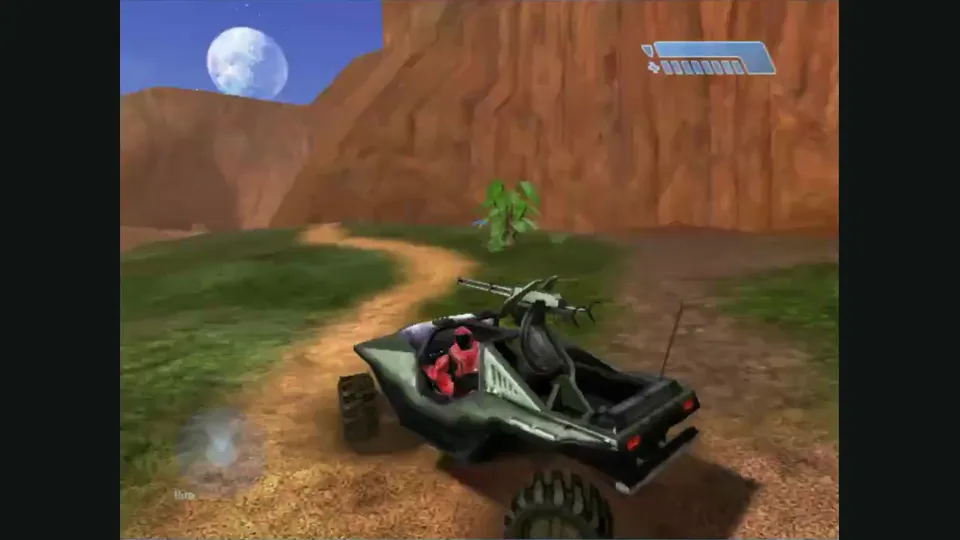
Mitchell Hynes Web gameplay, from the creator’s launch demonstration at approximately 1:52. Gameplay area cropped from the published video.
Image credits ↗Halo’s Xbox campaign and invite-based multiplayer, with your own disc image.

Doom publisher gameplay reference from the current DOOM + DOOM II gallery; not a capture of the linked port.
Image credits ↗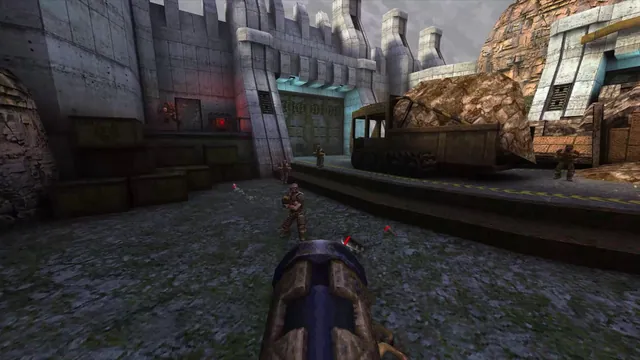
Quake publisher gameplay reference from the current enhanced-edition gallery; not a QuakeWorld or NetQuake session.
Image credits ↗