
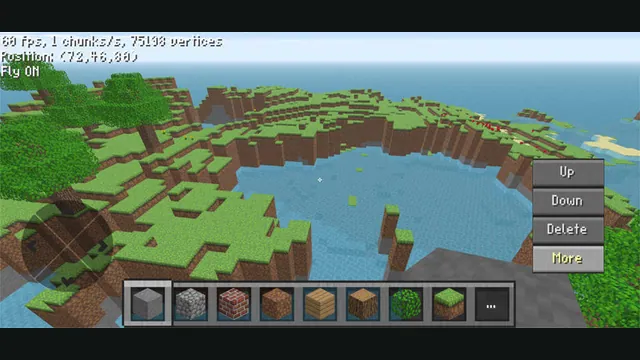
ClassiCube creator screenshot demonstrating its mobile controls; not a desktop browser capture.
Image credits ↗Dig, build and explore in Terrarium, a browser port that imports your own Terraria content.
 PlayYour game files required
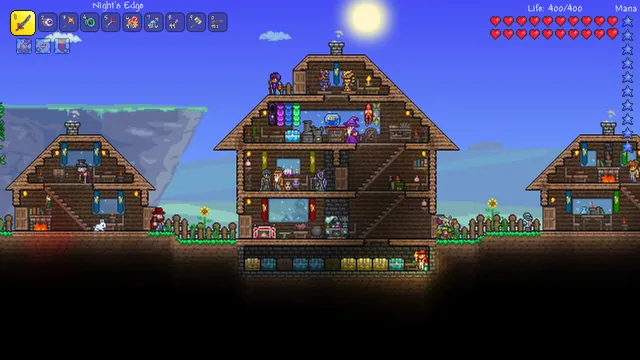
Terraria publisher screenshot. Original-game reference, not a capture of Terrarium.
Terraria © Re-Logic. Publisher screenshot; independent editorial reference.
Source & attribution ↗View image ↗Terrarium brings Terraria to browser WebAssembly through Mercury Workshop’s FNA-based port. Bring a local Terraria Content folder, use the creator’s Steam asset-import option, or restore an exported Terrarium archive. The creator says runtime mod support is not currently feasible.
Terraria connects digging, fighting, exploration and building in one world. Collecting useful materials and changing the landscape are part of the adventure, so a session can move between searching for resources, improving a base and pushing into somewhere unfamiliar.
Terrarium adapts Terraria to browser WebAssembly. Mercury Workshop credits velzie for the port and identifies the Celeste browser project as the basis for its frontend and build system. The creator-hosted launcher requires ownership and offers local content import, Steam asset import and restoration from a Terrarium archive.
For local import, open Terrarium and choose Copy local assets. Select your Terraria installation’s Content directory. The importer checks for Fonts, Images and Sounds, then copies the content to browser storage; selecting the parent Terraria directory does not match that folder check.
The File System interface provides folder-archive export and upload, and setup accepts an exported Terrarium root archive. Keep a copy outside browser storage when moving a prepared installation between browser profiles.
The creator says runtime mod support is not currently feasible at usable performance. Plan around the base-game port instead of assuming a modded desktop setup will transfer. The launcher recommends Chromium for archive extraction and filesystem transfers.
Own Terraria on Steam or have a local PC installation. Local import needs the Content folder, with Fonts, Images and Sounds subfolders.
Creator-reported · Project guideOpen the creator-hosted Terrarium page and choose Copy local assets. Select the Content folder from your Terraria installation and let it copy to browser storage. The host also offers Steam asset import and Terrarium root-archive restoration.
Browser WebAssembly port of Terraria using FNA. The creator documents base-game setup and says runtime mods are not currently feasible at usable performance.
Creator-reported · Project guideThe File System interface offers folder-archive download and upload. The setup accepts an exported Terrarium .tar root archive as a restoration route.
Creator-reported · Project guideThe project README says runtime mod loading is not currently feasible at usable performance.
Creator-reported · Project guideClassiCube creator screenshot demonstrating its mobile controls; not a desktop browser capture.
Image credits ↗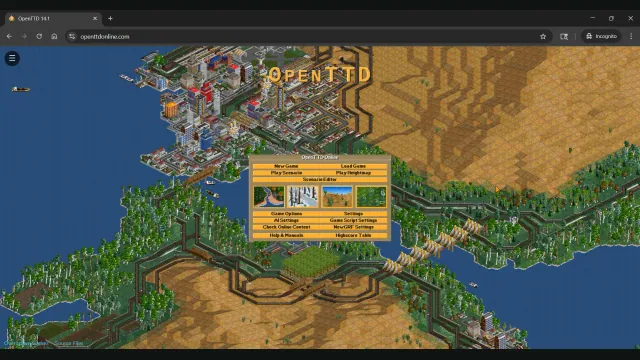
OpenTTD Online creator screenshot of the main menu over a transport network.
Image credits ↗Build railways and transport networks with OpenTTD’s free assets and browser save transfers.
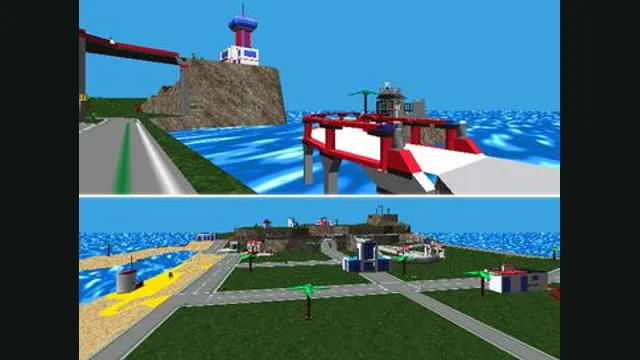
LEGO Island original-game screenshot reference; not a capture of the linked project.
Image credits ↗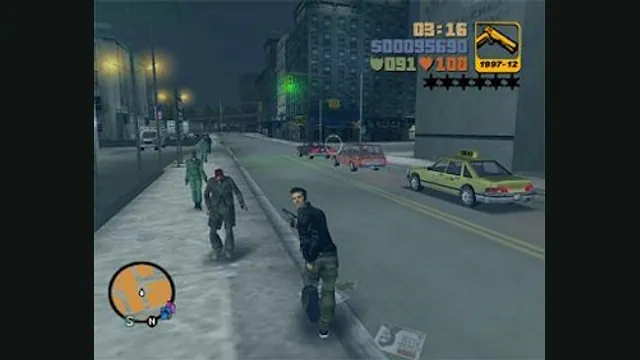
GTA III PC screenshot. Original-game reference; not a capture of the WASM Arcade host.
Image credits ↗