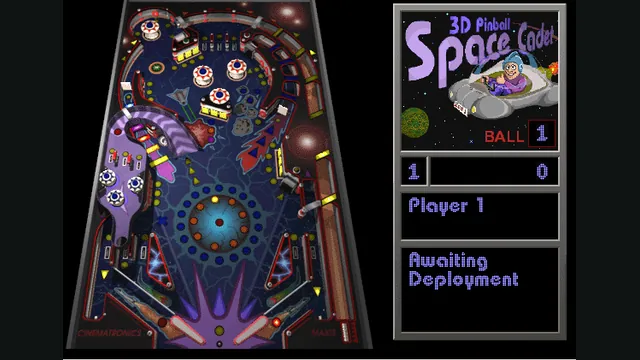
Space Cadet game reference captured from alula’s maintainer-listed Emscripten port; not a capture of the native build.
Image credits ↗The Windows pinball classic, rebuilt from reverse engineering.
Original files requiredSetup
The familiar Space Cadet table in alula’s browser port.
PlaySpace Cadet game reference captured from alula’s maintainer-listed Emscripten port; not a capture of the native build.
3D Pinball: Space Cadet game imagery © its respective owners, including Cinematronics, Maxis and Microsoft. Emscripten port by alula based on SpaceCadetPinball. Screenshot captured by Playable.
Source & attribution ↗View image ↗alula’s Emscripten fork adapts the SpaceCadetPinball reverse-engineering project for the web. It is the browser implementation previously used as a labeled visual reference for our separate native entry.
Space Cadet is the pinball game bundled with older versions of Windows. It is a single table built around launching a ball, timing the flippers and using the table's targets, ramps and bumpers to score. Its mission and rank systems give you objectives within that repeated attempt to keep the ball in play.
The attraction is immediate control with room to improve. A first attempt can be about keeping the ball alive; later attempts can pay more attention to the lit targets and mission messages. The table stays familiar while the path of each ball changes.
SpaceCadetPinball · reconstructed engine READMESpaceCadetPinball · table missions and scoring
Alula's browser build comes from the SpaceCadetPinball reverse-engineering project. The repository reconstructs the Windows and Full Tilt Space Cadet executables into C++ and uses SDL for the platform layer. This is a port of that table, rather than a new pinball game with a similar space theme.
The project's ability to read Space Cadet data from Full Tilt does not mean it contains every Full Tilt table. Its README lists the other two tables as possible future work. The browser host loads its resources directly; the repository's instruction to place data beside a compiled executable concerns the separate native route.
SpaceCadetPinball · reconstructed engine READMESpace Cadet Pinball · hosted browser build
The source defaults are Z for the left flipper, slash for the right flipper and Space for the plunger. Use those three first so that launching and returning the ball become separate, deliberate actions.
Nudges have their own bindings: X from the left, period from the right and Up from below. They are not replacements for the flippers. The options code also exposes player count, sound, music and display settings; check the in-game menus when adapting the layout to your keyboard rather than assuming browser-wide shortcuts control the table.
The hosted page loads its resources without an owned-file import step.
Creator-reported · Project guideOpen the hosted page and wait for its download to finish. Use the game’s menu to begin a table session.
Creator-reported · Project guideThe port’s default keys are Z for the left flipper, / for the right flipper and Space for the plunger. X, . and Up nudge the table from the left, right and bottom.
Creator-reported · Project guideThis browser build contains the Space Cadet table from 3D Pinball for Windows.
Creator-reported · Project guideMade possible by alula.
Space Cadet game reference captured from alula’s maintainer-listed Emscripten port; not a capture of the native build.
Image credits ↗The Windows pinball classic, rebuilt from reverse engineering.
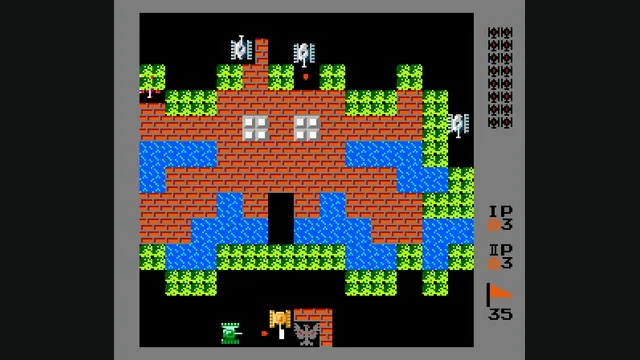
Playable capture of the documented Battle City web port; game canvas with navigation cropped away.
Image credits ↗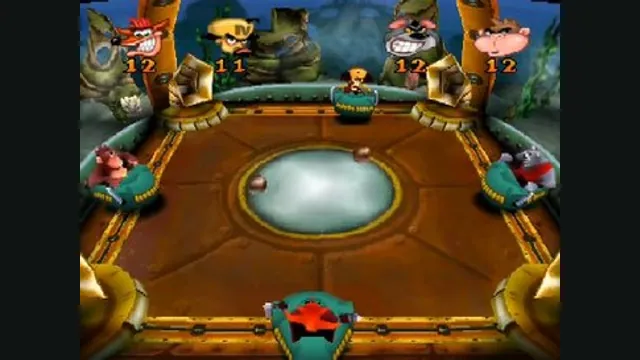
Crash Bash gameplay reference; not a capture of the linked project.
Image credits ↗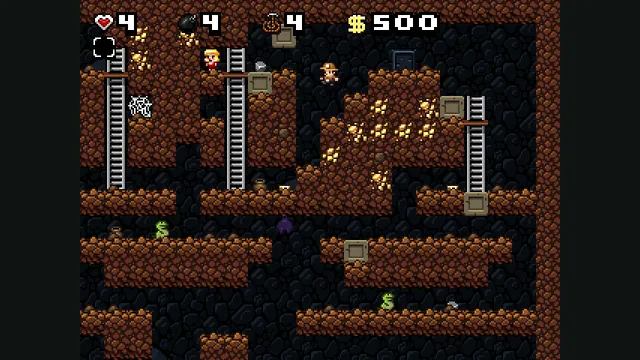
Spelunky Classic screenshot published by Derek Yu; reference image of the freeware original, not a capture of the HTML5 port or the HD remake.
Image credits ↗Derek Yu’s freeware Spelunky Classic, ported from GameMaker to HTML5 by Darius Kazemi.
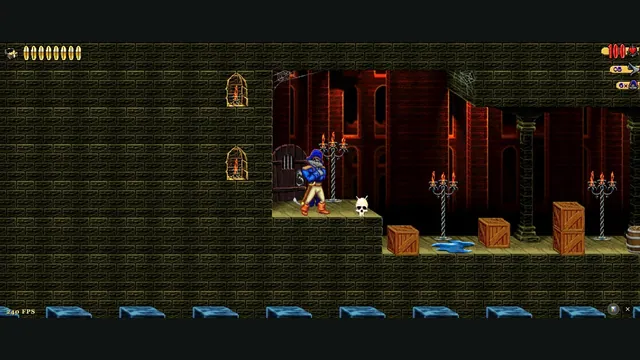
Claw Web creator screenshot from level 1.
Image credits ↗Captain Claw’s 14 levels, with widescreen play, gamepad support and browser saves.