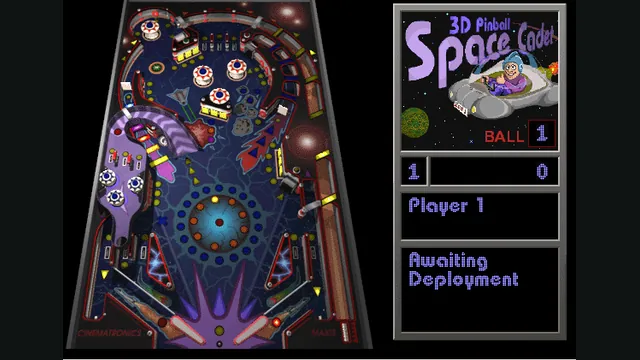
Space Cadet game reference captured from alula’s maintainer-listed Emscripten port; not a capture of the native build.
Image credits ↗The Windows pinball classic, rebuilt from reverse engineering.
SetupYour game files requiredSpace Cadet game reference captured from alula’s maintainer-listed Emscripten port; not a capture of the native build.
3D Pinball: Space Cadet game imagery © its respective owners, including Cinematronics, Maxis and Microsoft. Emscripten port by alula based on SpaceCadetPinball. Screenshot captured by Playable.
Source & attribution ↗View image ↗This project supports resource files from Windows and Full Tilt versions of Space Cadet. Its own code does not include the original game resources.
SpaceCadetPinball reconstructs 3D Pinball for Windows – Space Cadet, the game bundled with Windows, as a modern desktop program. The work uses the Windows XP executable and the 32-bit Full Tilt! Pinball version as reverse-engineering references. It is a dedicated recreation of Space Cadet rather than a general pinball-table player.
That scope matters when choosing data files. The project accepts resources from the Windows and Full Tilt versions, but additional Full Tilt features remain on its plans list. The other Full Tilt tables, Dragon and Pirate, are possibilities rather than included games.
The completed improvements listed by the project include a resizable window, scaled graphics and a loader for higher-resolution sprites from CADET.DAT. Its cross-platform interface and audio use SDL2, SDL2_mixer and ImGui. You can therefore choose a current desktop build without relying on the old Windows application environment.
This entry covers the upstream Windows, Linux and macOS project. The README separately credits community ports for browsers, handhelds, consoles and other devices. Those forks have their own packaging and setup; support for a device in that list should not be read as part of the upstream desktop executable.
Place the compiled program in a folder containing your original game resources. They are not bundled in the source project. Preserve the resource filenames and folder contents when moving an installation; downloading an executable alone is not enough to supply the table’s artwork and sound.
Linux users can use a distribution package or the linked Flatpak where available, which can simplify dependency management. Manual builds use CMake and SDL2 libraries. macOS build instructions distinguish Intel from Apple silicon and include a script that creates an application disk image.
The project’s roadmap still separates completed desktop portability from future localization, Full Tilt-specific features and a possible data editor. Choose SpaceCadetPinball because you want the Space Cadet experience with modern window handling, rather than expecting a collection of tables or a finished table-authoring suite.
Original Space Cadet resources from a supported Windows or Full Tilt version.
Creator-reported · Project guidePlace the application beside the original resource files as documented.
Creator-reported · Project guideSpace Cadet game reference captured from alula’s maintainer-listed Emscripten port; not a capture of the native build.
Image credits ↗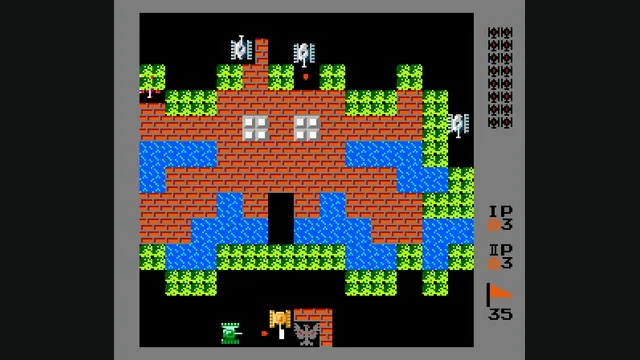
Playable capture of the documented Battle City web port; game canvas with navigation cropped away.
Image credits ↗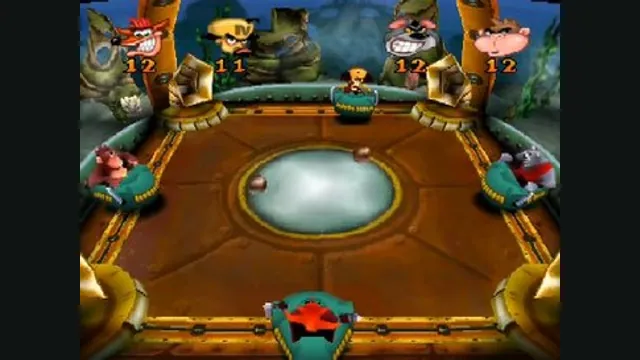
Crash Bash gameplay reference; not a capture of the linked project.
Image credits ↗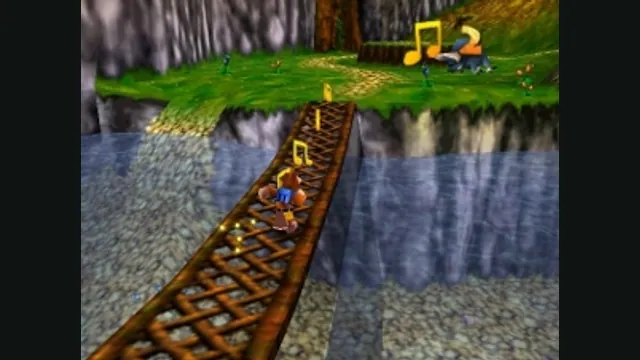
Banjo-Kazooie gameplay reference; not a capture of the linked project.
Image credits ↗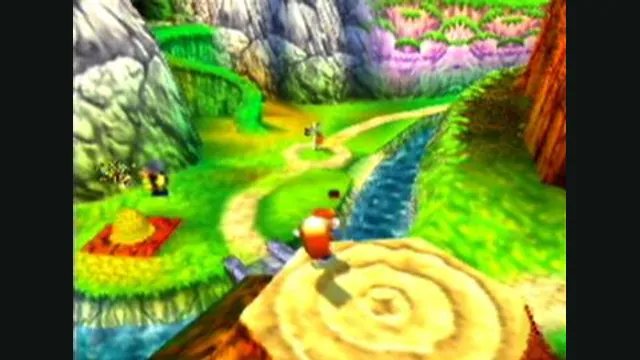
Conker’s Bad Fur Day gameplay reference; not a capture of the linked project.
Image credits ↗The N64 game rebuilt around N64ModernRuntime and RT64.