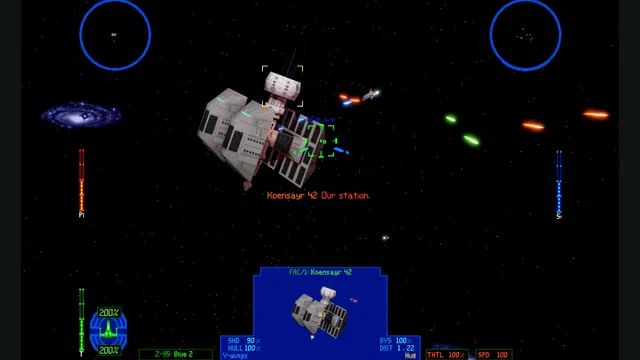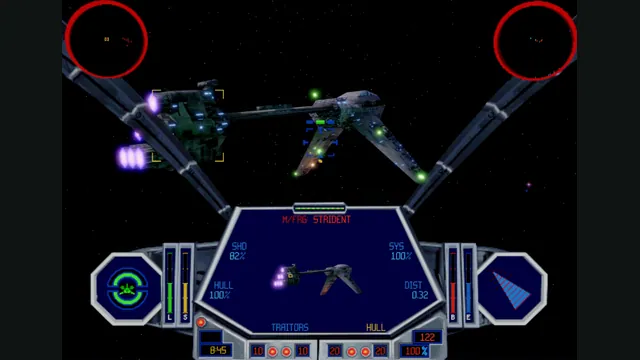
TIE Fighter’s classic editions on a new cross-platform engine.
Original files requiredSetup
A work-in-progress Windows recompilation of Ace Combat 6.
 SetupYour game files required
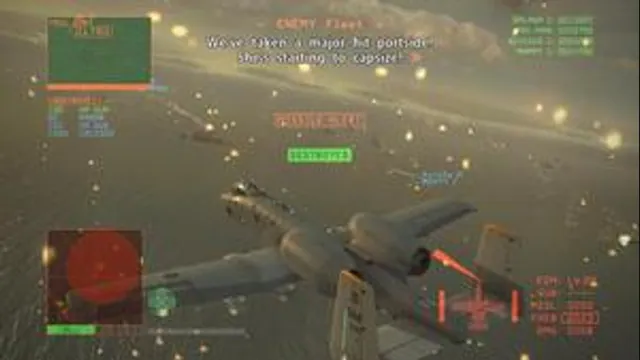
Ace Combat 6: Fires of Liberation original-game reference; not an AC6Recomp capture.
Game imagery remains copyright its respective rights holders. Image published at https://en.wikipedia.org/wiki/File:AceCombat6Gameplay.jpg.
Source & attribution ↗View image ↗A work-in-progress Windows recompilation of Ace Combat 6. The project can boot and reach gameplay according to its creator, but remains work in progress with bugs, crashes and missing functionality.
AC6Recomp brings Ace Combat 6’s aircraft controls to a native Windows executable. The documented controls combine steering, acceleration and braking with target selection, gun and missile fire, radar and wingman commands. Mouse steering leaves the keyboard available for those actions; holding Left Alt changes the mouse to camera control so looking around does not steer the aircraft.
Controllers work immediately, while keyboard and mouse input must be enabled in the configuration. The bindings can be remapped and reload while the game runs. That makes the control scheme a meaningful part of setup, especially if you want to separate looking, rolling and weapon selection.
The project can run gameplay up to 60 FPS with a corrected flight model, exposes higher-resolution terrain and supports internal resolution scaling. Optional ultrawide expands missions and in-engine cinematics; the hangar and menus stay at 16:9. Cinematics were staged for the original framing, so a wider view can expose scene edges.
The game code is recompiled, but rendering still uses the RexGlue/Xenia graphics backend. Higher resolution and frame-rate targets can therefore remain expensive. These options are targets to tune for your machine, not a promise that meeting the minimum requirements delivers 60 FPS.
The documented platform is 64-bit Windows 10 or 11 with an AVX2-capable CPU and Direct3D 12 graphics. Supply your own US game image beside the executable, or an assets folder of extracted files. European and Japanese game data are not supported; the Japanese language option does not change that restriction. Extracted DLC has its own dlc directory.
The build reaches gameplay but remains experimental, with possible crashes, bugs and missing functionality. F4 opens its settings overlay, F3 toggles the frame-rate display and F11 changes fullscreen mode. When editing ac6recomp.toml manually, use forward slashes in file paths: a malformed backslash escape can invalidate the configuration and reset the settings to defaults.
An owned US-region Ace Combat 6 ISO, or its extracted files in assets/ next to ac6recomp.exe. European and Japanese editions are not supported.
Creator-reported · Project guideExtract the release, place the supported ISO or assets directory beside ac6recomp.exe, and follow the project’s first-run instructions.
Creator-reported · Project guideWindows 10/11 64-bit, an AVX2 CPU and a Direct3D 12-capable GPU are required.
Creator-reported · Project guideControllers work by default. Keyboard and mouse controls require enabling ac6_kbm_enabled in the configuration.
Creator-reported · Project guideThe project can boot and reach gameplay according to its creator, but remains work in progress with bugs, crashes and missing functionality.
Creator-reported · Project guideTIE Fighter’s classic editions on a new cross-platform engine.
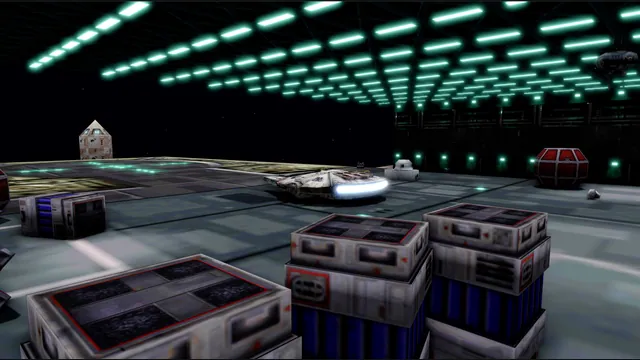
OpenXWA creator screenshot of the hangar with its development overlay.
Image credits ↗The 1999 space simulator adapted to current desktop systems.
X-Wing vs. TIE Fighter and Balance of Power on a replacement engine.
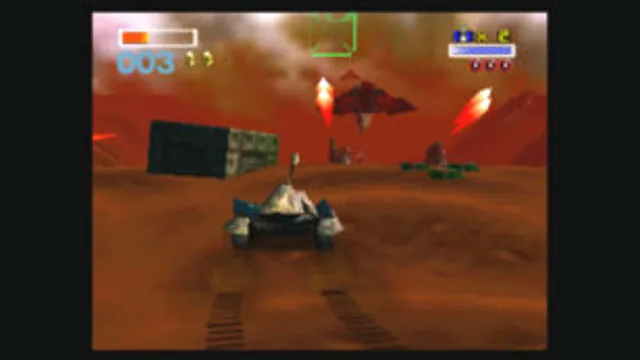
Star Fox 64 original-game screenshot reference; not a capture of the linked project.
Image credits ↗The Star Fox 64 native port with explicit regional ROM support.