
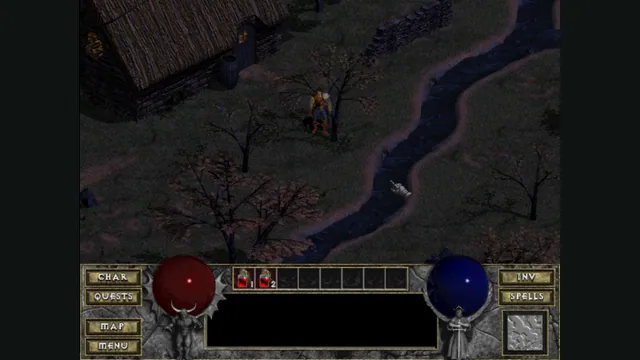
DiabloWeb browser capture in Tristram using the freely supplied shareware demo.
Image credits ↗Try the official CrossCode browser demo, an earlier beta slice of its action and puzzle RPG.
 Play
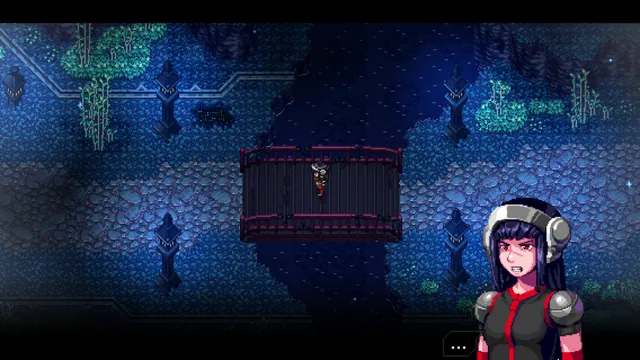
PlayOpening scene captured from the official CrossCode v0.7.1 beta browser demo.
CrossCode © Radical Fish Games. Captured from the official browser demo for independent editorial identification.
Source & attribution ↗View image ↗Radical Fish Games hosts this HTML5 demo on the official CrossCode site. The browser build identifies itself as v0.7.1 BETA DEMO. It provides a free introduction to the game; the separately sold retail release is a larger, later product.
CrossCode mixes fast combat with puzzles built around bouncing projectiles. The original game follows Lea inside CrossWorlds, a fictional MMO of the future. Its appeal comes from using precise action controls while exploring a world designed around RPG progression and puzzles.
The MMO is part of the story setting. It is not a reason to expect multiplayer servers from this browser demo.
The official CrossCode website links directly to its Web Version alongside the downloadable demo. The live browser title labels this build v0.7.1 BETA DEMO. Treat it as an earlier introduction to CrossCode, with its own content and interface, rather than the complete current retail release.
CrossCode official site and web-demo linkCrossCode official browser demo
Wait for the loading bar, activate Press to Start and choose New Game. The title screen also offers Options. Once the story is running, Escape opens a pause menu with Resume Game, Options, Skip Cutscene and Return to Title.
The original website links the full game separately. Trying the web demo does not require a retail installation or an upload of game files.
CrossCode official browser demoCrossCode official site and web-demo link
Use this version to decide whether the presentation and action-puzzle style appeal to you. The full-game purchase is a separate PC product, and the beta label matters when comparing content or interface details.
CrossCode official browser demoCrossCode full-game purchase page
The official browser demo loads its content directly. No owned-game files or file import are required.
Creator-reported · Project guideOpen the official web demo, wait for loading, activate Press to Start and choose New Game. The observed title screen identifies the build as v0.7.1 BETA DEMO.
Creator-reported · Project guideOfficial HTML5 demo, labelled v0.7.1 BETA DEMO in the live title screen. The retail game is sold separately.
Creator-reported · Project guideThis is an earlier beta demo, separate from the retail game. Use the in-game Options and its own prompts when preparing this version.
Creator-reported · Project guideDiabloWeb browser capture in Tristram using the freely supplied shareware demo.
Image credits ↗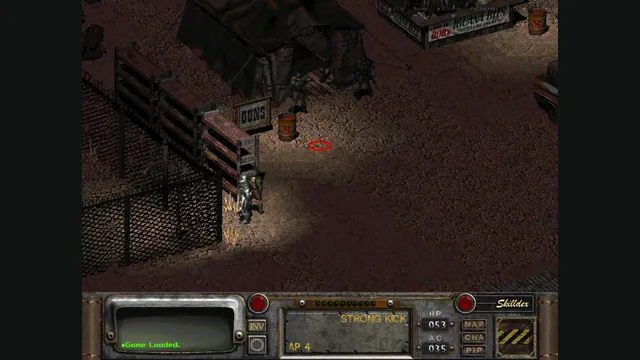
Rerun Reactor creator screenshot showing Fallout 2; the project also supports a separate Fallout installation.
Image credits ↗Both classic Fallouts in one local-file browser launcher, with save backups and touch controls.
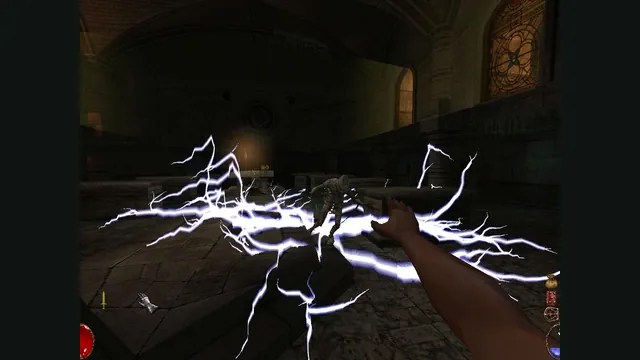
Arx Fatalis gameplay reference; not a capture of the linked project.
Image credits ↗An Arx Libertatis web demo with local saves and the original interaction scheme.
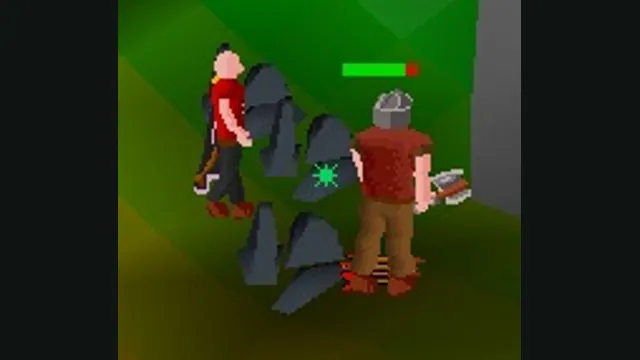
RuneScape Classic original-game screenshot reference; not a capture of the linked project.
Image credits ↗