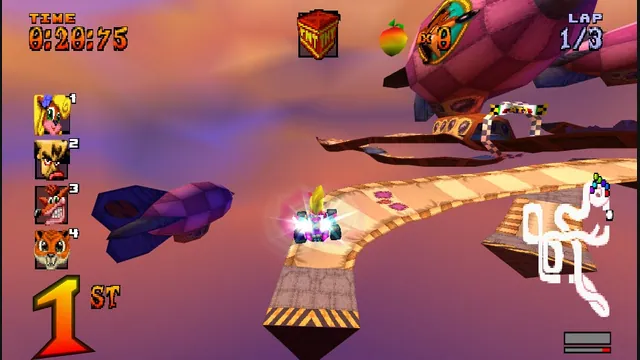
High Octane project screenshot; the source does not identify its build platform.
Image credits ↗The PS1 kart racer with widescreen, remappable controls and browser save backups.
Original files requiredPlay
Build C22’s native Mario Kart 8 Deluxe port for iPhone, iPad and Apple Silicon Mac.
 SetupYour game files required
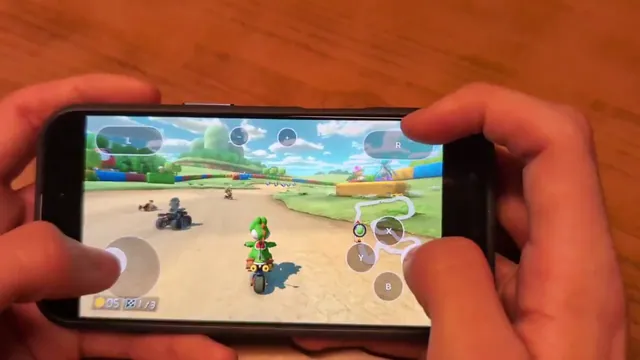
Mush8 on an iPhone, from C22’s creator gameplay demonstration.
Mario Kart 8 Deluxe imagery © Nintendo. iPhone gameplay demonstration by Constantin Clerc / C22; editorial excerpt from the original Mush8 post.
Source & attribution ↗View image ↗Mush8 brings Mario Kart 8 Deluxe to Apple devices with touch or controller input. C22’s project translates Switch system and graphics calls to Apple’s native APIs and documents LAN, nearby wireless and internet LAN-play modes. Build it from source with your own game dump; Nintendo’s online service is unavailable.
Mario Kart 8 Deluxe combines races through a varied set of courses with items that can change the contest between drivers. The original game offers 48 base courses and optional Smart Steering to help newer racers stay on track, while faster classes give experienced players a different challenge. Its Booster Course Pass is separate additional content.
That is the original game’s design and content structure. Mush8 brings its own platform, input and networking support, so Nintendo’s published console services should not be assumed to work through this project.
Mush8 runs locally built native applications on Apple Silicon Macs and supported iOS devices. It adapts the game’s system calls and graphics to the host rather than offering a browser launch. There is no prebuilt game download: setup uses your own base NSP, version 4.0.1 update and keys. Owned Booster Course Pass content and a firmware folder for fonts and Miis are optional.
On a Mac, the Prepare step extracts data and processes shaders before play. iOS can import data directly or use the app’s Files location. The initial preparation work is distinct from starting a race, and the resulting commercial game data remains local.
The documentation lists keyboard controls on Mac and support for Joy-Con, Switch Pro, Xbox and DualSense controllers. iOS shows touch controls when no controller is connected, with optional gyro input disabled by default. A phone can also act as a controller for a Mac or iPad on the same Wi-Fi network without carrying game data itself.
Local network play supports joining with a Switch. Nearby Mush8 devices have a wireless mode, while internet sessions use a separate lan-play server. These routes are distinct from Nintendo’s official online service, which the project does not support.
The documented Mac build requires Apple Silicon, macOS 14 or newer and the specified Xcode toolchain. iOS requires version 26 or newer and at least 6 GB of memory, with 8 GB recommended. Signing and installation are part of the source-build process.
Free Apple ID or IPA installations have a documented memory limit that differs from extended-memory builds. Amiibo is unsupported, and the hidden five-to-eight-player split-screen options are Switch 2-only behavior rather than working Mush8 modes. Check these limits before treating the port as a complete replacement for a console setup.
Your own Mario Kart 8 Deluxe base game (.nsp), update 4.0.1 (.nsp) and prod.keys. The Booster Course Pass (.nsp) and a Firmware folder for fonts and Miis are optional. Game data is not included.
Creator-reported · Project guideBuild from source on an Apple Silicon Mac with Xcode 26 or later and Rust. The project has no published binary release. The iOS build also needs Rust 1.98.1, the aarch64-apple-ios target and xcodegen, plus Apple ID signing or AltStore/SideStore for your locally built IPA.
The project targets Apple Silicon Macs on macOS 14 or later, and iPhone/iPad on iOS/iPadOS 26 or later with at least 6 GB RAM (8 GB recommended by the creator). Building requires a Mac capable of running Xcode 26 or later. This is a native app, not a browser game.
Creator-reported · Project guideThe creator documents Switch Pro, Joy-Con, DualSense and Xbox controllers. Mac also supports keyboard input; iPhone and iPad show touch controls when no controller is connected. Gyro steering is optional. An iPhone can act as a touch controller for a Mac or iPad on the same Wi-Fi without game files on the controller phone.
Creator-reported · Project guideThe creator documents local controllers, LAN on the same network, internet play through lan-play.com servers, and nearby wireless Mush8 sessions. Switch players can join the documented LAN/server modes. Nintendo’s official online service is unavailable, and 5–8-player split screen is hidden.
Creator-reported · Project guideFree Apple ID signing and AltStore/SideStore builds use a smaller 5 GB memory layout because they lack the extended virtual addressing entitlement. Nintendo online play and amiibo are unavailable. The two WebM videos play as slideshows on iOS.
Creator-reported · Project guideMade possible by Constantin Clerc / C22.
High Octane project screenshot; the source does not identify its build platform.
Image credits ↗The PS1 kart racer with widescreen, remappable controls and browser save backups.
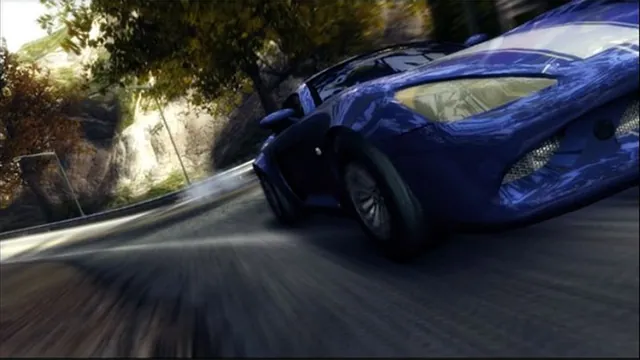
Original Burnout Revenge publisher screenshot, used as a source-game reference for Xerenge.
Image credits ↗The Xbox 360 racer rebuilt locally from a supported disc.
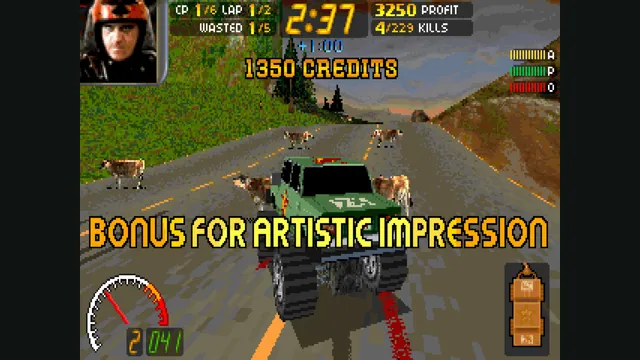
Carmageddon Max Pack gameplay reference; not a capture of the linked project.
Image credits ↗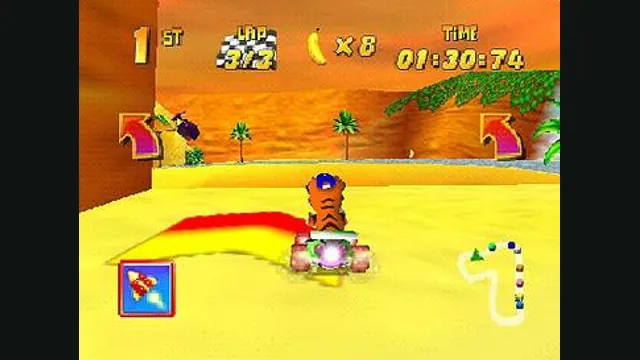
Diddy Kong Racing original-game screenshot reference; not a capture of the linked project.
Image credits ↗Diddy Kong Racing with WebGPU, split-screen and local ROM loading.