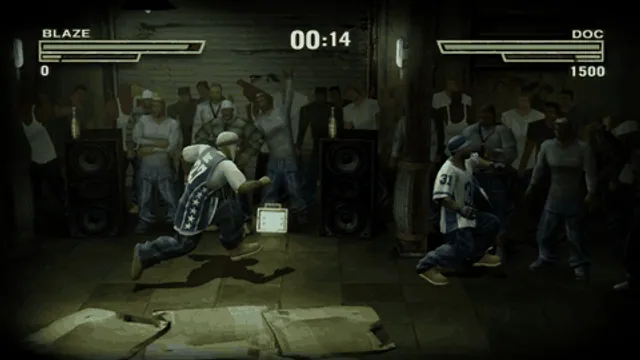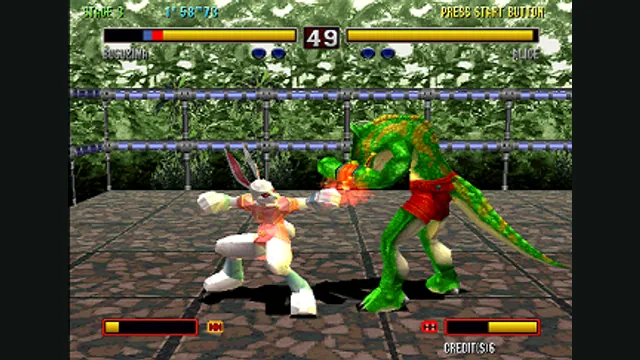
Bloody Roar 2 arcade-edition gameplay reference; not the PlayStation recompilation.
Image credits ↗Melee on Windows with Slippi and flexible display options. Bring your own NTSC 1.02 ISO.
 SetupYour game files required
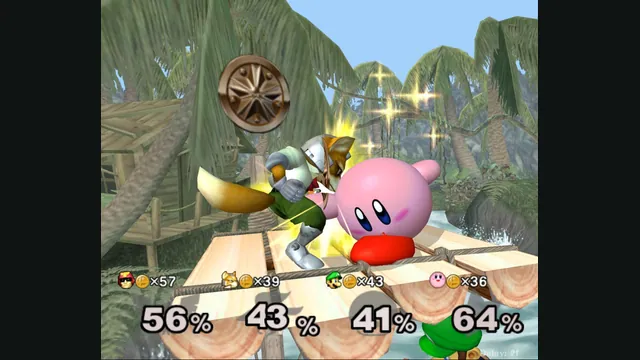
Melee Unlocked creator screenshot: a four-player coin battle on Jungle Japes, captured with DLAA enabled.
Super Smash Bros. Melee imagery © Nintendo / HAL Laboratory and its respective rights holders. Screenshot published by Hero88go for Melee Unlocked; limited independent editorial excerpt.
Source & attribution ↗View image ↗Melee Unlocked offers a native source port and a separate static recompilation for certain mods. The creator documents Slippi play, configurable controllers and local memory-card saves on Windows. Version 0.9.1 also provides an experimental Linux source-port package.
Melee brings Nintendo characters together on stages where attacks build a damage percentage before sending opponents flying. That gives positioning a different role from a conventional health-bar fighter: a dangerous hit is also a question of where it sends someone. The original game offers character and stage choices, items, versus battles and solo challenges.
The main Source Port compiles the Melee decompilation to native code. The separate Static Recomp engine keeps a route for mods that need the original game code. Both keep the game simulation at 60 Hz; higher display rates use intermediate animation poses instead of changing the pace of the match.
For the Melee 3D mod, version 0.9.1 specifically requires Static Recomp on Windows. That mod is a separate choice, not the default Melee ruleset, and its Source Port support is postponed. Start with the ordinary game before selecting an engine for a particular mod.
Melee Unlocked · project setup, controls and savesMelee Unlocked · v0.9.1 packages and limitations
Use your own Melee NTSC 1.02 ISO; the download supplies no game data. For Windows v0.9.1, extract MeleeUnlocked-0.9.1-win64.zip and open MeleeUnlockedLauncher.exe. Drop the ISO onto the Build tab so the launcher can check it and prepare graphics pipelines, then press Play. It remembers the disc’s path without copying the ISO, so keep the file where the launcher can find it.
The documented alternative skips the launcher: drag the ISO onto MeleeUnlocked.bat, or put it beside the batch file as melee.iso. First launch prepares the graphics pipelines before play. In game, F1 opens PC settings; a GameCube controller can use Start + D-pad Down + Z. The settings page lets you inspect and change bindings before a match.
Melee Unlocked · project setup, controls and savesMelee Unlocked · v0.9.1 packages and limitations
On Windows, the creator documents Slippi online play against Slippi Dolphin using your Slippi Launcher login. That is a separate account step from selecting the game ISO. Melee Unlocked is independent of the Slippi team, and compatibility claims here come from its own documentation.
Windows memory-card saves use .gci files in Dolphin’s GCI-folder format. The creator says an in-place update keeps settings, saves, mods and replays; close both the game and launcher before extracting the update.
The v0.9.1 release also contains an experimental Linux Source Port and launcher for x86-64 CPUs with AVX2 and OpenGL 4.5 graphics. Static Recomp, Melee 3D and several rendering options remain Windows-only in the release notes. Choose the Windows release if those features matter to your setup.
Melee Unlocked · project setup, controls and savesMelee Unlocked · v0.9.1 packages and limitations
Bring your own Super Smash Bros. Melee NTSC 1.02 ISO. The release includes no game data; other regions or disc revisions are not the documented input.
Creator-reported · Project guideExtract the v0.9.1 Windows ZIP, then use MeleeUnlockedLauncher.exe to select your owned NTSC 1.02 ISO on the Build tab and press Play. The documented manual route drags the ISO onto MeleeUnlocked.bat; first launch prepares graphics pipelines.
Windows is the main release platform. Version 0.9.1 also offers an experimental Linux Source Port and launcher requiring x86-64 with AVX2 and an OpenGL 4.5 driver. Static Recomp and Melee 3D remain Windows-only in this release.
Creator-reported · Project guideThe Windows documentation supports a GameCube controller through a WUP-028 adapter with the WinUSB driver, plus keyboard fallback. F1, Start + D-pad Down + Z, or PC Settings in Melee’s Options opens the control settings. DualShock 4 support is explicitly experimental.
Creator-reported · Project guideThe Windows project documents Slippi online play against Slippi Dolphin using a Slippi Launcher login. Linux online support is unconfirmed.
Creator-reported · Project guideThe main engine compiles the Melee decompilation to native code; a separate Static Recomp engine serves mods needing the original code. Game logic stays at 60 Hz while the display can show intermediate animation poses at higher refresh rates.
Creator-reported · Project guideThe Windows documentation uses .gci memory-card saves in Dolphin GCI-folder format. The release says extracting an update over an existing installation preserves settings, saves, mods and replays.
Creator-reported · Project guideThis is a beta project. Version 0.9.1 adds experimental Linux support and fixes a Source Port Samus-grab desync. Melee 3D requires the Windows Static Recomp engine; it is not supported by the Source Port in this release.
Creator-reported · Project guideBloody Roar 2 arcade-edition gameplay reference; not the PlayStation recompilation.
Image credits ↗The Xbox fighter brought to Windows, macOS and Linux.
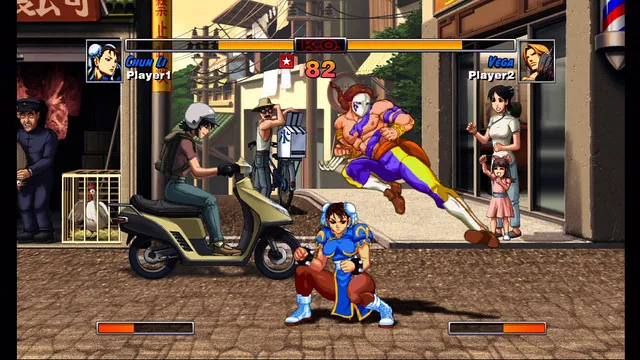
Capcom screenshot of Super Street Fighter II Turbo HD Remix. Original-game reference for HD Remix Recompiled.
Image credits ↗HD Remix on Windows with your own Xbox Live Arcade package. Linux is experimental.
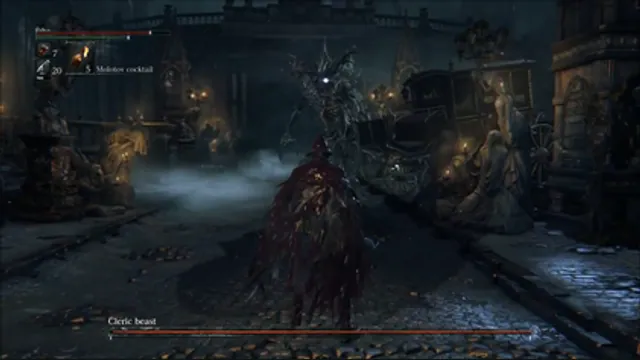
Bloodborne alpha-build gameplay reference; not a capture of Bloodborne PC.
Image credits ↗A Windows runtime for the original PS4 game and its Vulkan graphics path.