Fable II
A Windows recompilation targeting supported Fable II Game of the Year editions.
 SetupYour game files required
Credits
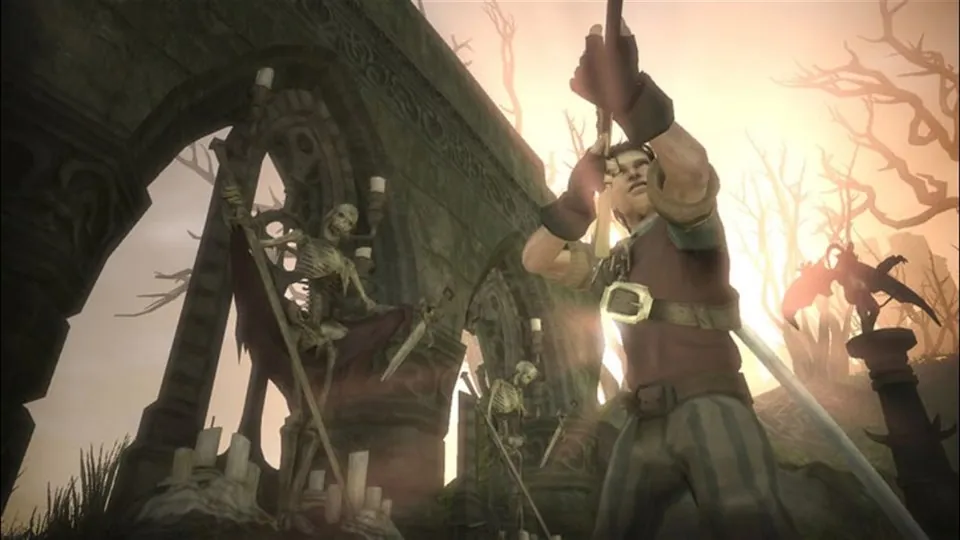
Original Fable II publisher screenshot, used as a source-game reference for Fable 2 Recomp.
Fable II © Microsoft Corporation. Playable’ screenshot presentation was created under Microsoft's Game Content Usage Rules using assets from Fable II, and it is not endorsed by or affiliated with Microsoft.
Source & attribution ↗View image ↗About this version
A Windows recompilation targeting supported Fable II Game of the Year editions. The creator reports completing the story but explicitly does not consider the project fully complete or 100% tested.
- Project
- Fable 2 Recompiled
- Original game
- Fable II
A hero’s life beyond the next fight
Fable II follows a hero through Albion, with fighting, guns and magic sitting alongside relationships and consequential choices. Your dog accompanies exploration, and the original game lets you make friends, build a family and meet the people of its towns and countryside. Its appeal is shaping a life and reputation as well as completing an adventure.
That is the original game’s premise. This Windows project is a separate fan implementation of a supported Xbox 360 edition, not a new official PC release.
Xbox · Fable II game descriptionFable 2 Recompiled · project documentation
A completed story is not the same as complete testing
The creator reports finishing the story with this recompilation but explicitly stops short of calling the project fully complete. Supported inputs are the specified GOTY editions, with executable-revision checking during setup. The safest starting point is the documented USA/Europe or German GOTY input, rather than assuming every disc or download edition matches.
The launcher can extract the required executable and data from an ISO and configure presentation options. It checks the executable revision before continuing the full import. The owned game remains necessary; the project supplies the host software.
Keyboard and mouse translate to controller actions
WASD drives the movement stick, and the mouse drives the camera stick. Mouse movement therefore acts as a controller-style deflection rather than promising unrestricted PC-shooter aiming. Bindings and sensitivity can be adjusted in the project configuration.
The original on-screen prompts have not all been changed to keyboard labels. Learn how your chosen keys map to the displayed controller buttons before a complicated encounter. A real controller can continue to work alongside the keyboard mapping.
Protect the campaign when changing builds
Saves are kept in a saves folder beside the build, even when the game assets are stored elsewhere. Back up that folder before replacing or moving an installation. The launcher preserves its own preferences separately from the runtime configuration.
Resolution, filtering and frame-rate controls are available in the launcher, while several rendering and platform goals remain unfinished. In particular, Linux and Vulkan appear as planned work. Choose settings within what the current Windows build actually offers rather than treating the development checklist as a finished feature list.
Before you play
Do I need the original game files?
An owned supported Fable II GOTY USA/Europe or German GOTY disc image. Setup extracts default.xex and data/; other XEX revisions are rejected.
Creator-reported · Project guideHow do I get started?
Extract the Windows release, use the launcher’s ISO import for a supported disc, or place default.xex and data/ in its game-data directory.
Creator-reported · Project guideWhich devices and browsers work?
The checked release provides a Windows package.
Creator-reported · Project guideWhat are the controls?
Gamepad input and keyboard/mouse-to-gamepad mappings are documented.
Creator-reported · Project guideHow do saves work?
Saves live under the build directory’s saves folder; the README recommends backing it up between builds.
Creator-reported · Project guideWhat should I know before playing?
The creator reports completing the story but explicitly does not consider the project fully complete or 100% tested.
Creator-reported · Project guide
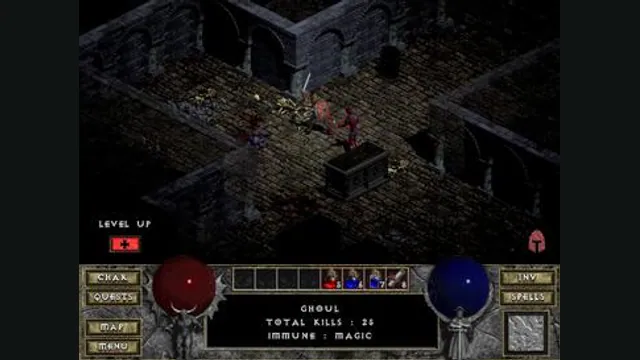
Diablo gameplay reference; not a browser or DevilutionX capture, and not a Hellfire scene.
Image credits ↗A maintained Diablo and Hellfire port with a shareware option.
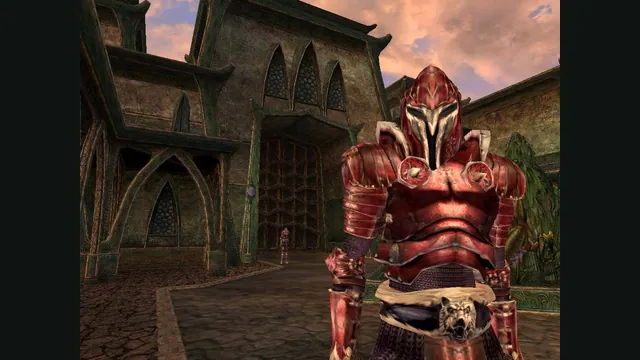
The Elder Scrolls III: Morrowind® Game of the Year Edition gameplay reference; not a capture of the linked project.
Image credits ↗Morrowind on an open-source replacement engine.