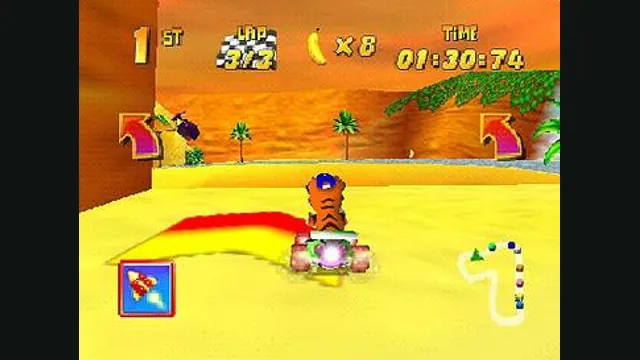
Diddy Kong Racing original-game screenshot reference; not a capture of the linked project.
Image credits ↗Diddy Kong Racing with a native runtime and custom-track tools.
Original files requiredSetup
Mario Kart 64’s native port with an explicit US-ROM setup.
 SetupYour game files required
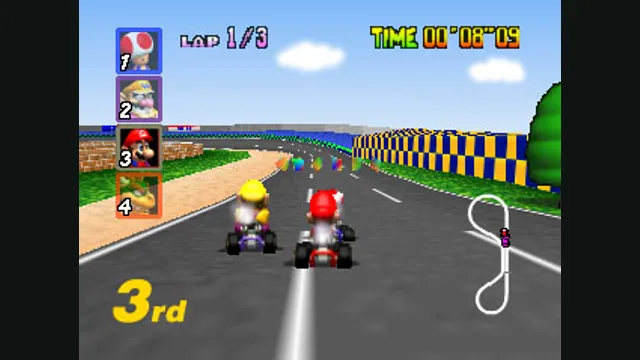
Mario Kart 64 original-game screenshot reference; not a capture of the linked project.
Mario Kart 64 game imagery remains copyright its respective rights holders. Image credit and provenance: linked source page. No transferable license is inferred.
Source & attribution ↗View image ↗SpaghettiKart uses original game assets supplied by the player. The quick start checks the US dump before generating the local data needed by the port.
Mario Kart 64 combines four-track cups with item combat and a separate Battle Mode. Its eight racers differ in handling, acceleration and speed, while shells, bananas and lightning can change a race even after a clean start. Learning corners and the power slide gives the driving depth beyond simply holding the accelerator.
The original offers 50cc, 100cc and 150cc classes. That progression provides a natural way to learn tracks before faster races make obstacles and braking points more demanding. This background describes Nintendo’s game; the port’s installation and customization choices are separate.
SpaghettiKart is HarbourMasters’ native Mario Kart 64 project. It generates an mk64.o2r asset archive from your own supported ROM and runs the game through its desktop application. You can choose a graphics backend, configure inputs and load custom asset packs without treating the ROM as a general-purpose emulator library.
The mod format is specific: .o2r files and stored .zip archives go in the mods folder. Unlike some other HarbourMasters projects, SpaghettiKart does not accept .otr archives. Start with its own linked modding documentation and community page when choosing additional content.
The supported base is the US Mario Kart 64 ROM in .z64 format. Verify the SHA-1 in the README and convert the byte order if your dump is .n64. On Windows, extract the release and run Spaghettify.exe to select the ROM; Linux uses spaghetti.appimage and requires zenity or kdialog for the file dialog.
The keyboard layout uses arrow keys for steering, Shift for A, Ctrl for B, Space for R and Z for Z. The documented SDL gamepad layout is another option. Escape opens settings and F11 toggles fullscreen, so configure the screen and input before committing to a cup.
DirectX 11, OpenGL and Metal are documented graphics options, with changes requiring a restart. The Switch workflow generates assets using a PC release first. Nightly downloads are explicitly playtest builds that may crash; they are useful for following development but should not be confused with the ordinary release path.
Your own US Mario Kart 64 ROM in .z64 format.
Creator-reported · Project guideVerify the listed SHA-1 and follow the platform release instructions.
Creator-reported · Project guideDiddy Kong Racing original-game screenshot reference; not a capture of the linked project.
Image credits ↗Diddy Kong Racing with a native runtime and custom-track tools.
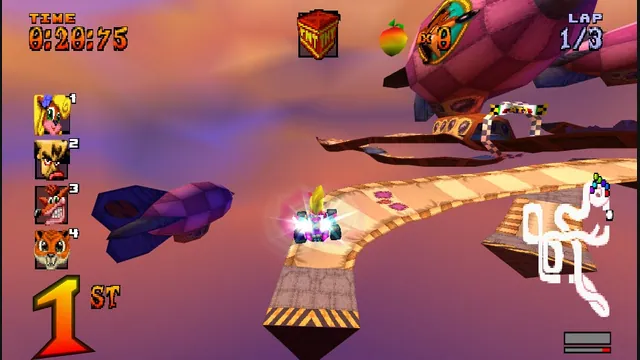
High Octane project screenshot; the source does not identify its build platform.
Image credits ↗The PS1 kart racer with widescreen, remappable controls and browser save backups.
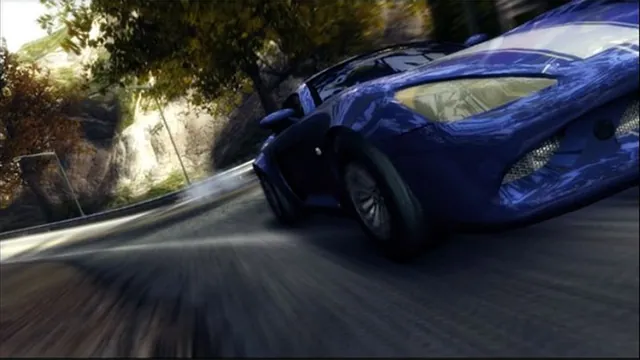
Original Burnout Revenge publisher screenshot, used as a source-game reference for Xerenge.
Image credits ↗The Xbox 360 racer rebuilt locally from a supported disc.
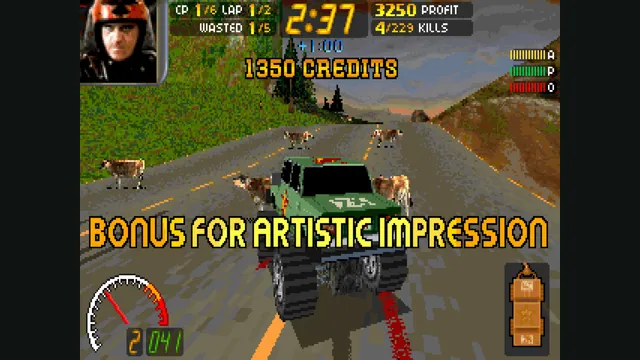
Carmageddon Max Pack gameplay reference; not a capture of the linked project.
Image credits ↗